
Animated Frame
ModrinthSpigotMCAdds support for placing custom images and smooth animated GIFs anywhere in Minecraft.
AnimatedFrames
AnimatedFrames is a lightweight, fully optimized Spigot/Paper plugin that lets you put custom images and animated GIFs directly into your Minecraft world. Just grab a URL from the internet, type a command, and click a wall to instantly build a massive, working cinema screen!
🌟 Features
- No Hard Drive Space Required: It streams the images and GIFs directly from URLs, meaning your server doesn't bloat up with downloaded files.
- Buttery Smooth 20 FPS: We completely bypassed the native Minecraft map limits. Animations run at a perfectly smooth 20 frames per second using a custom asynchronous renderer that won't lag your main thread.
- Multiplayer Synced: Every player sees the exact same frame of the GIF at the exact same time.
- Auto-Saving: Don't worry about server restarts. Everything you place is saved to a local database and instantly pops back up when the server comes back online.
📷 Preview
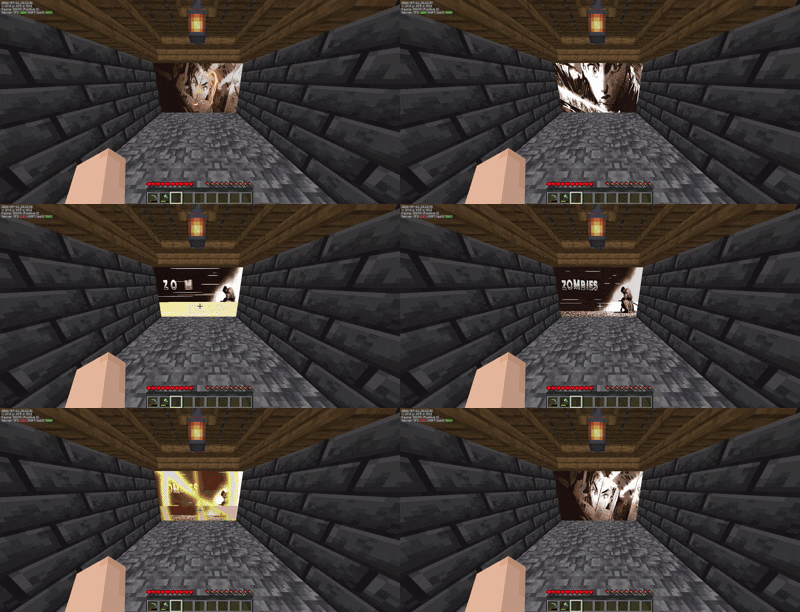
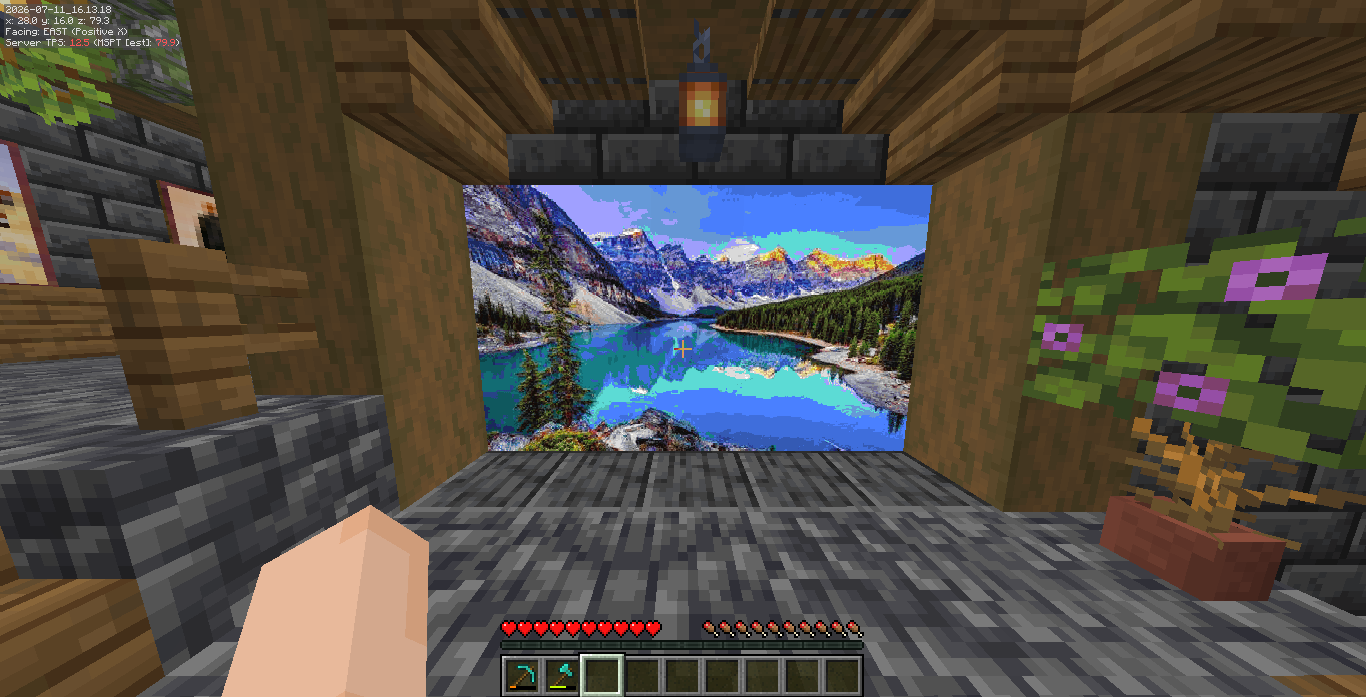
⌨️ Commands & Permissions
The main command is /animatedframes (or you can just use the short alias /af).
All commands come with built-in Tab Completion to make things easy.
-
/af create <url> <scale>
Enters placement mode. Just look at a wall and Right-Click to spawn the image! The scale is how many blocks wide/tall it will be (e.g.10makes a 10x10 wall).
Permission:animatedframes.create -
/af delete
Enters deletion mode. Right-click any image you've placed to remove it from the world.
Permission:animatedframes.delete -
/af delete near <radius>
Quickly wipes all images within a specific block radius of where you're standing.
Permission:animatedframes.delete -
/af info
Right-click an image to see its exact resolution, URL, and memory usage.
Permission:animatedframes.info -
/af stopall
Stops and clears all active animations on the server immediately.
Permission:animatedframes.admin
⚙️ How to use
- Find any direct link to an image or GIF (like a Discord attachment link or Imgur direct link).
- Type
/af create <your-link> 5 - Right click the bottom-left corner of the wall where you want it to appear.
- Enjoy the show!
Versions
FAQ
How do I install Animated Frame?
Download the file for your Minecraft version and loader from this page, then drop the .jar into your mods (or plugins) folder and launch the game.
Is Animated Frame free?
Animated Frame is free to download on Modgrid — we link straight to the official source, no paywall or bundled installer.
Which Minecraft versions does Animated Frame support?
Works with Bukkit, Paper, Purpur, Spigot. Supports versions 1.21–1.21.11. See the download section on this page for the full list of supported versions and loaders.
Comments 0
No comments yet. Be the first to share your thoughts.