
CameraPlugin
ModrinthPlugin to take amusement-park like photos in-game. Read Disclaimers before use
278 téléchargements 4 abonnés mis à jour 2mo ago
dernière v1.0.8 Modrinth
Disclaimers
This Plugin Requires a Dedicated Camera Minecraft Account that is logged onto the server
This Plugin Requires an open web port on your server and knowledge of network ports/networking
Info
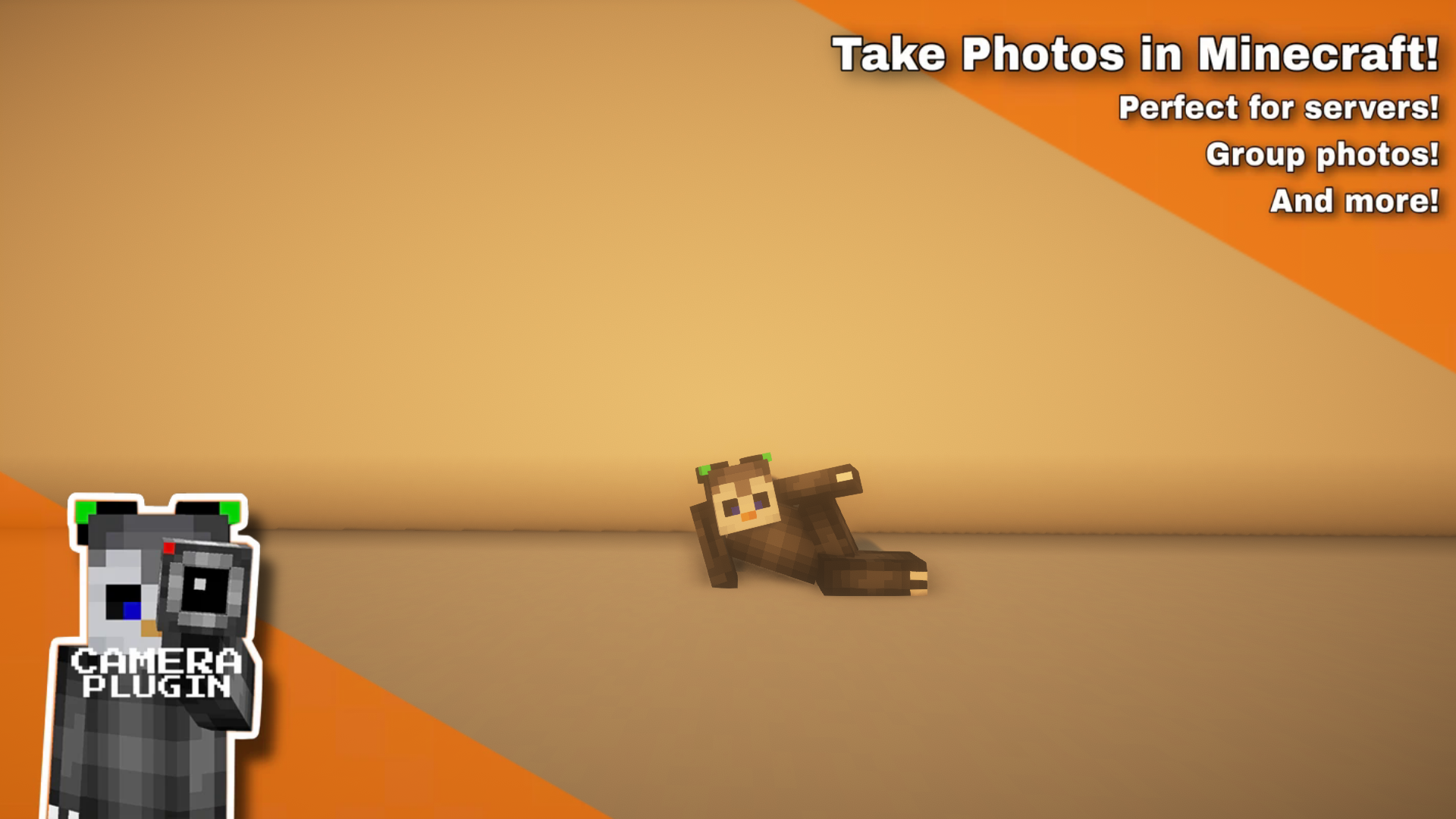
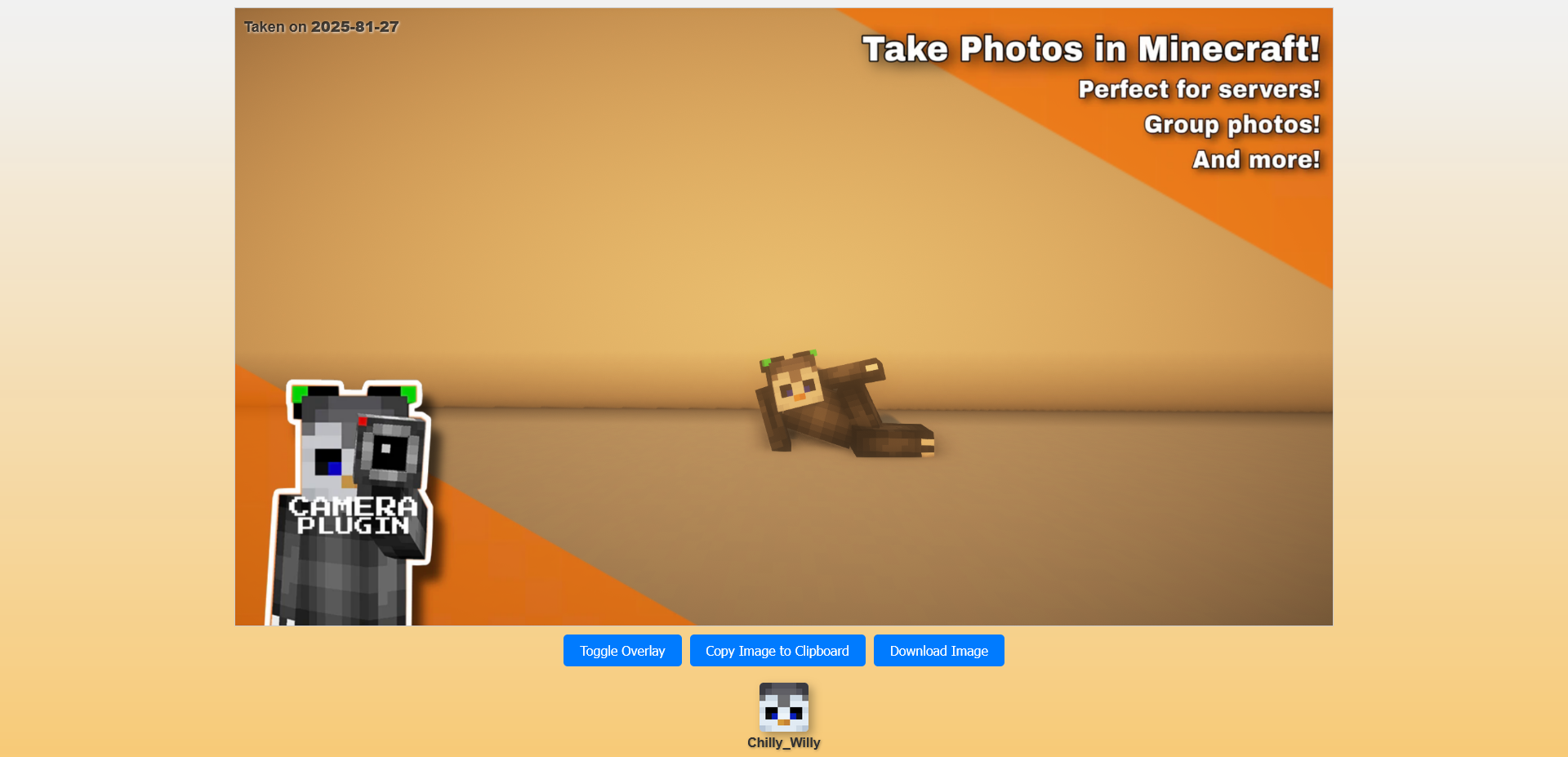
This is a plugin and mod combination I created to take in-game screenshots, sort of like an amusement park photo
depends on Camera Plugin Helper
Join my Discord for support
Photos
Usage
Usage: Click to Expand
- 1. Install the server plugin, make sure you have a free port to host the webserver (restart your server after you change the port) Make sure to modify the url, that is what is sent to the players to view. It should point to the port assigned below it
- 2. Setup a minecraft account to autojoin the server and install the companion mod The companion mod doesn't handle auto joining/rejoining, you will need a separate mod
- 3. make sure camera account has "camera.camera" permission node You may have to run "/camera reload core" to get it to recognize the camera, it only checks on join and when reloading Without the permission, the server won't recognize it as a camera that is able to be used
- 4. run "/camera create (name)" if this doesn't work, make sure you have the "camera.admin" permission
- 5. run /camera setup (name) camera See more commands below, you can tweak the sense range, delay for camera to take image and the overlay image
- 6. move to where players will stand to activate the camera and do "/camera setup (name) sense"
- 7. whenever players walk near that location it will take a photo polls every 5 seconds
FAQ
FAQ: Click to Expand
-
Q: Where are my pictures stored? (on the server)
A: All photos are stored under plugins/camera/data/public/images with their ID as the filename -
Q: Where do I put overlay images?
A: You can put overlay images under plugins/Camera/data/public/overlays with any name, it will stretch to fit (PNG Only) -
Q: Can I edit the Webpage to make it fit my server
A: You can edit the file under plugins/Camera/data/web/web_image_page.html
The page has some variables, {image1}, {image2} and {player_list}, which are replaced with the link to the main image, the overlay image and a JSON player list
Command Usage
- /camera (setup | create | delete | rename | render | reload | overlay)
- /camera setup (name) (range | camera | timer | sense)
- /camera setup (name) range (range) Sets sensor range (how far it detects players in)
- /camera setup (name) camera Sets the camera location
- /camera setup (name) timer (timer) Sets default timer countdown
- /camera setup (name) sense Sets Sense Location (where camera checks for players to take photo)
- /camera setup (name) overlay (overlay filename) Sets image overlay, all stored in the data/public/overlays folder
- /camera create (name) [static] Creates Shot
- /camera delete (name) Deletes Shot
- /camera rename (name) (New Name) Renames Shot
- /camera render (name) [Countdown Timer] Manually Renders Camera Shot
- /camera reload Reloads Plugin
- /camera setup (name) (range | camera | timer | sense)
Permissions
- camera.admin
- Allows use of /camera command
- camera.camera
- Allows player to be a camera (if they have the companion mod installed)
Versions
Release
1.0.8
- Fixed Bug where players rejoining was calling functions twice
- Lowered delay between player join event and client check packet
Commentaires 0
Aucun commentaire pour l'instant. Sois le premier à donner ton avis.