
Excalibur | Create Addon
ModrinthThis is a support pack that converts Create Mod textures to better match the masterpiece Excalibur ResourcePack.
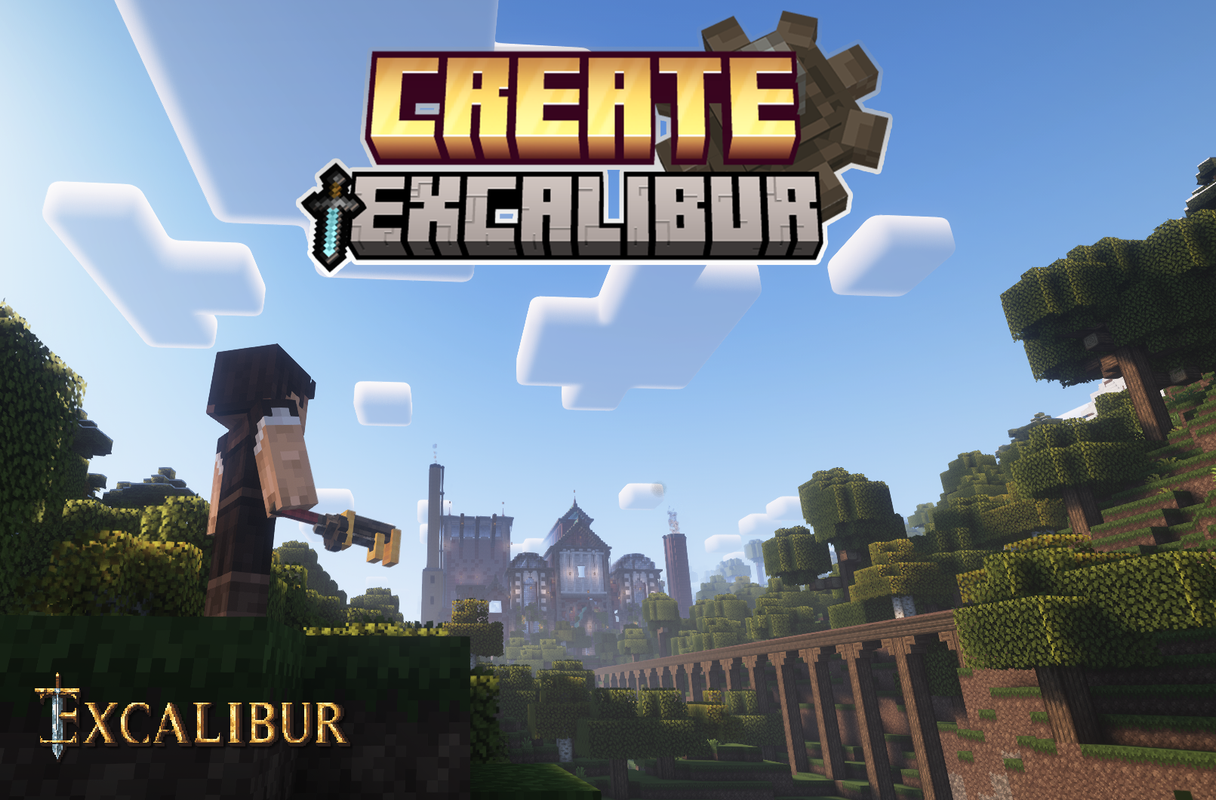
This is a support pack that converts Create Mod textures to better match the masterpiece Excalibur ResourcePack.
This Pack contains :
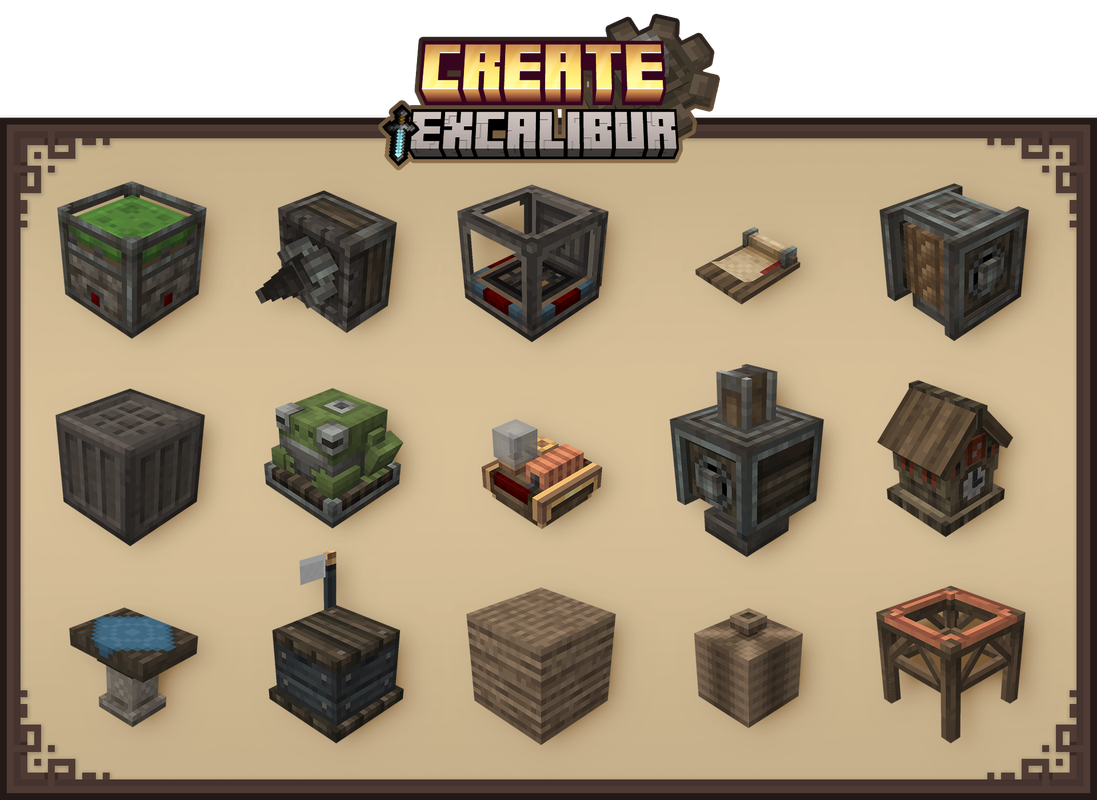
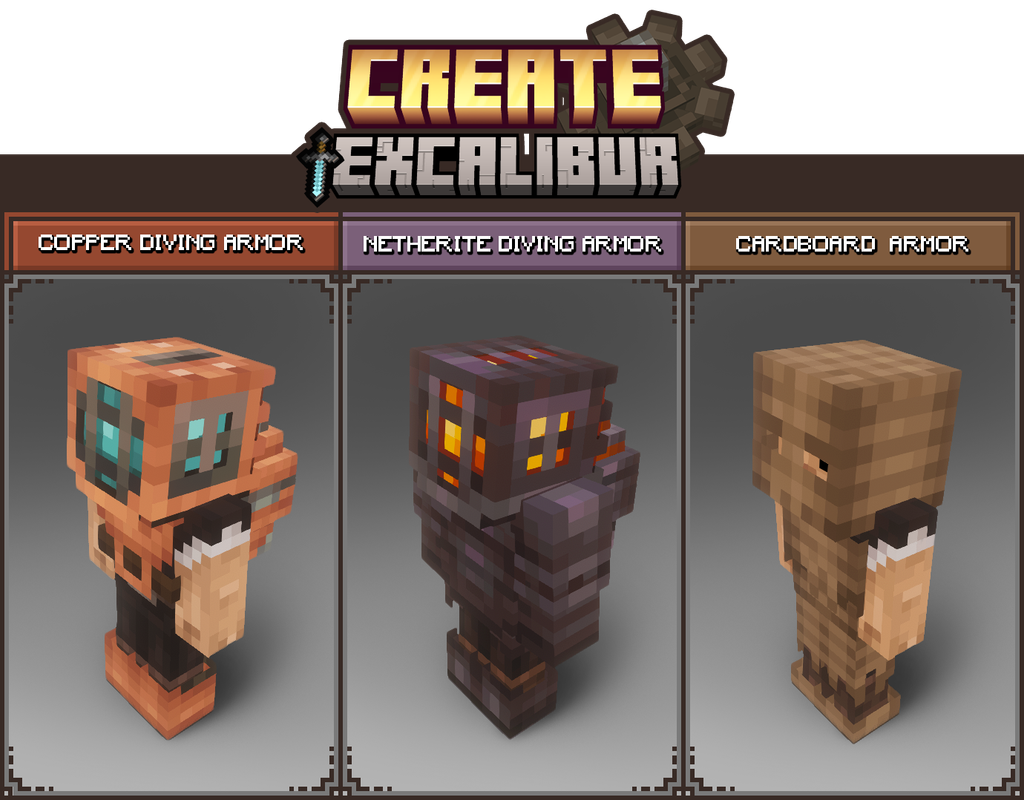
- All blocks in Create's Main and Decorative tabs have been retextured/remodeled to match Excalibur style/theme.
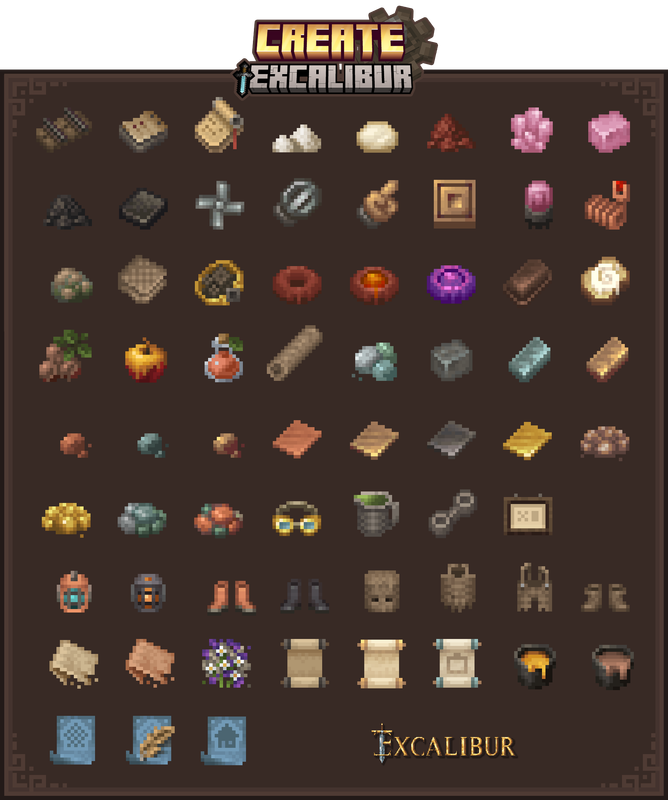
- All items retextured
- GUI retextured to match better the resourcepack Excalibur
- Connected textures. ( All Stonebricks variants, Naturals blocks, Display board )
Installation:
In the game
-> Click "Options…"
-> Click "Resource Packs…"
-> Click "Open Resource Pack Folder"
-> Drag and Drop the Create Excalibur Support.zip file into the "resourcepacks" folder
-> Move the Create Excalibur Support resource pack from the left column to the right
-> Make sure that the support pack is placed above the original Excalibur resource pack
-> Select "Done"
-> Create
Credits :
Maffhew - Excalibur Resourcepack
Simibubi - Create Mod
Craig - for helping me fix an issue
Koin - Author of the building on the picture presentation
Versions
No version history available. Use the Download button to get the latest from the source.
Comments 0
No comments yet. Be the first to share your thoughts.