
Icy's Dark GUI
ModrinthModernized Dark GUI (Reviseded from Old version in 2025)
71 downloads 1 followers updated 7mo ago

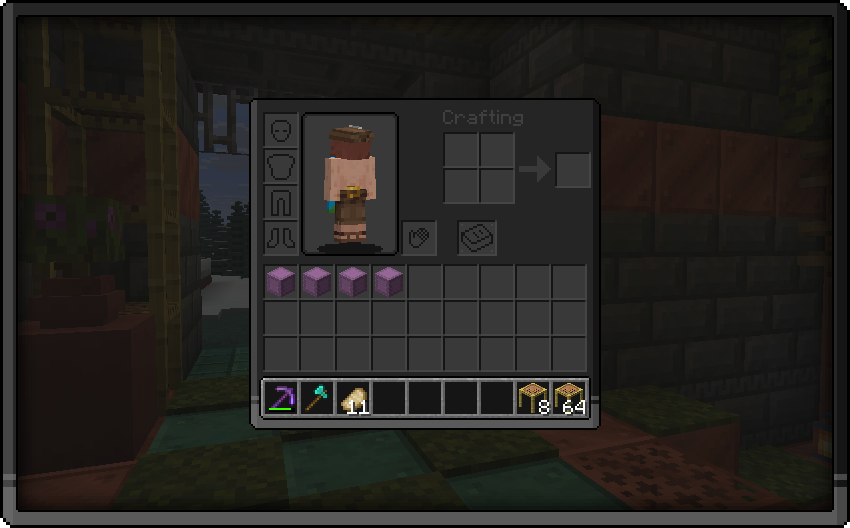

👁️ This pack brings you
A dark gui pack so that your and my eyes dont get bleached.
How to install this pack:
- Download the latest updated version of the pack
- Do NOT unzip the folder and place it in your resource packs folder
- To locate your resource packs folder simply press [Win] + [R]
- Now type "%appdata%/.minecraft" in the window that opened and press the button that says "Ok"
- Locate the folder that says "resourcepacks" and place the pack inside there
- Open Minecraft and make sure the pack appears your Options/Resource Packs
Versions
No version history available. Use the Download button to get the latest from the source.
Comments 0
No comments yet. Be the first to share your thoughts.