
Insanity Shader
ModrinthA stylized, horror themed Iris shaderpack with high customizability and performance.






A stylized, horror themed Iris shaderpack with high customizability and performance.
Check out Fear Nightfall, the official modpack that Insanity was made for.
Insanity is based from BSL Shaders by Capt Tatsu! With expanded customizability, new clouds, and a unique scary atmosphere


- 🧟 Horror styled gameplay. Great for horror modpacks!
- 📓 Highly customizable shader configuration. Expanded from BSL's limits.
- ⛈️ Immersive weather. From foggy mornings to torrential rains.
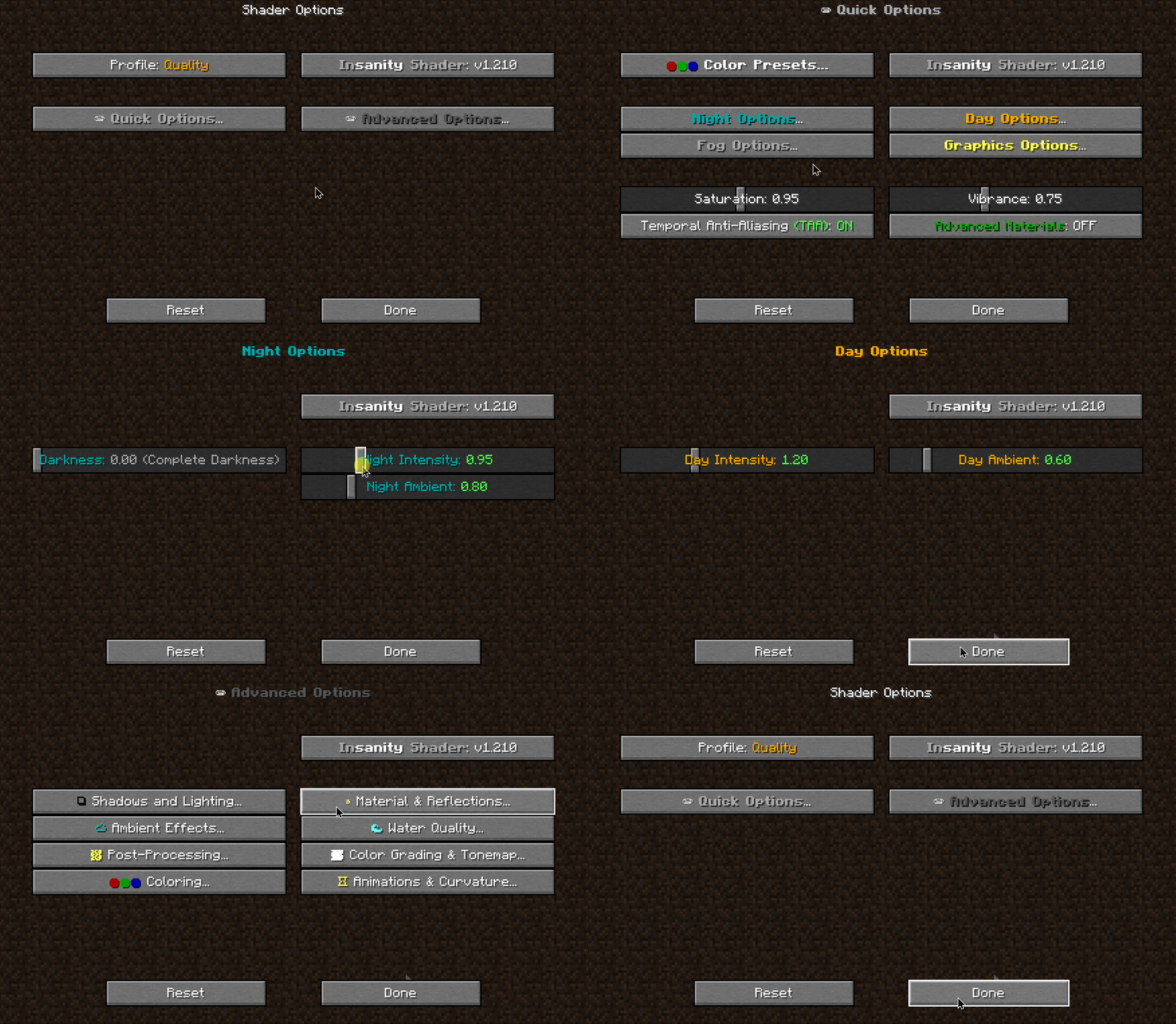
- 📝 User-friendly menu. Including a quick options menu with easy to configure settings.
- 💻 Runs on most modern PC's! Optimized even for modern low end GPUs.
- 🔦 Always bring some torches. Not only the night is dark, the Nether and End are even worse!
- 🌎 Wide compatibility across versions. Supports all newer MC versions, even 1.19 using Iris!
- ☀️ Support for "realistic" texture packs*
* Please enable "Advanced Materials" on the Materials and Reflections settings
Can I share the shader with my friends/community/followers?
Yes, of course. Just don't distribute the files. If you want to share the shader, send the link to this modrinth page.
Can I make a video using this shader? Feel free to make any video with the shader, crediting would be appreciated, but it's not necessary :) If you plan on making a review, don't forget to share it in the comments of this page so we can see it! How do I install the shader? (Iris) The recommended way to use Insanity is through Iris Shaders, an alternative to OptiFine Made with 🖤 by ElocinDev Special thanks to Capt Tatsu for making BSL
Versions
FAQ
Comment installer Insanity Shader ?
Téléchargez le fichier pour votre version de Minecraft et votre loader sur cette page, puis placez le .jar dans le dossier mods (ou plugins) et lancez le jeu.
Insanity Shader est-il gratuit ?
Insanity Shader est gratuit sur Modgrid — nous renvoyons directement vers la source officielle, sans paywall.
Quelles versions de Minecraft Insanity Shader prend-il en charge ?
Compatible avec Iris, Optifine. Prend en charge les versions 1.7.2–1.21.3. La liste des versions et loaders pris en charge est dans la section de téléchargement de cette page.
Commentaires 0
Aucun commentaire pour l'instant. Sois le premier à donner ton avis.