
E-LITE shaders (MakeUp edit)
ModrinthA MakeUp - Ultra Fast shaders edit that is highly customizable, beautiful, and fast!
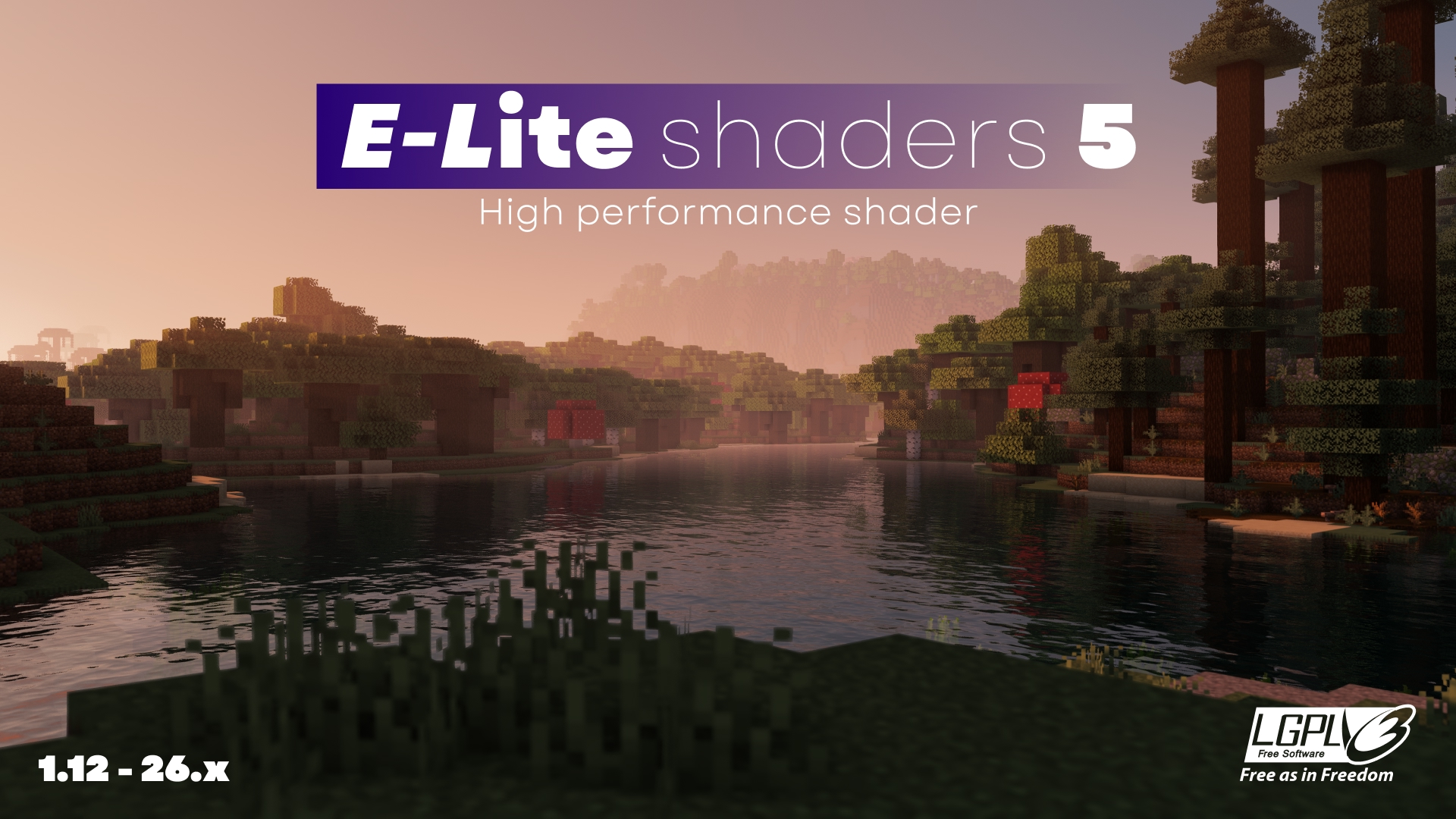
There is a bug in sky in Minecraft 26.1+ (Iris 1.11.1). Install Iris 1.11.2 to fix.
ABOUT
E-LITE shaders (formerly known as LITE) is a modification of MakeUp - Ultra Fast that aims to make it fancier while maintaining great performance. It adds a lot of customisation as well as a Portuguese translation, and is ideal for use on most PCs, with highly adaptable graphics profiles.
DO NOT use OptiFine preview versions, they are very buggy.
TESTED ON:
- Minecraft 1.12.2 - 26.x
- NVIDIA, AMD and Intel, NO warranty that it works on all hardware.
- Windows 10 and 11.
Features:
Majority of these features can be turned off or reduced to enhance performance.
- Shadow casting and colored shadows.
- Style button for fast switching of Realistic looks and Vanilla.
- Godrays.
- Smart sharpening TAA and FXAA.
- Screen-Space reflections on blocks and water.
- Realistic and Vanilla clouds/water.
- Ambient occlusion.
- Bloom, Motion blur and Depth of Field.
- +5 customized color schemes.
- Optional auto-exposure.
- Distant horizons and Voxy support (Iris only)
- LabPBR support.
- And more...
Gallery
How to config?
PROFILES:
- Minimum: Pure shader.
- Very low - MAX: Progressively increase the quality and amount of effects at the cost of performance.
- Choose the best for you!
COLOR SCHEME:
- Change the color of sky and lighting. Realistic+ is the default and most recommended.
STYLE:
- By clicking on the style button, you switch between Enhanced and Vanilla, Enhanced aims to be realistic, and Vanilla preserves the Minecraft aesthetic.
SCREENS:
- Basic: Basic features of shader.
- Lighting: Shadow quality, distance, light intensity, etc.
- Effects: Majority of options of shader, separed into sub-screens, such as Rendering, Camera, etc.
- Misc: Extra options, like seasons, selection line, etc.
- Info: Information about the shader.
How to install?
- First, you need Iris shaders or OptiFine: https://irisshaders.dev/ https://optifine.net/downloads
- Put E-LITE shaders.zip folder at .minecraft/your_instance/shaderpacks
- Launch Minecraft with Iris or OptiFine installed.
- Open: "Options -> Video Settings -> Shaders"
- Choose E-LITE shaders.
Recommendations:
- Minecraft Java 1.12.2, previous versions works but with some bugs.
- "Medium" profile.
- Smart leaves turned off, as it can break lighting.
CREDITS:
MakeUp - Ultrafast original creator: Javier Garduño.
Links:
https://www.planetminecraft.com/mod/makeup-ultra-fast-shader
https://www.curseforge.com/minecraft/customization/makeup-ultra-fast-shader
https://github.com/javiergcim/MakeUpUltraFast
Modified and translated by Entokito.
Credits for forks of E-LITE shaders:
- Add the credits of MakeUp and these links: (https://modrinth.com/shader/lite-shaders) (https://www.curseforge.com/minecraft/shaders/lite-shaders) plus creator credit: Modified and translated by @Entokito
Made in Brazil!
WARNING:
This shader is only available on MODRINTH, CURSEFORGE and PLANET MINECRAFT. Downloading it from any other site may not be safe. I haven't officially uploaded it to any other site.
Versions
FAQ
How do I install E-LITE shaders (MakeUp edit)?
Download the file for your Minecraft version and loader from this page, then drop the .jar into your mods (or plugins) folder and launch the game.
Is E-LITE shaders (MakeUp edit) free?
E-LITE shaders (MakeUp edit) is free to download on Modgrid — we link straight to the official source, no paywall or bundled installer.
Which Minecraft versions does E-LITE shaders (MakeUp edit) support?
Works with Iris, Optifine. Supports versions 1.12–26.3. See the download section on this page for the full list of supported versions and loaders.
Comments 0
No comments yet. Be the first to share your thoughts.