Mired
ModrinthCreate Addon with a variety of redstone components around analog (0-15) signals. Store, calculate and compare signals, massively reducing size and complexity of redstone circuits.
Adds various redstone components designed around analog signals.
They aim to improve compactness and timings of complex redstone builds.
Especially useful for e.g. automation with create.
Dependencies
- NeoForge for Minecraft 1.21.1
- Create (6.0.10)
- (optional, supported) Create Aeronautics (1.2.1+)
Additions
Encased Redstone
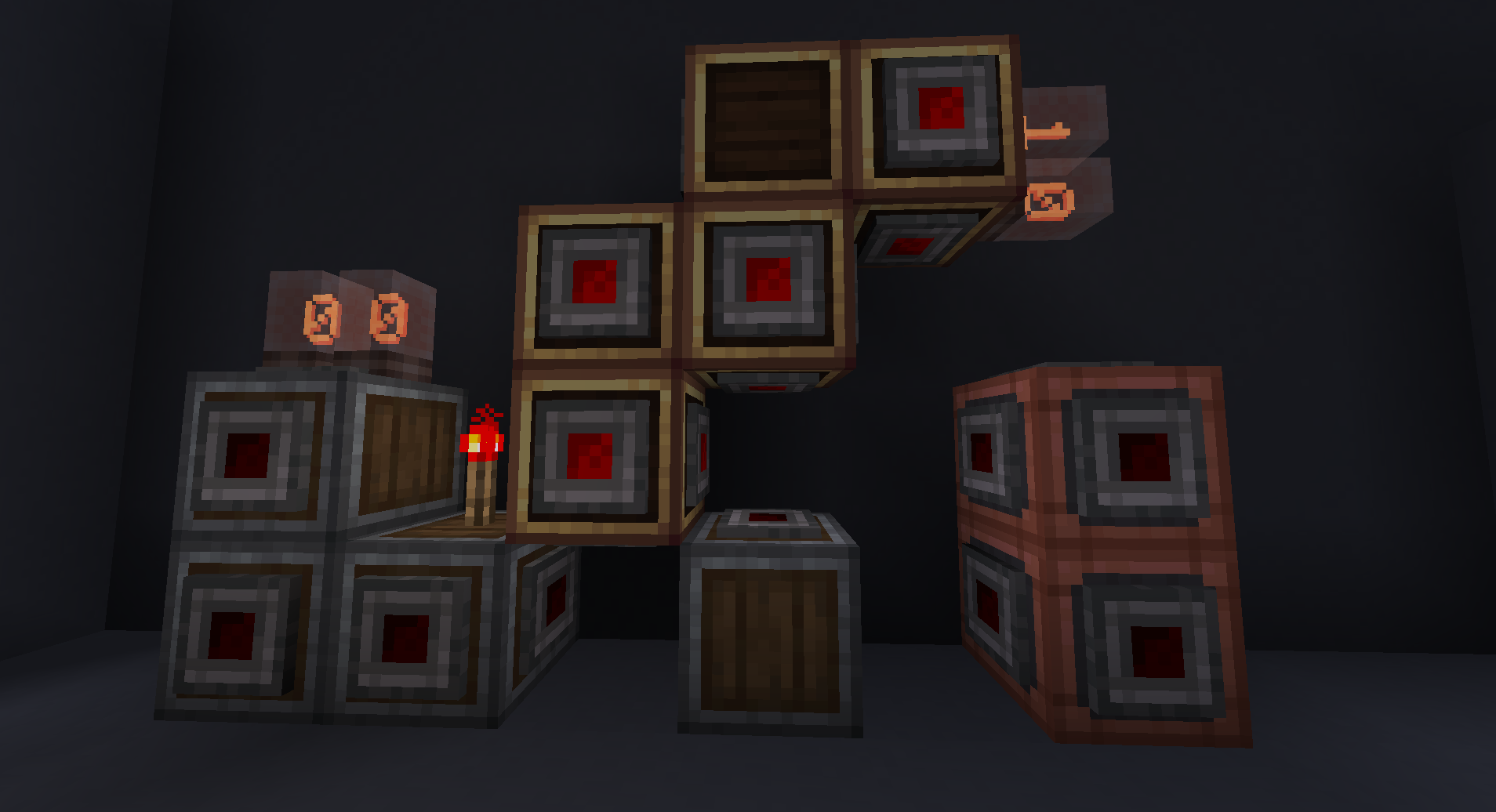
Like redstone but as a block, e.g. vertical (and more).
Comes in 3 variants: Andesite, Copper and Brass.
Each variant looks like the respective casing, but each face has a redstone connector.
Right-clicking a face with a wrench disables (toggles on/off) this face's connector, which means no redstone from
this direction will connect, power or be powered by blocks in this direction.
Pressing Create's Alt Modifier while right-clicking a face will toggle the face behind/oposite of the block,
to toggle otherwise unreachable faces.
This allows to create parallel redstone cables or very compact logic with interwoven Encased Redstone.
I plan to make them connect textures with the other casings, but this currently does not work.
Analog Computator
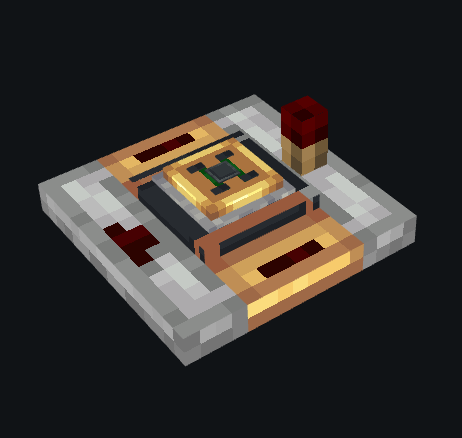
Select computation mode (add, subtract, multiply, divide) and output = back-input <> side-input where <> is the
chosen computation mode.
Analog SR Latch
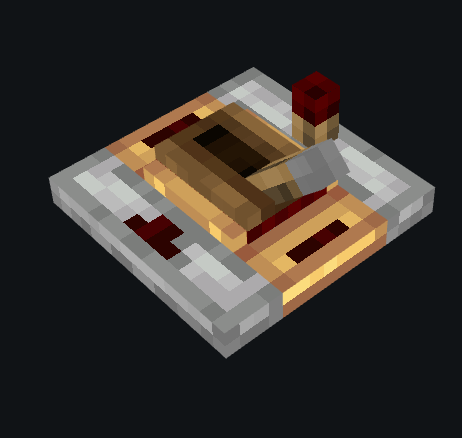
Vaguely similar to create's Redstone Latch; when powered from either side it will store the analog signal provided from
behind, it comes in two modes:
- continuous: as long as a signal is provided to either side, the stored value updates with its input
- (default) on rising edge: only updates the input provided from the back once -- to store a new value, discontinue power to the
side and power it again.
Analog Inverter
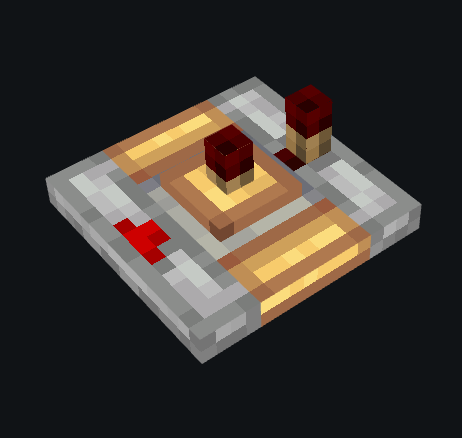
Inverts the analog signal provied from behind, that is: output = 15 - input.
Analog Gate
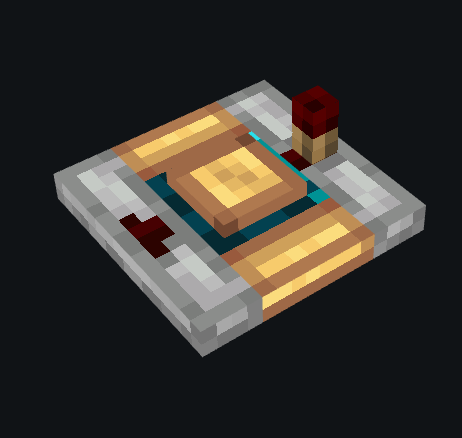
Integer selector ranging from 0 to 15. Only outputs, if the input signal is greater than or equal to the selected integer.
Right-clicking, cycles different modes.
Current modes: greater than or equal and less than or equal.
Maybe planned modes: (<, <=, =, >= and >); I will test how this feels first (since these can be built from the <= and >= modes).
Measuring Redstone Link
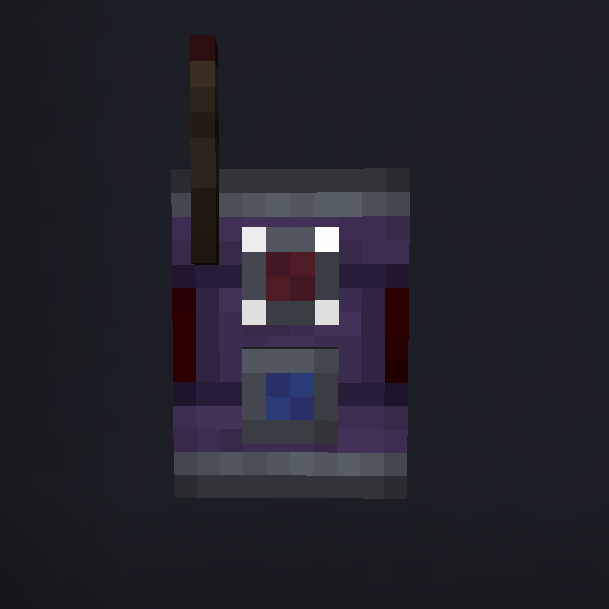
Works identical to redstone links in receive mode.
However in transmit mode, it will not react to any redstone inputs. Instead, on certain blocks (same as comparator),
it will behave like a comparator that is reading the analog signal of that block and sending it into a redstone link of
that frequency. This can make certain builds possible (like on cars / planes with little space) or prettier
(e.g. Aeronautics Steering Wheel requires a lot of restrictive building to make comparators invisible).
It also enables placing them above or below a block.
Also works through blocks.
Suggestions / Issues
Feel free to report any issues or give suggestions on my Github (visit Issues / Source).
Versions
No version history available. Use the Download button to get the latest from the source.
Comments 0
No comments yet. Be the first to share your thoughts.