
MySQLWhitelistVelocity
ModrinthVelocity plugin for managing a Minecraft whitelist using MySQL
219 загрузок 2 подписчиков обновлено 29mo ago
MySQL Whitelist Velocity
This is a Velocity plugin for managing a Minecraft whitelist using MySQL as the backend storage.
Installation
- Download the latest release from the modrinth or github releases page.
- Place the JAR file in the
pluginsdirectory of your Velocity proxy. - Start the proxy.
Configuration
The plugin uses a configuration file (config.properties) located in the plugins/mysqlwhitelistvelocity directory.
Default Configuration
# Whitelist Status
enabled: false

# MySQL settings
host: localhost
user: root
password: example
database: minecraft
port: 3306
table: mysql_whitelist

# Kick message
message: Sorry, you are not in the whitelist.
Configuration Options
enabled: Set totrueto enable the whitelist.host,user,password,database,port,table: MySQL database connection details.message: Kick message displayed to players not in the whitelist.
Commands
/mywl add <player>: Add a player to the whitelist./mywl del <player>: Remove a player from the whitelist.
Permissions
mysqlwhitelist: Required to use whitelist management commands.
Usage
- Configure the MySQL connection details in the
config.propertiesfile. - Start the proxy.
- Use the
/mywlcommand to manage the whitelist.
Issues and Contributions
If you encounter any issues or have suggestions for improvement, please open an issue or submit a pull request on the GitHub repository.
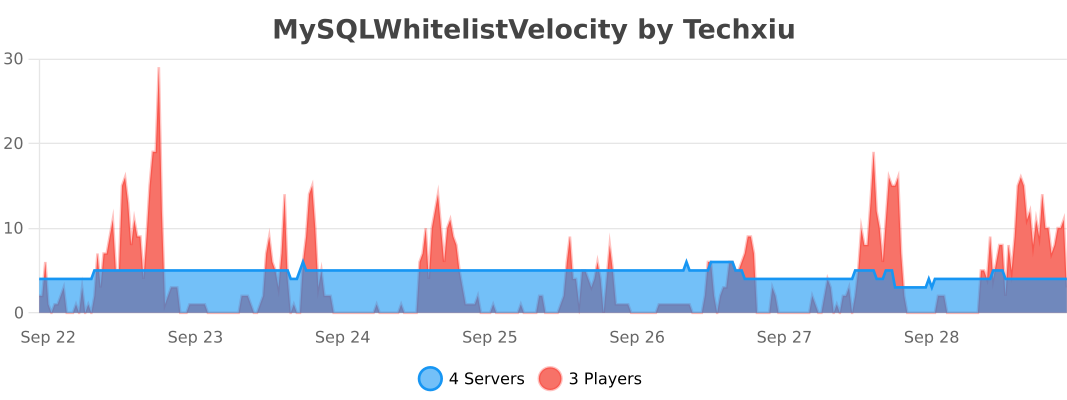
bStats
Версии
История версий недоступна. Нажми «Скачать», чтобы получить последнюю версию с источника.
Комментарии 0
Пока нет комментариев. Будь первым, кто поделится мнением.