
Tooltip Overhaul
ModrinthEvery tooltip, clearer and cleaner
Tooltip Overhaul ✨
A complete visual refresh for Minecraft tooltips, completely replacing the vanilla tooltip system with a clearer layout. Every tooltip, more modern, sharper, clearer.
Core Features 🔧
📜 Scrollable Tooltips - When a tooltip is too tall and goes beyond the screen limits, you can scroll through its content.
✂️ Text Wrapping - Prevents tooltips from being too wide by inserting line breaks where needed.
🦋 Equipment Comparison - Built in toggleable equipment comparison functionality for comparison of armor pieces with the currently equipped one. You can change the keybind in-game.
🤝 Compatibility - Works with JEI, EMI, ModernFix, Flerovium, FTB Quests, Apotheosis, etc.
🎨 Maximum Customization - You can change, crop, expand and move whatever you want! Customize freely among a big variety of options!
📊 Rating Element - Just below the item name, a rarity/qualifier appears (configurable, off by default).
⚡ Effects & Frames - Choose from animated frames, overlays, and custom styles, among other content.
🧩 Mod Compatibility - Any mod can add its own custom frames.
🌀 3D Item Rendering - A 3D icon appears when hovering over items.
🎲 Vignette - A new type of decoration that allows you to add internal gradients of various shapes to the tooltip.
❄️ In-game config screen - Additionally, a fully custom config screen can be opened to access the settings from within the game.
📦 By default, some vanilla items include frames.
If you like the idea, we can create custom frames for the most requested mods and add native support. 🙌
This mod is highly configurable. For any questions, problems, contributions, new ideas about content/mods, and more, you can join our 💬 official Discord and comment in the appropriate channels.

All bug reports or feature request should be directed to me, you can join our Discord server.
Configuration ⚙️
There are two ways to configure the tooltips: globally or specifically. 📝
- For global configurations, you must modify the file
config/tooltipoverhaul/tooltipoverhaul.toml, which contains configuration options that apply equally to all items. - For specific configurations (for particular items, tags or namespaces/modids), you must modify the file located at
config/tooltipoverhaul/custom_frames.json. For more information on how to work with this file, please follow this wiki.
To reload the specific configurations, you can use the command '/tooltipoverhaul reload' without having to restart the game, while global settings are reloaded automatically!
Resource Packs 🎨
Resource Packs can also be created in order to add custom frames or custom configurations. For more information, check the wiki.
Check out the following texture packs, which add more frames and features!

Showcase 📷
For extra information, check the wiki.
Icon animations
zoom
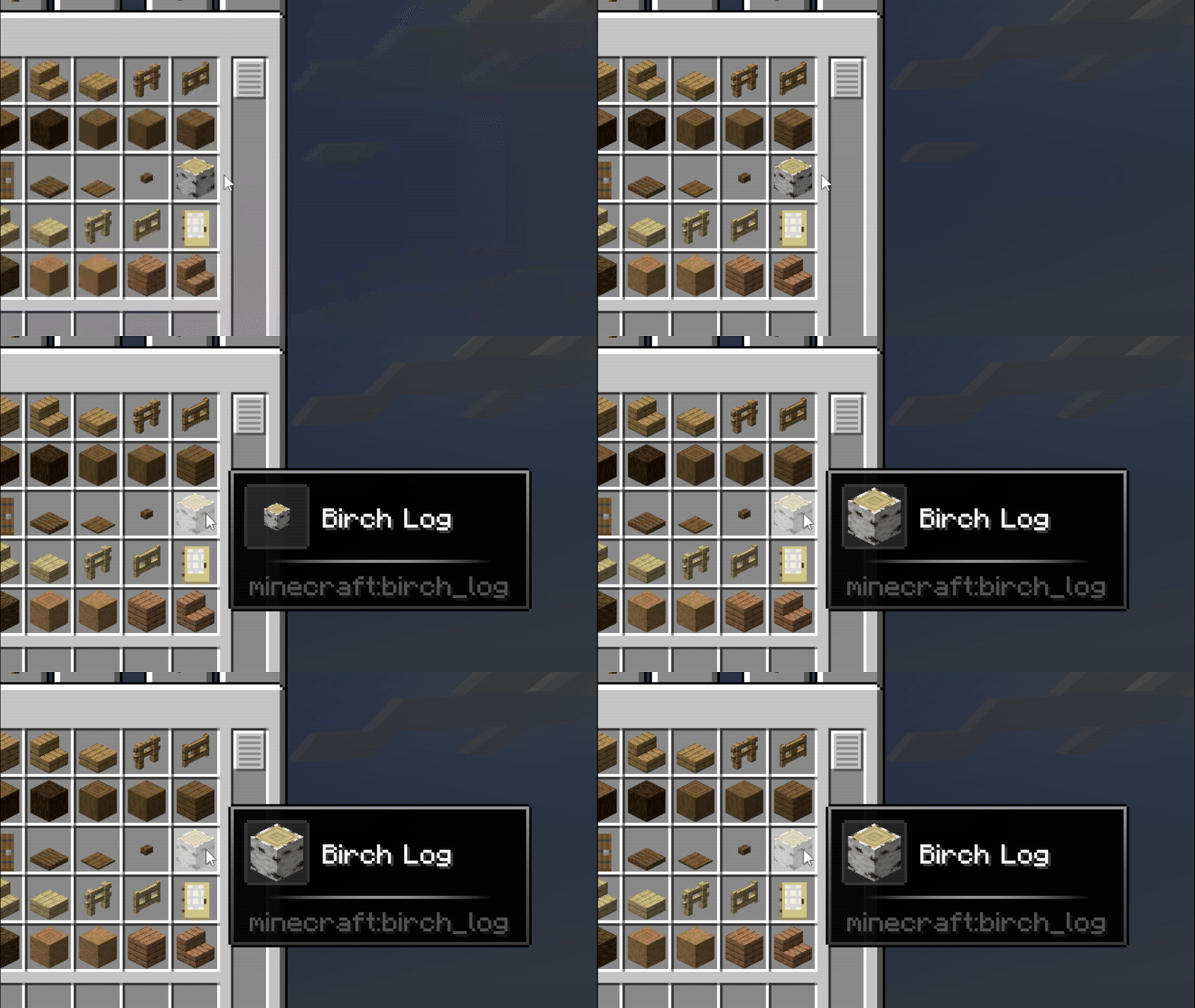
rotate
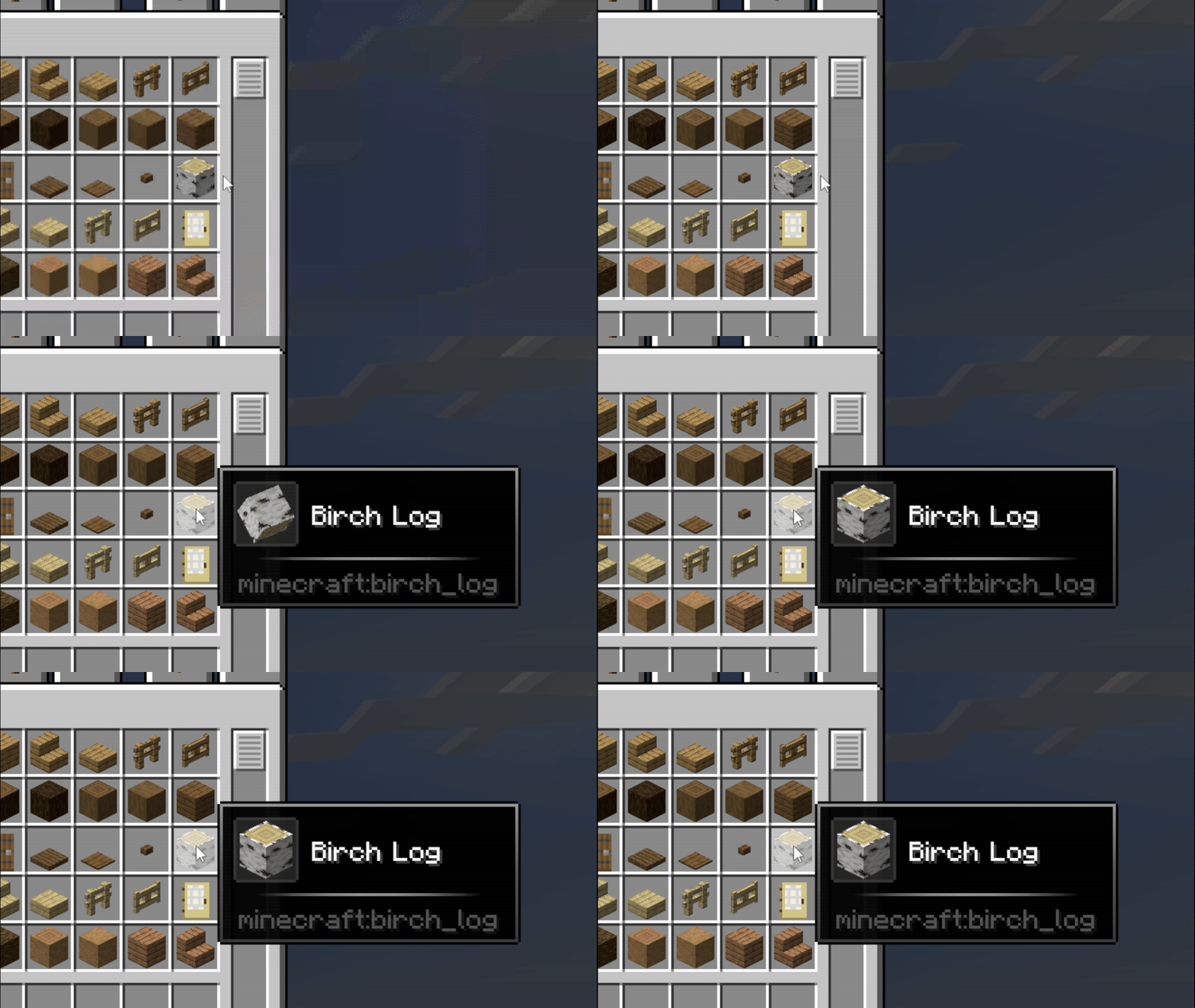
rotate_fast
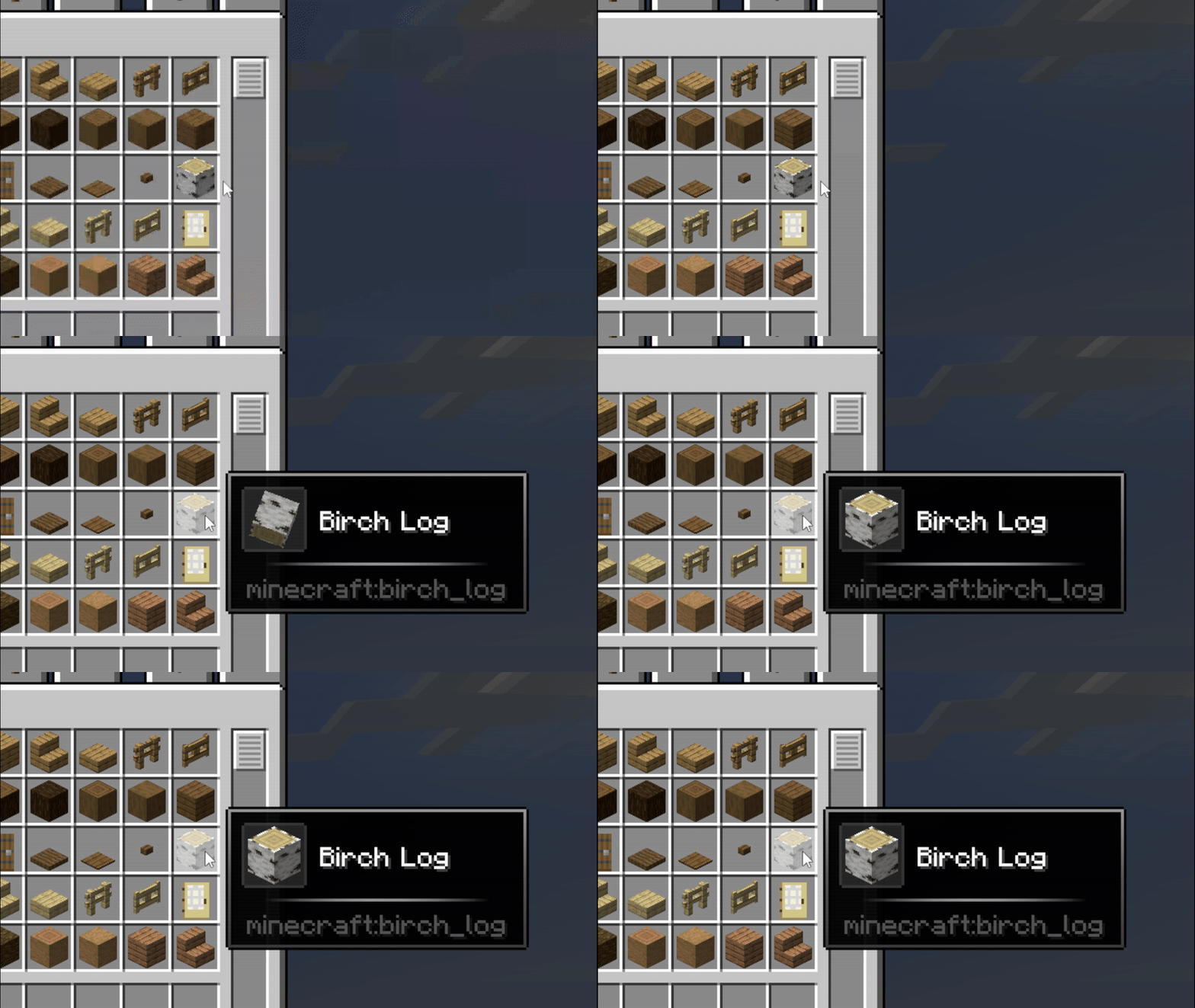
rotate_zoom
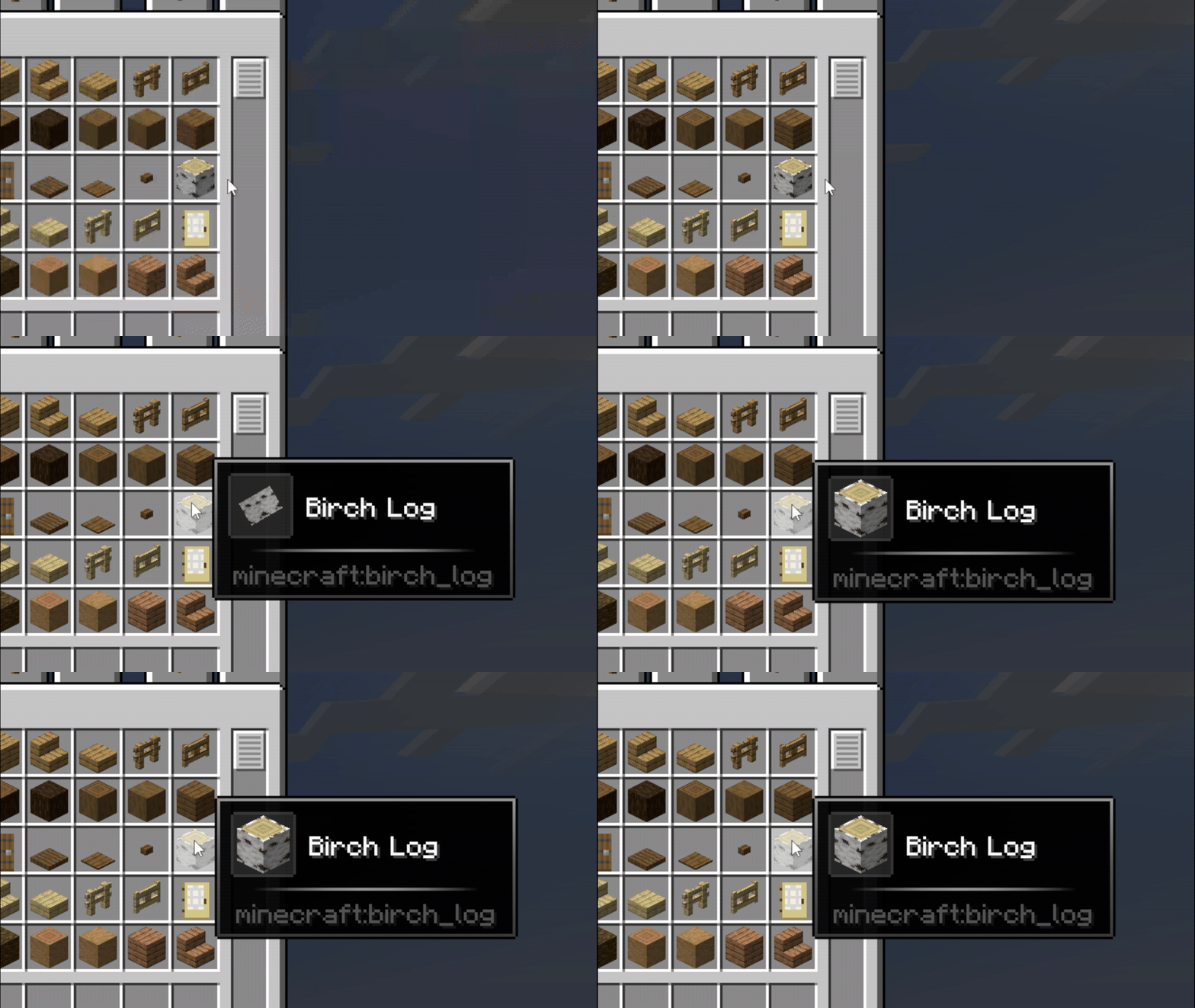
zoom_snap
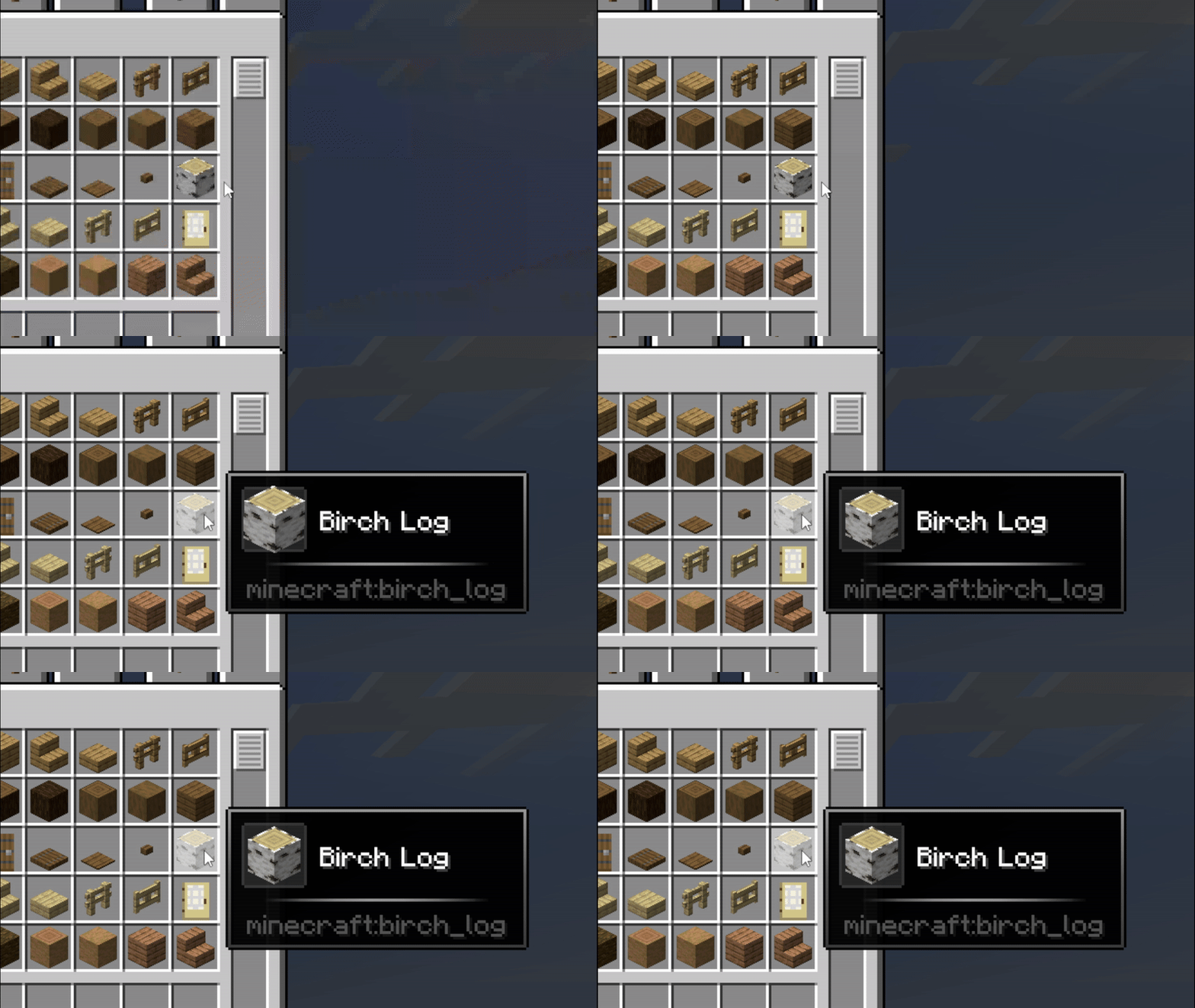
skew
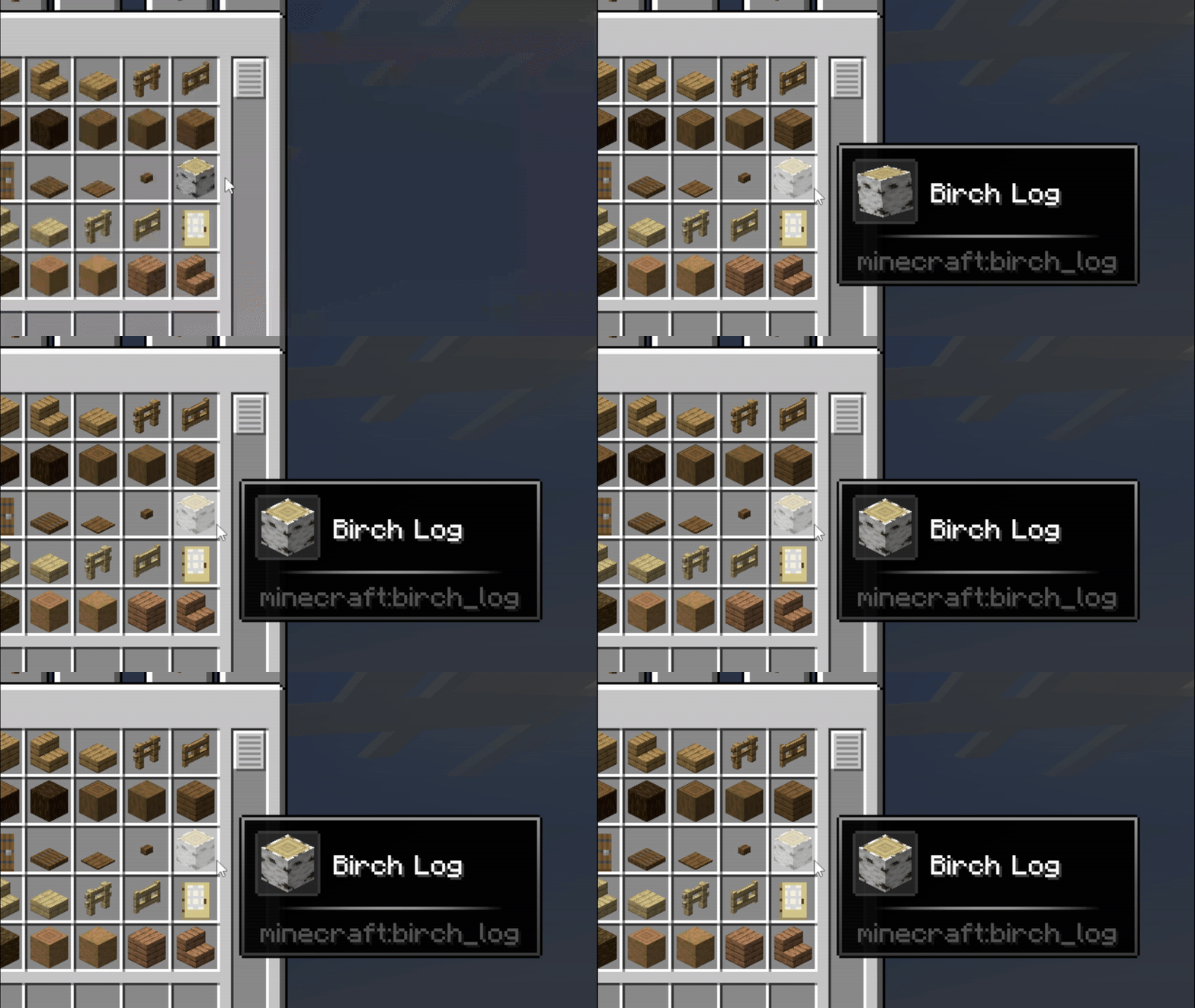
vibration
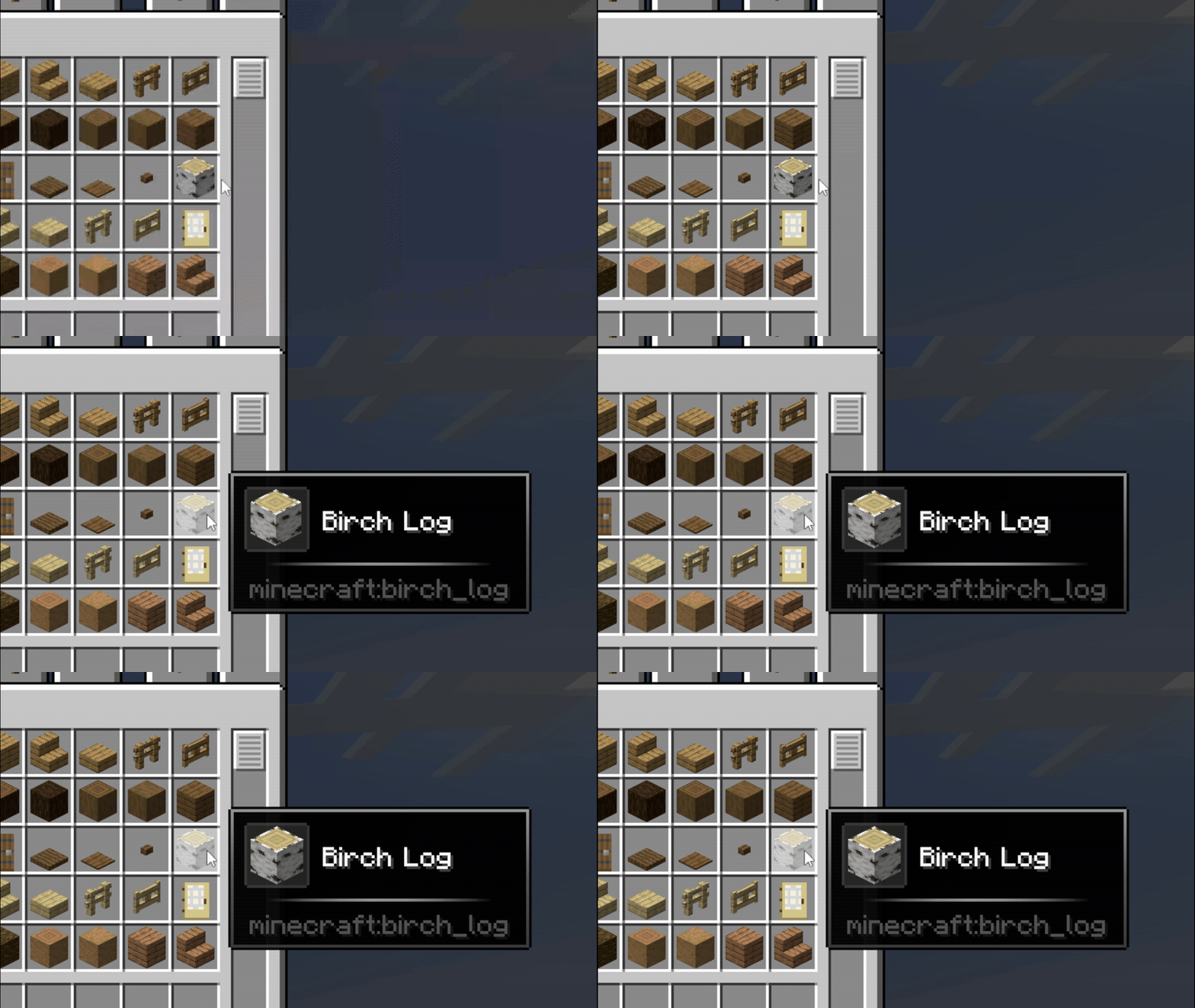
tilt_wave
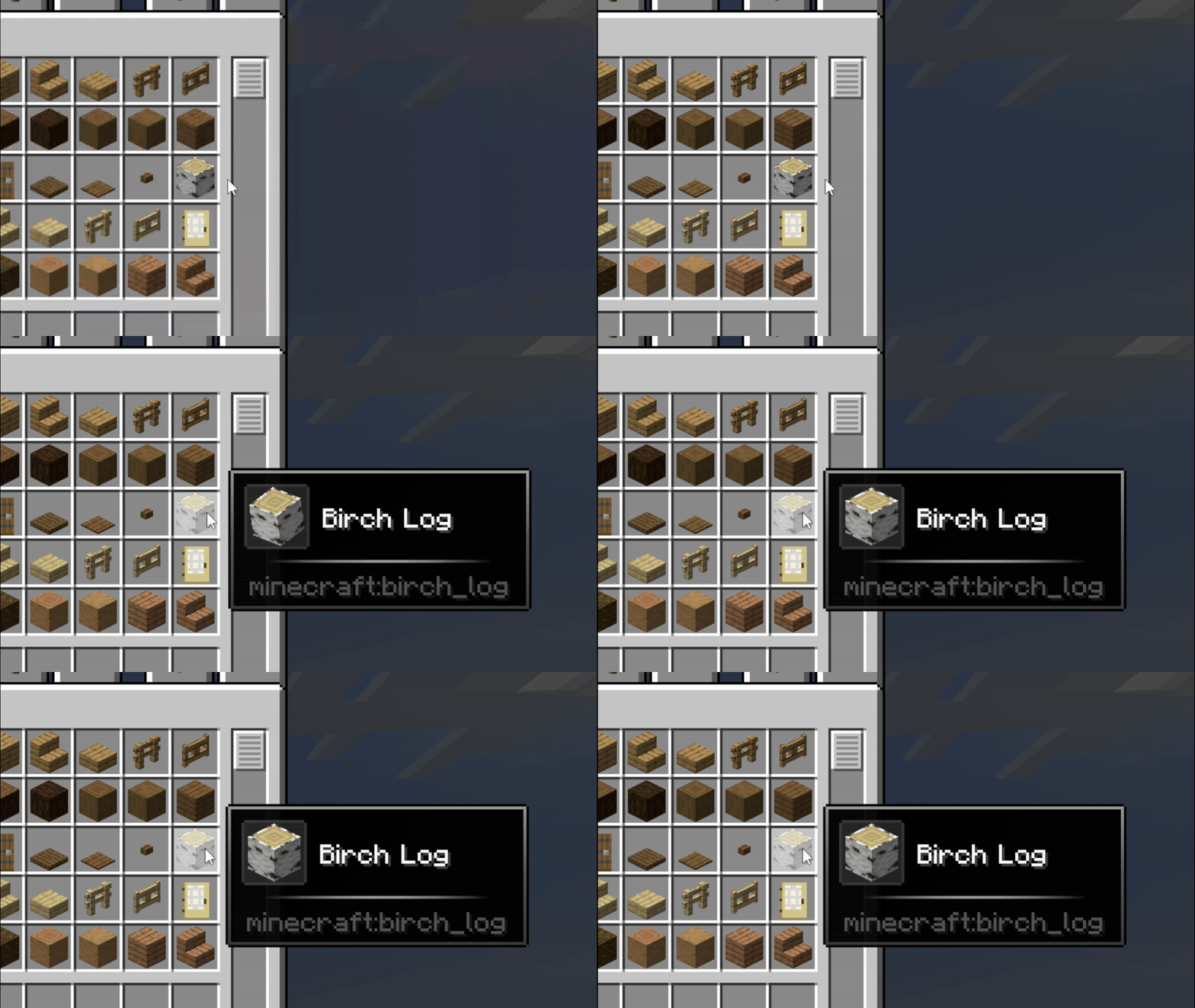
flip
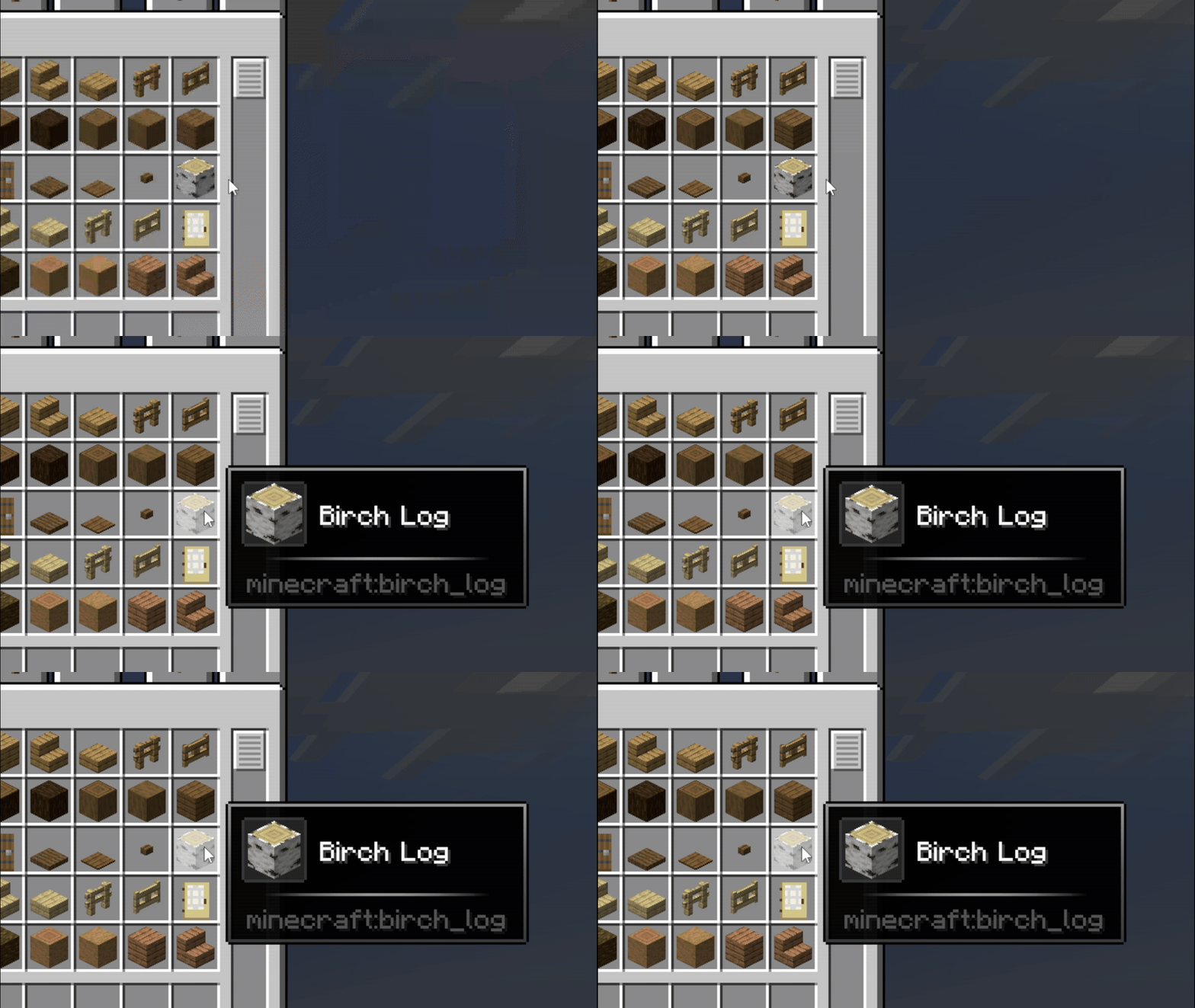
pendulum
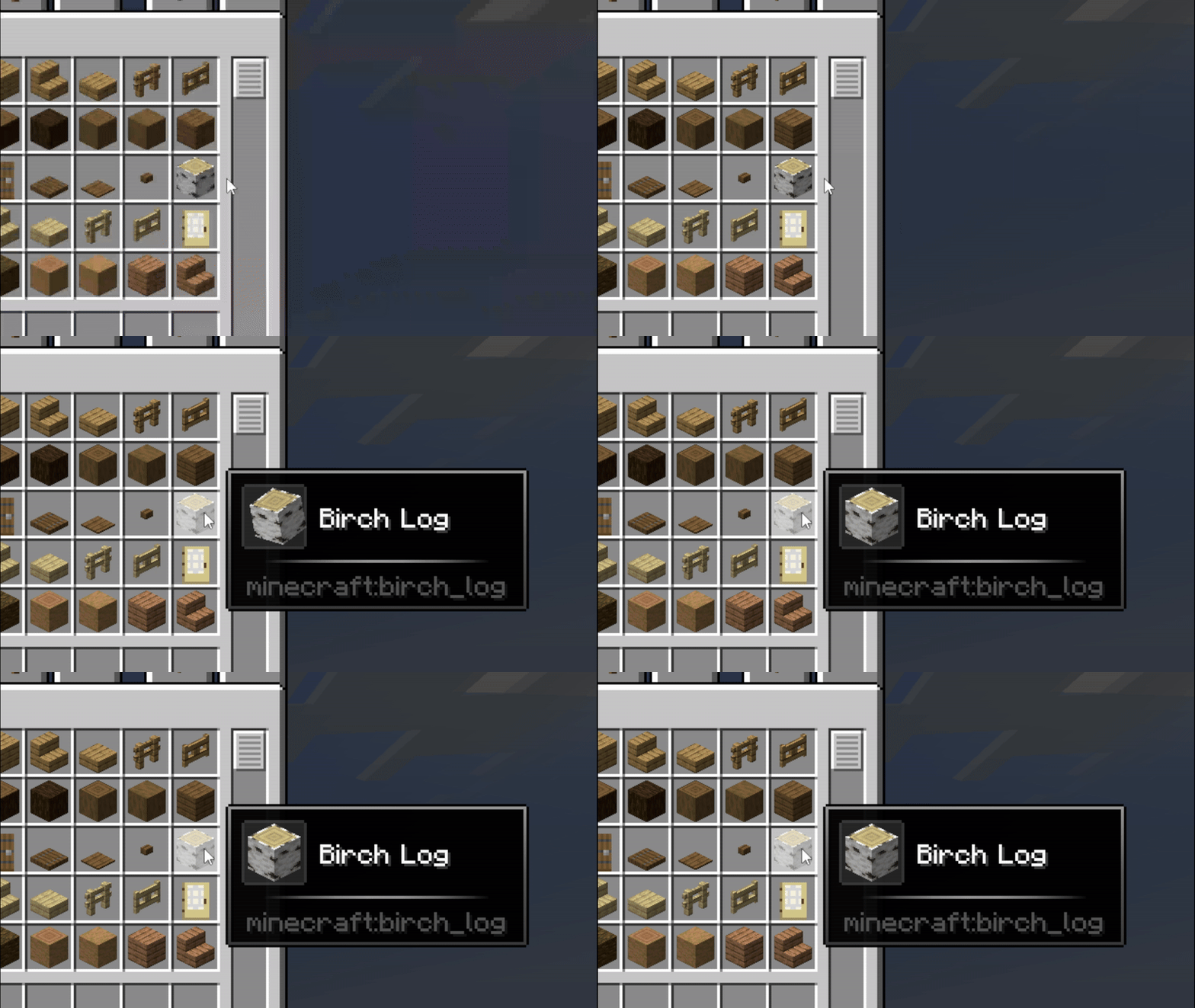
bounce
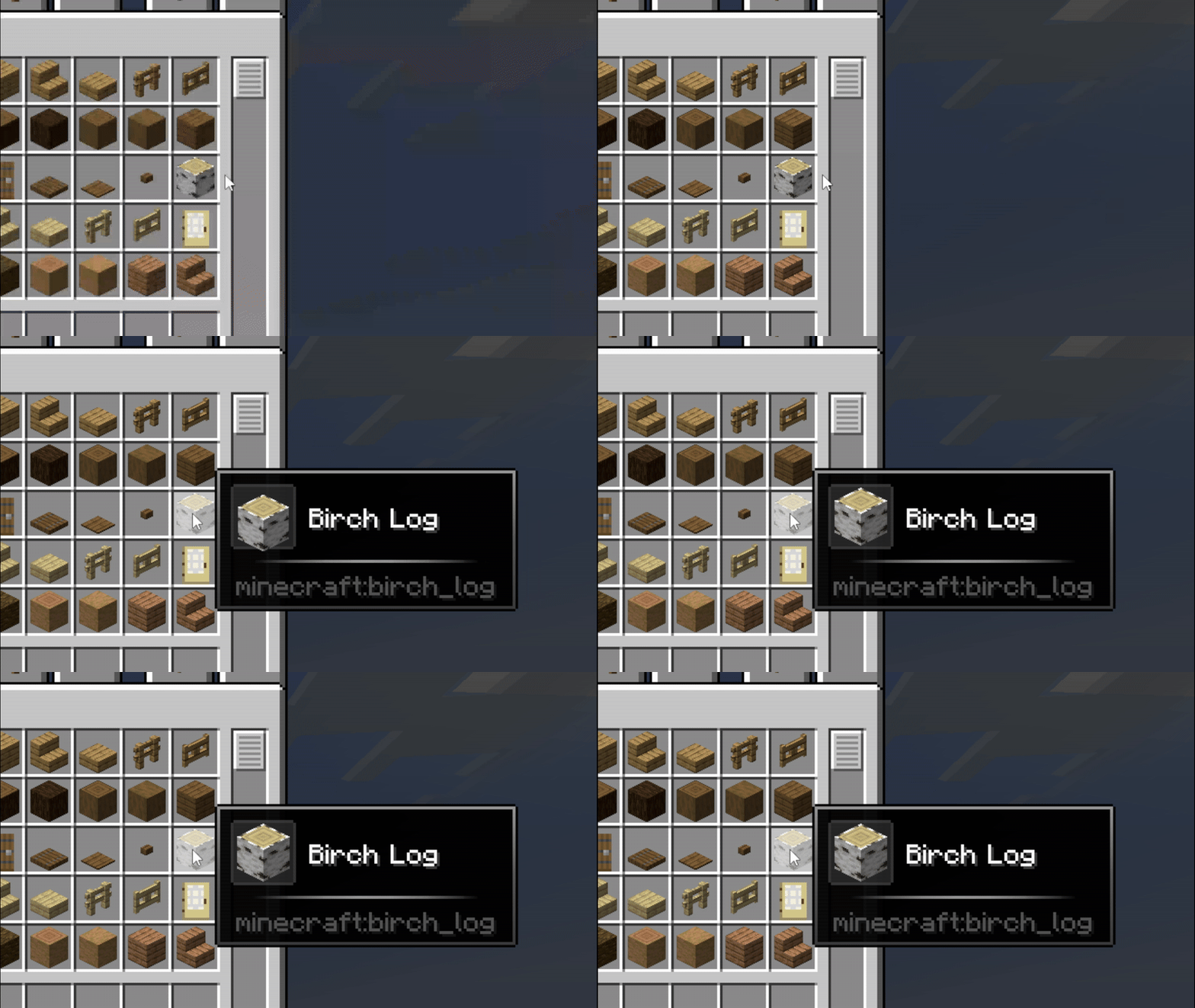
go_down
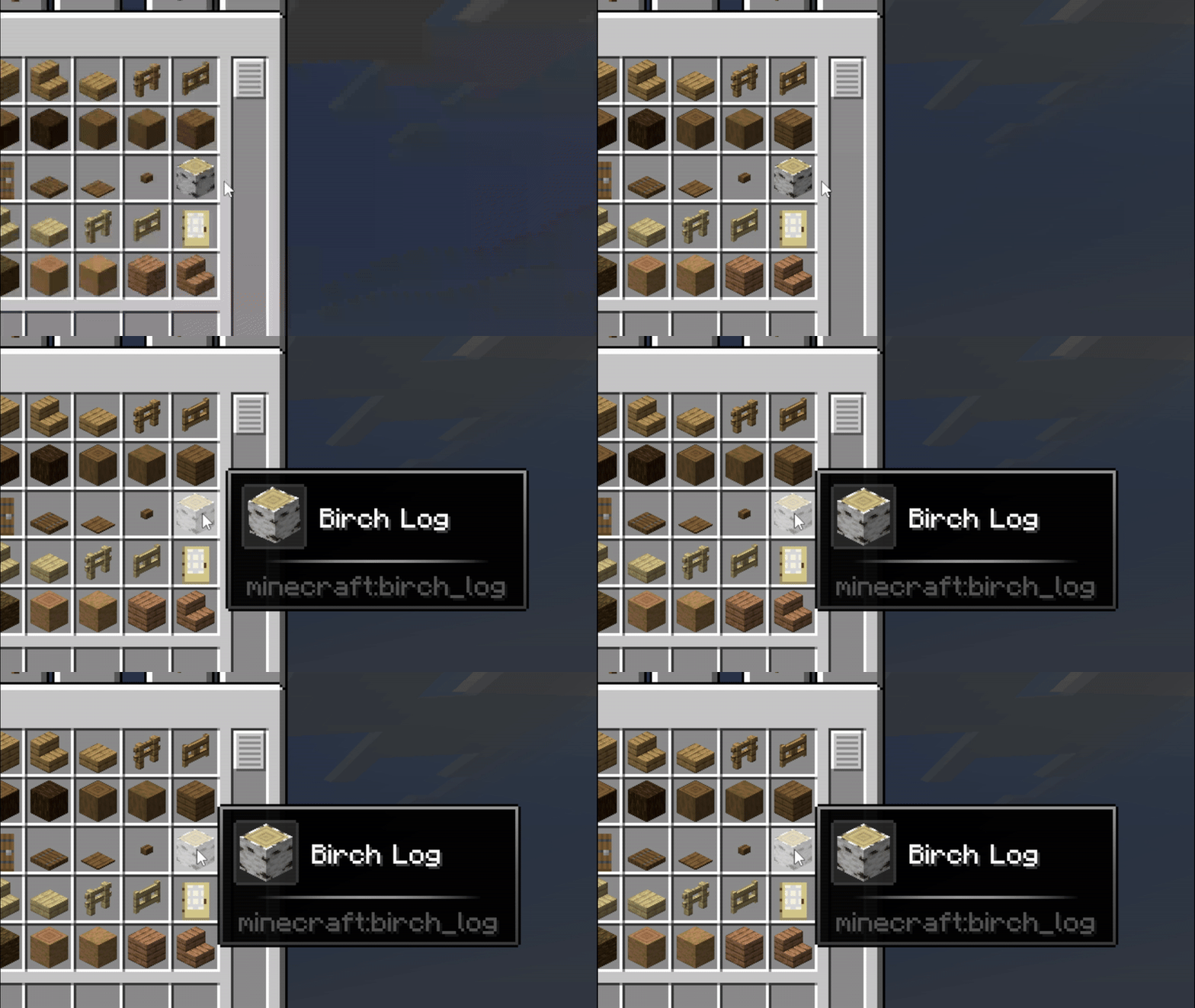
pulse
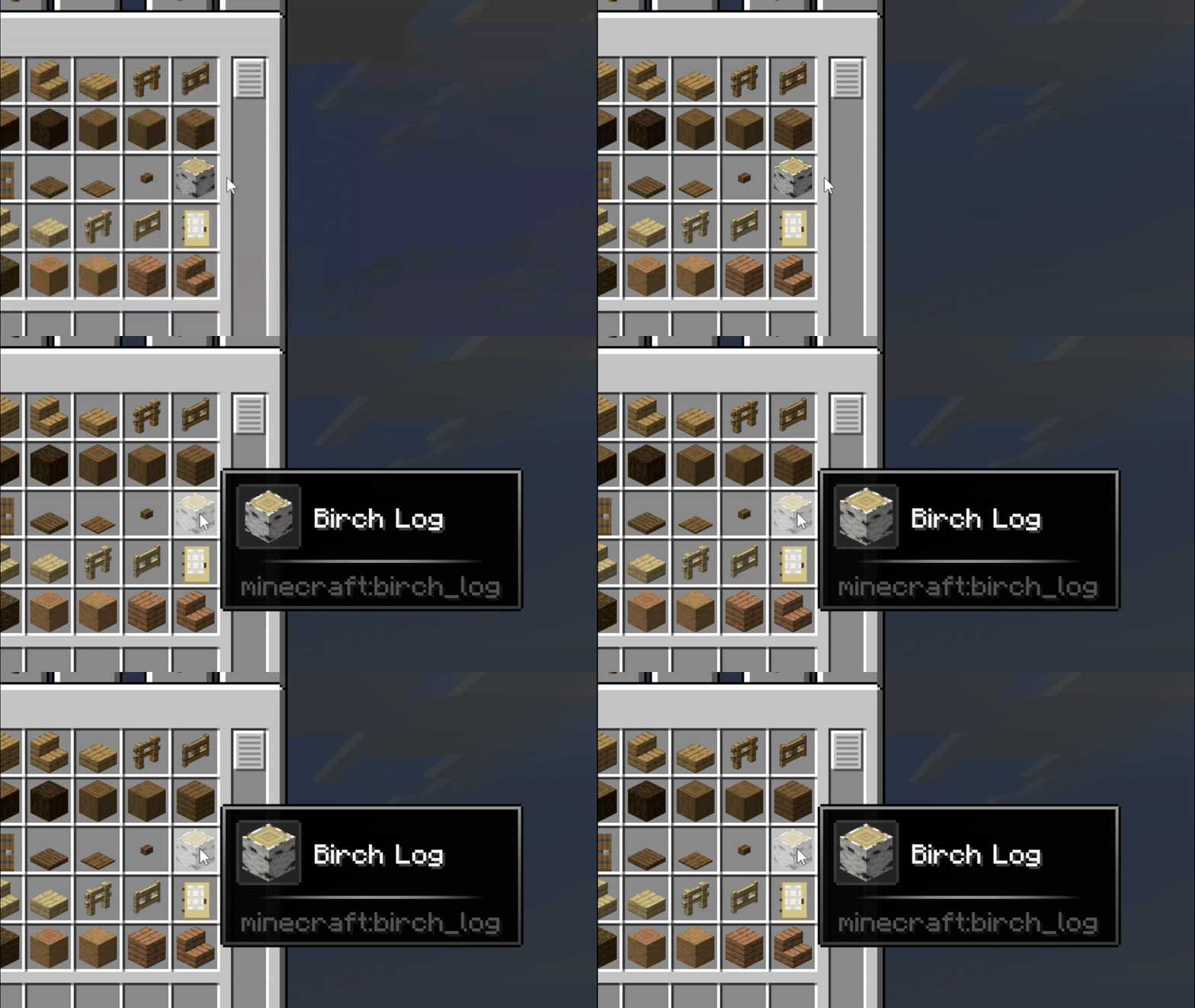
fan_in
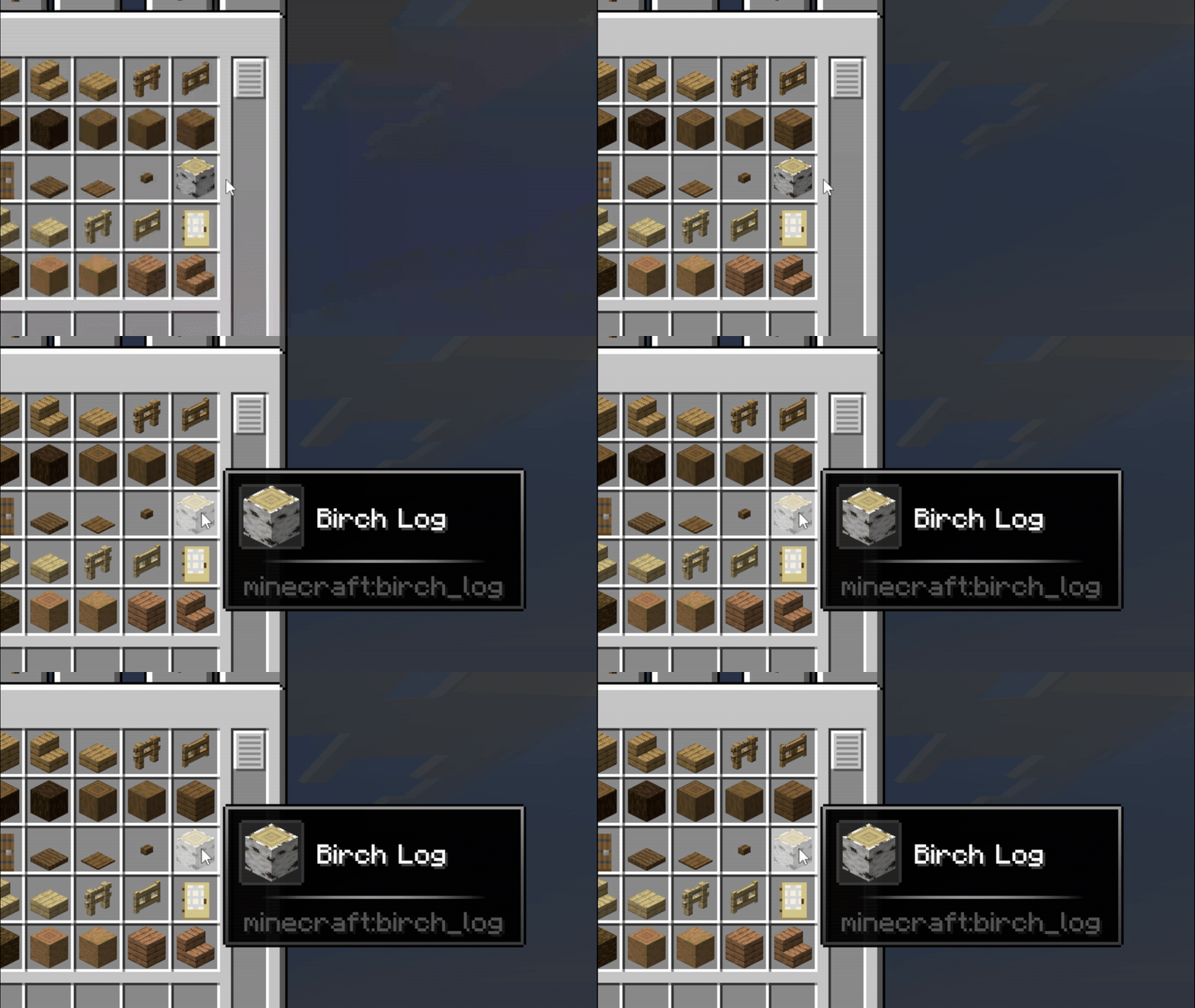
hover_pop
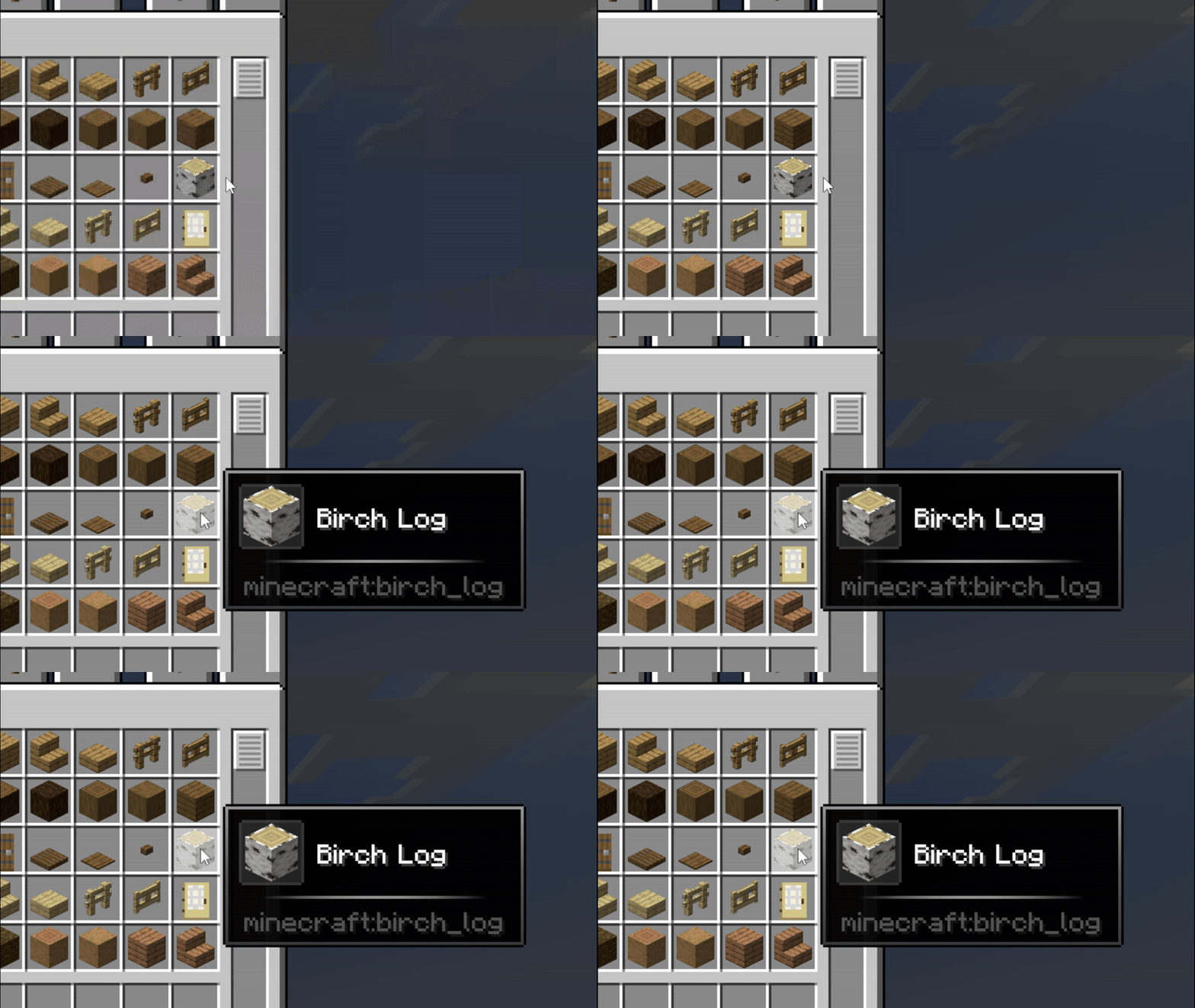
barrel_roll
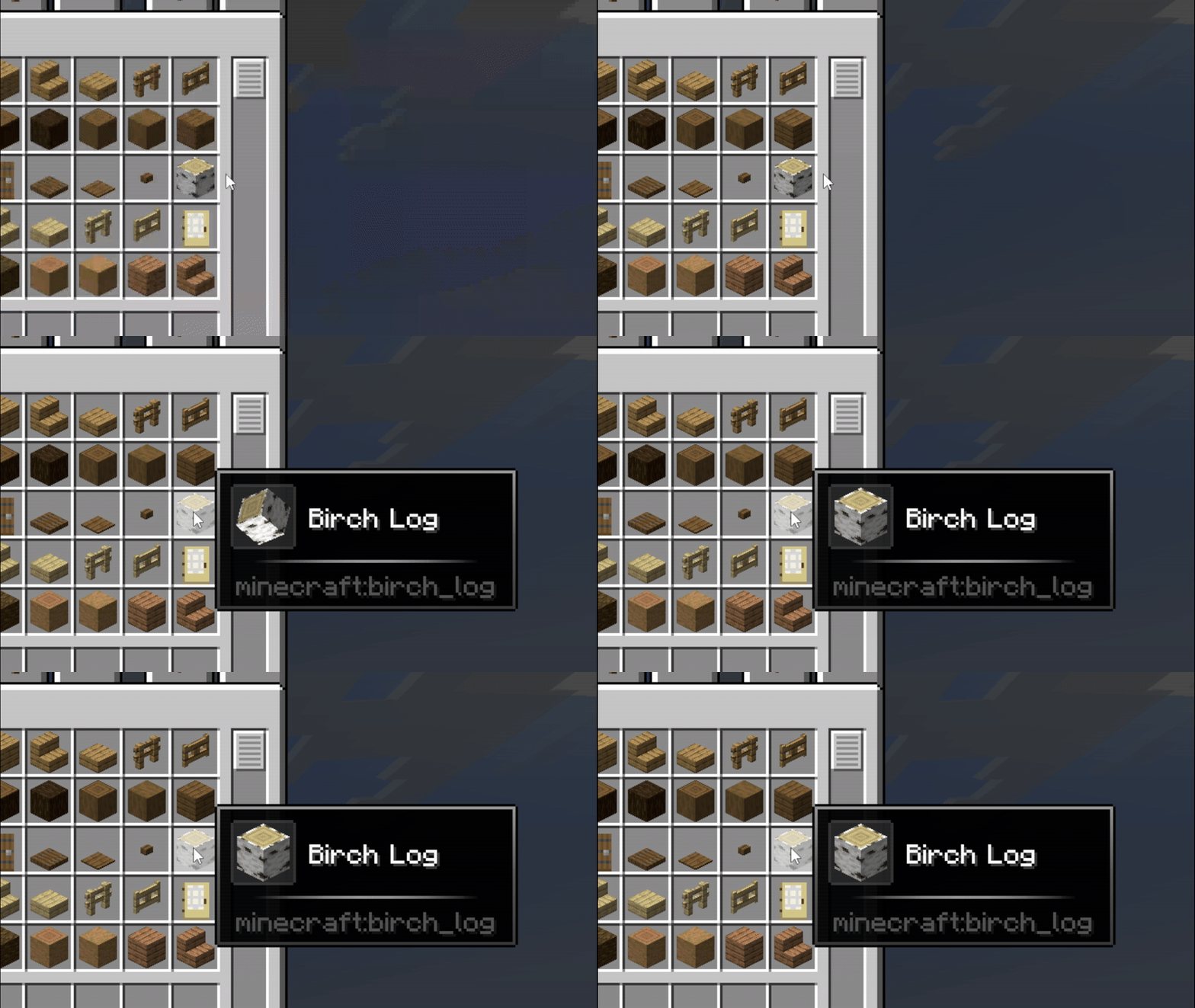
Effects
metal_shining

nebula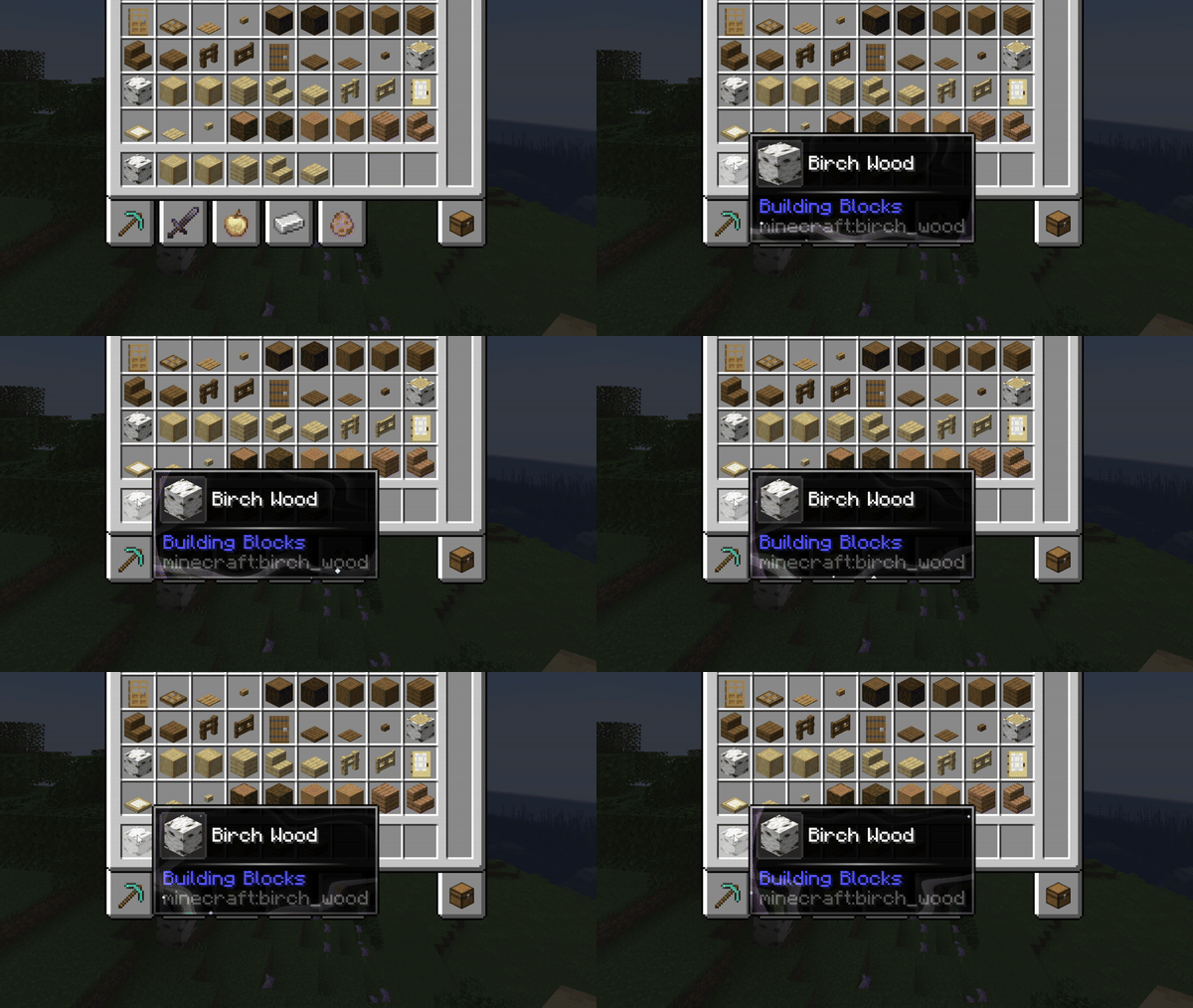
echo
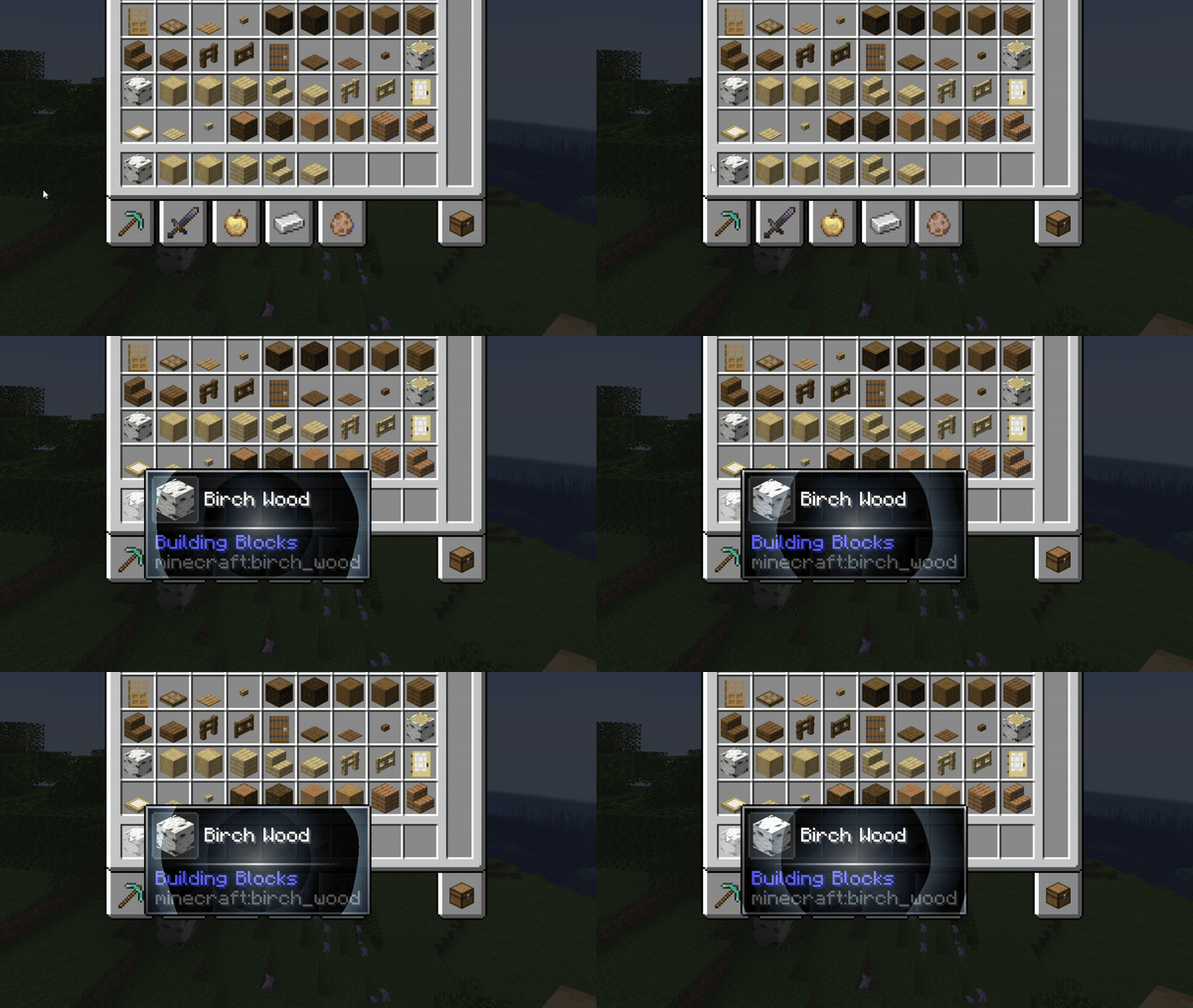
speed_lines
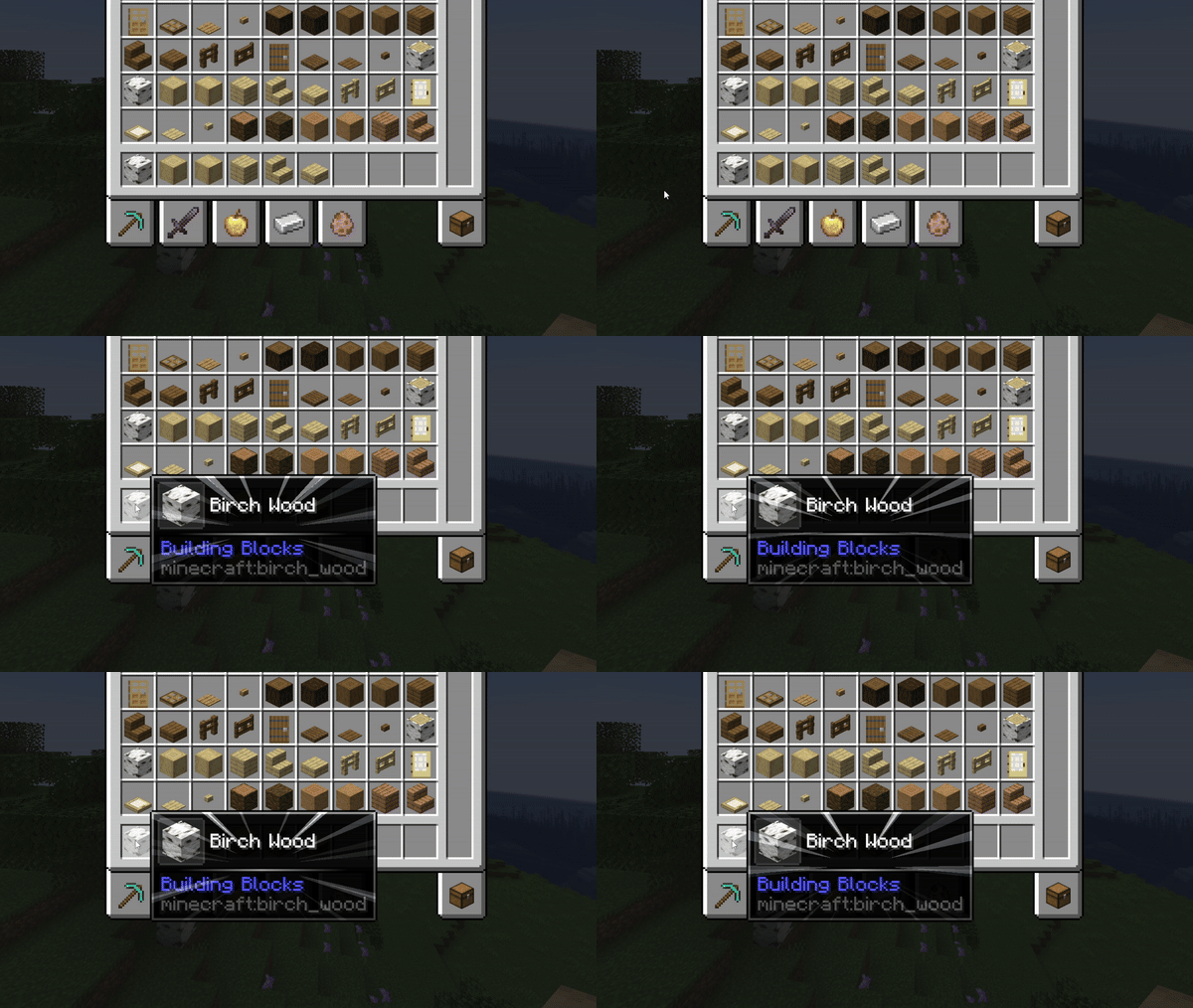
white_dust
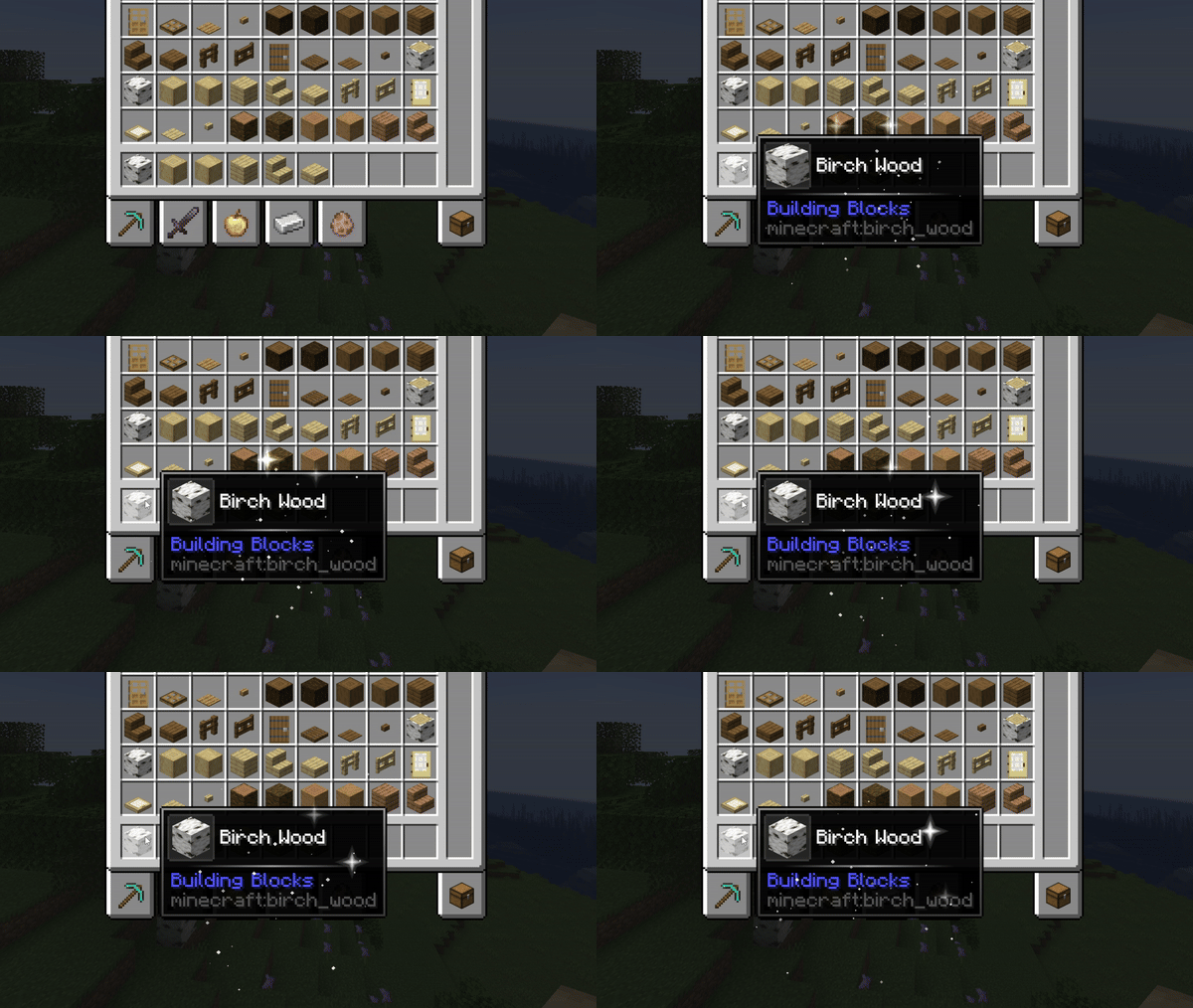
galaxy
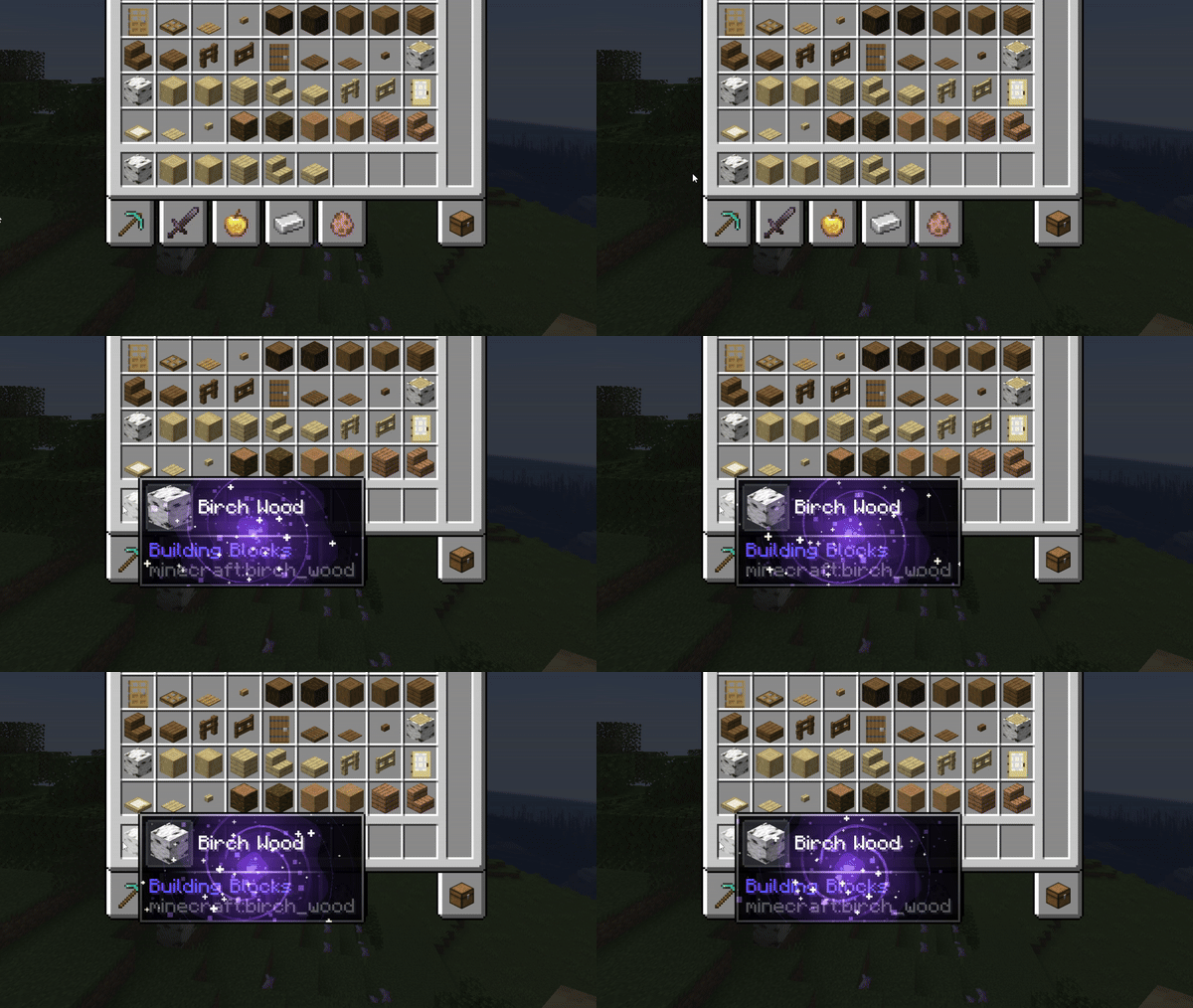
spiral
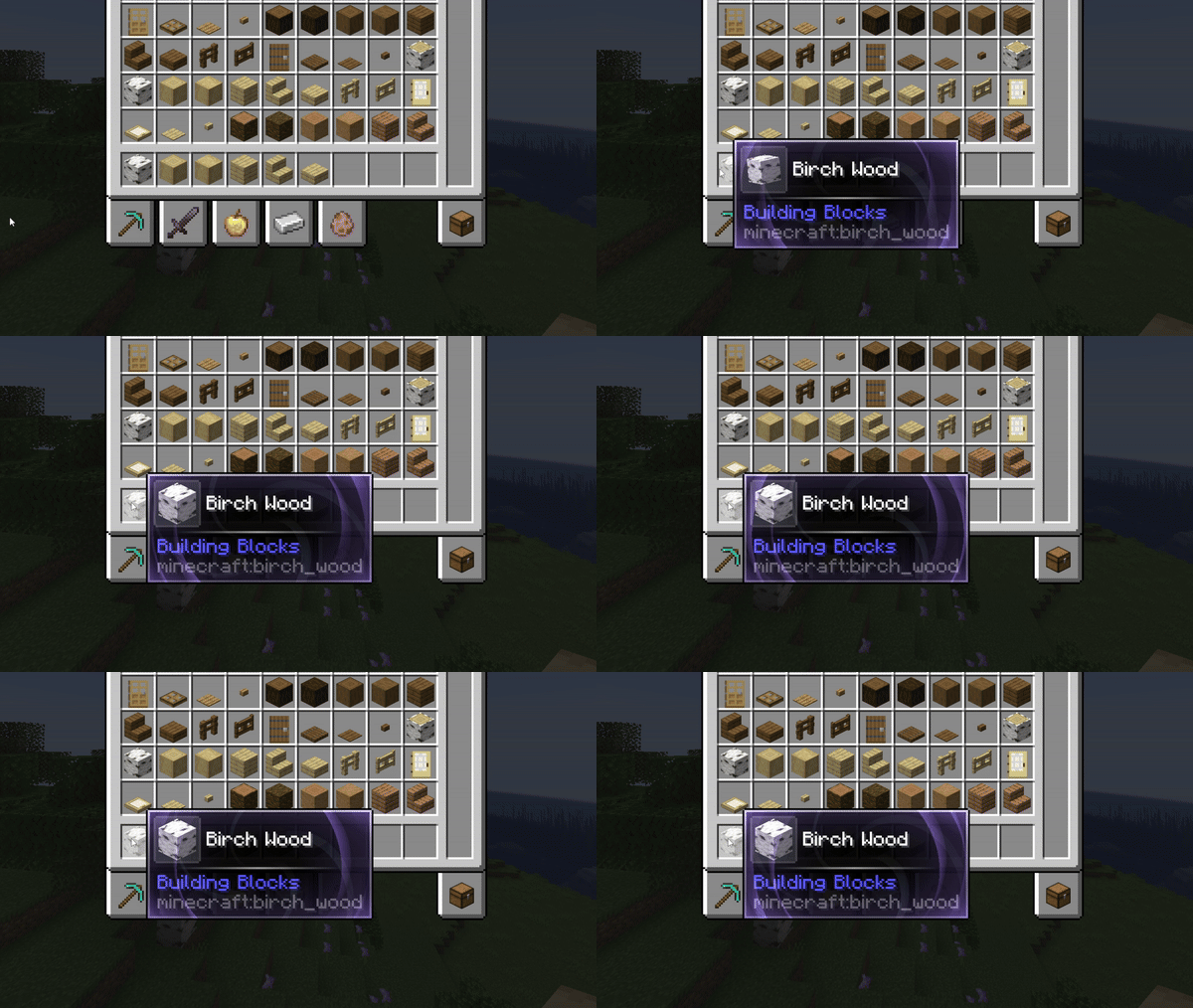
orbs
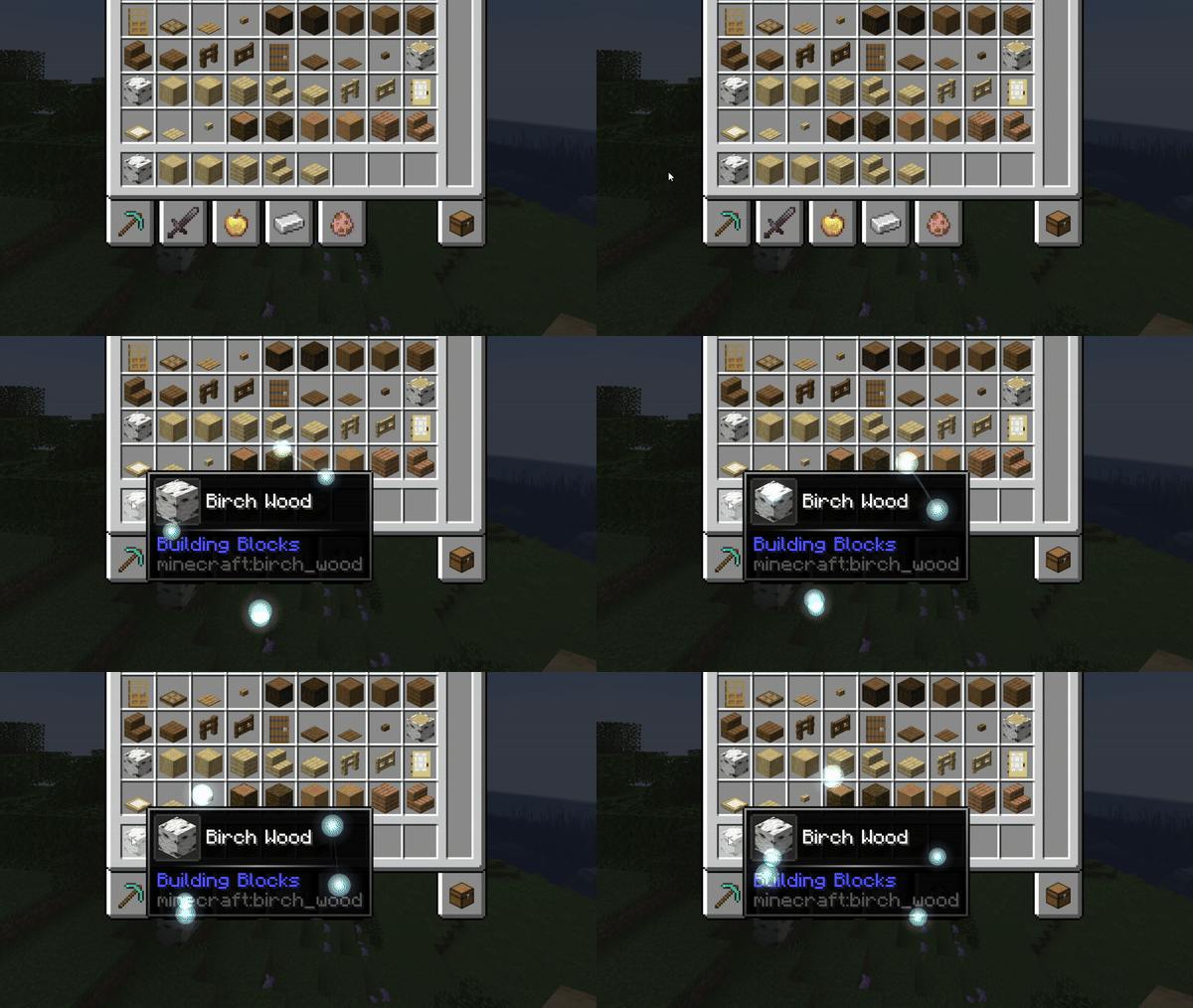
rim_light

ripples

sonar

stars

cinder

Frame overlays
- amber_frame.png

- amethyst_frame.png
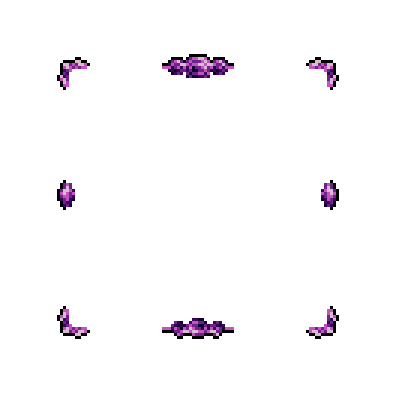
- angelical_frame.png
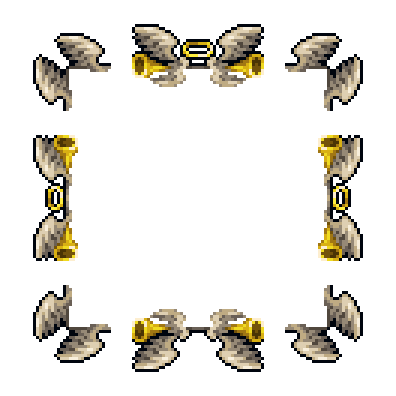
- battle_frame.png
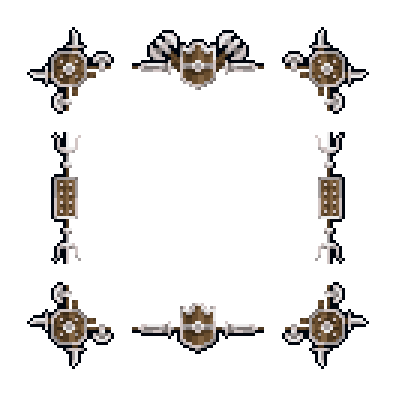
- cataclysm_frame.png
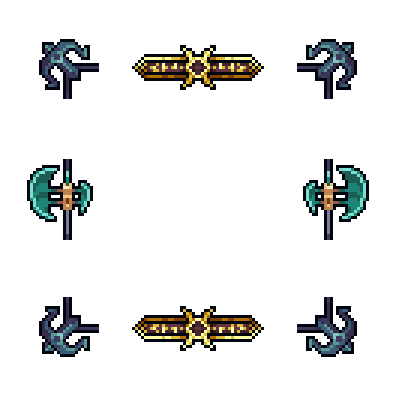
- demonic_frame.png
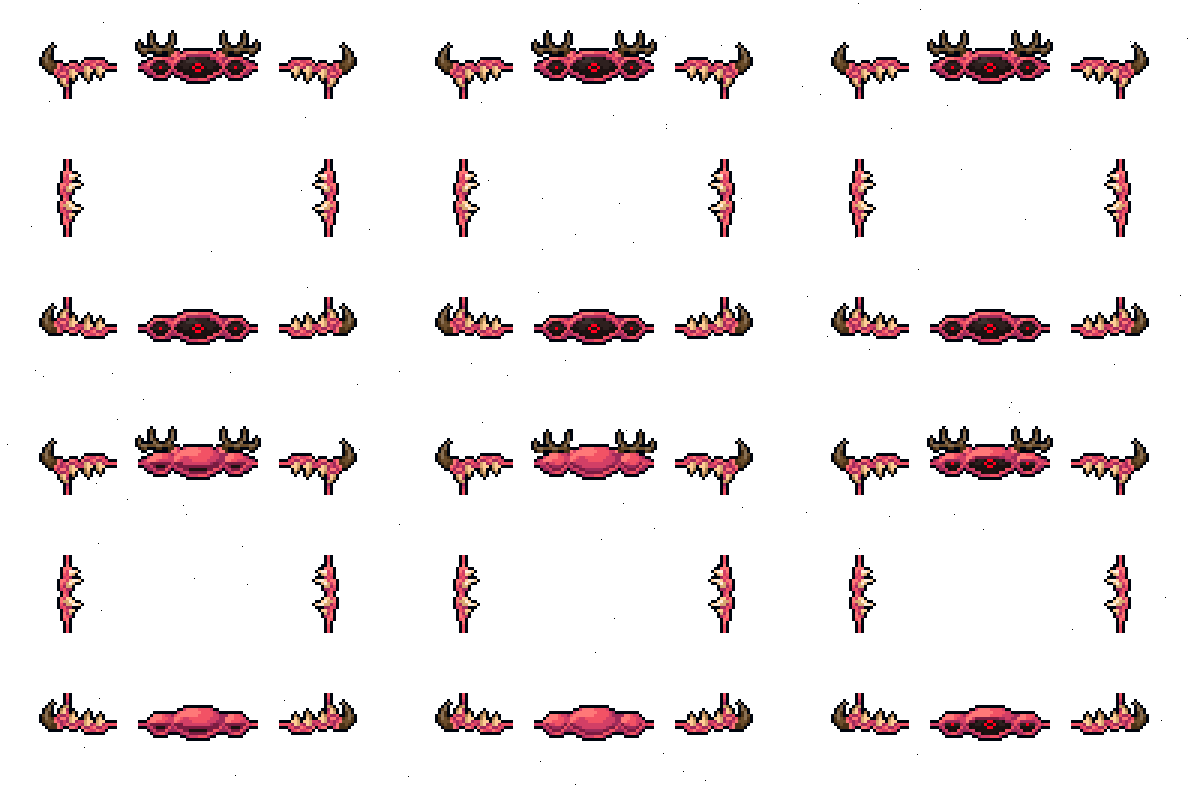
- diamond_frame.png

- emerald_frame.png
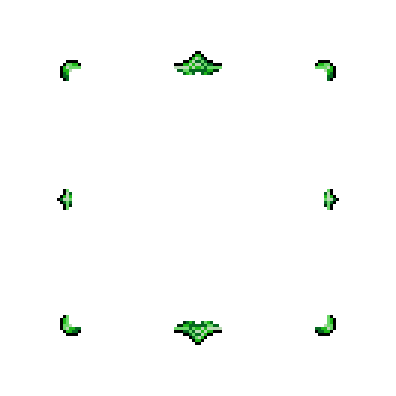
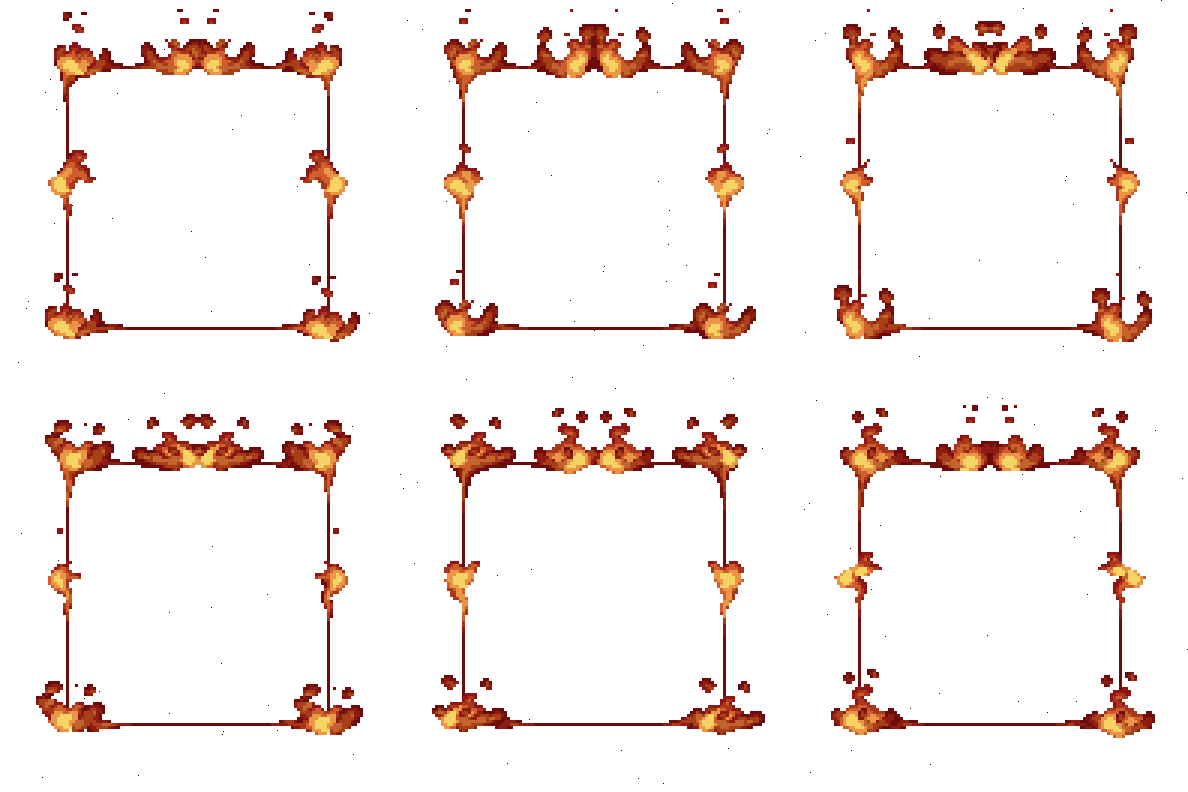
- fire_frame.png
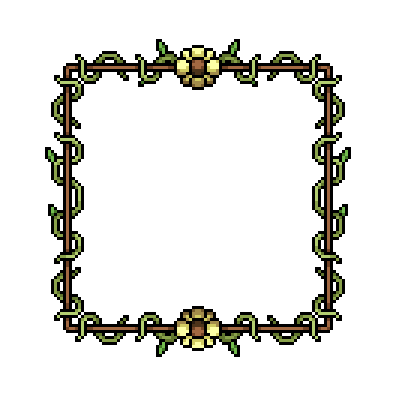
- flower_frame.png
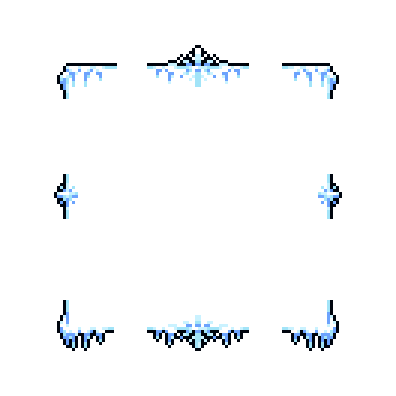
- frost_frame.png
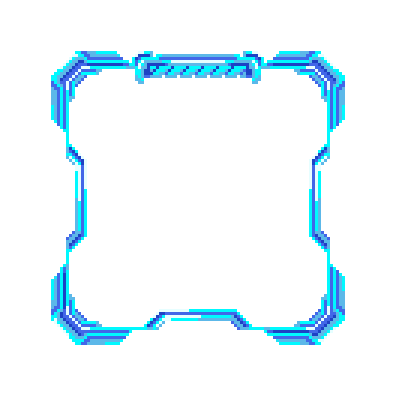
- futuristic_frame.png
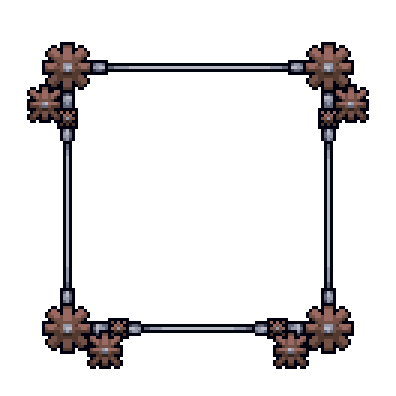
- gear_frame.png
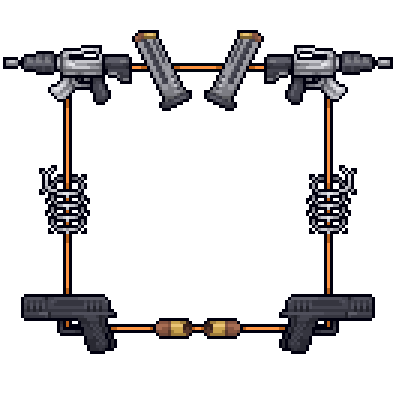
- guns_and_wires.png
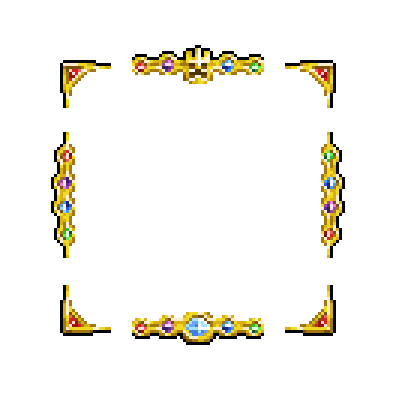
- king_frame.png
- silver_frame.png
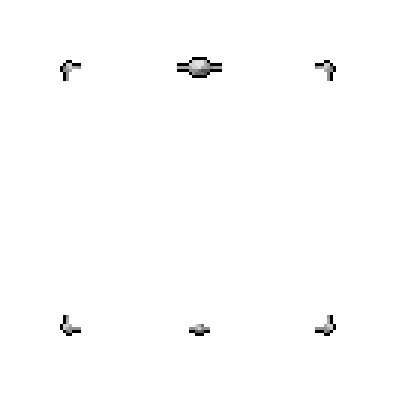
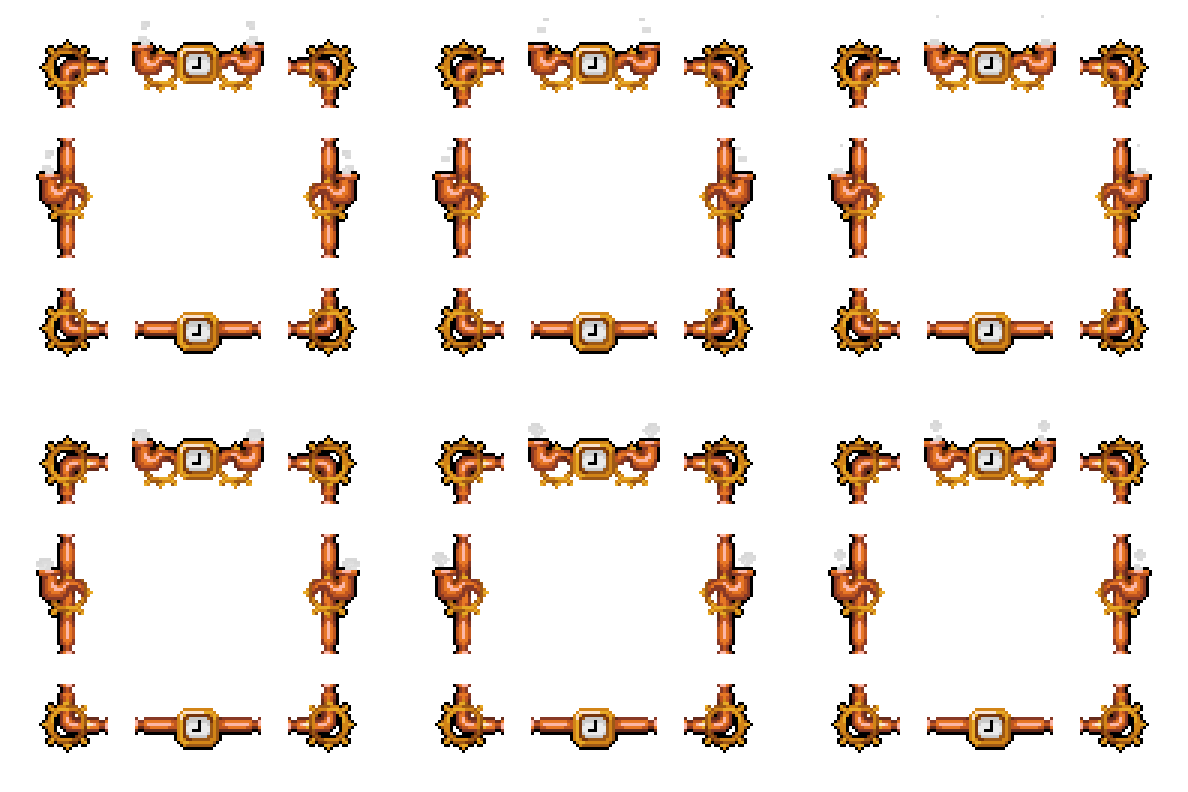
- steampunk_frame.png
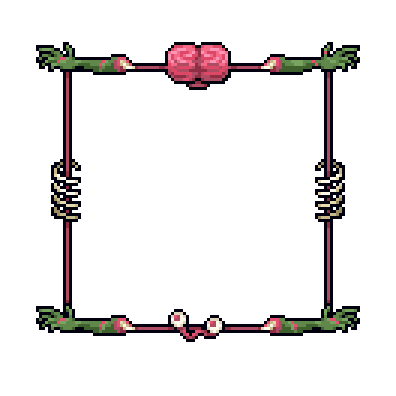
- zombie_brain_frame.png
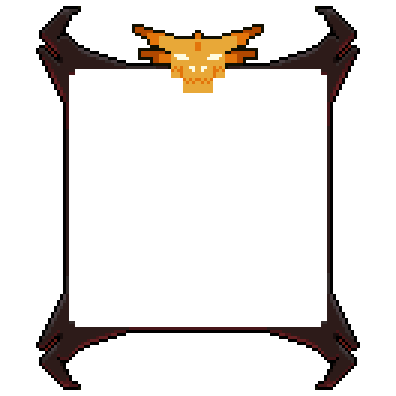
- draconic_fire_frame.png
- medieval_crossroads_frame.png
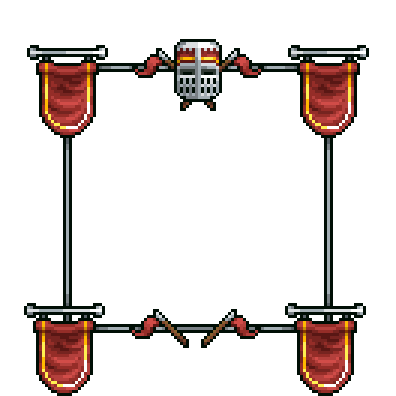
- plasma_lamp_frame.png
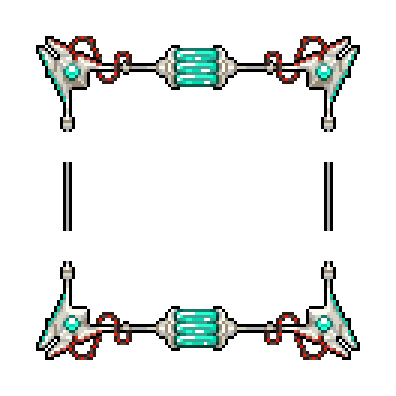
- neon_fire_frame.png
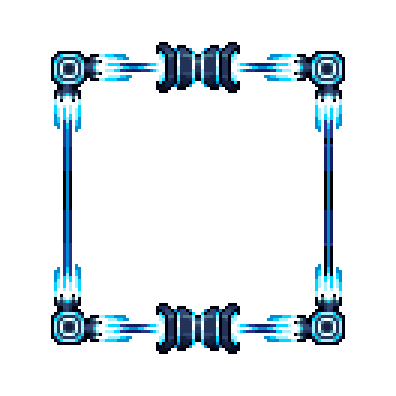
- garden_frame.png
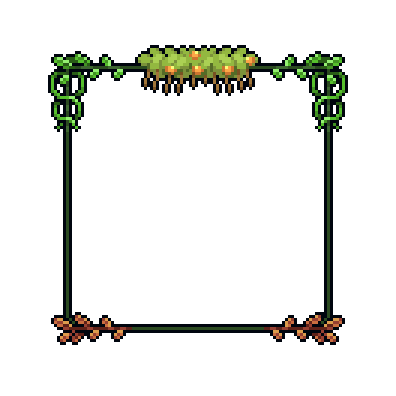
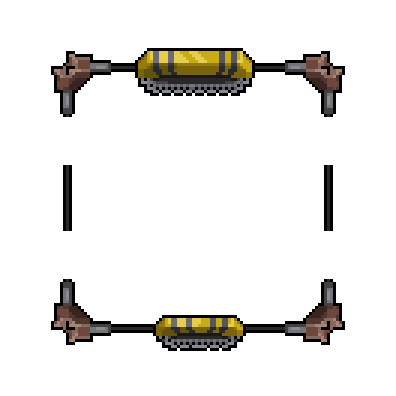
- construction_punk_frame.png
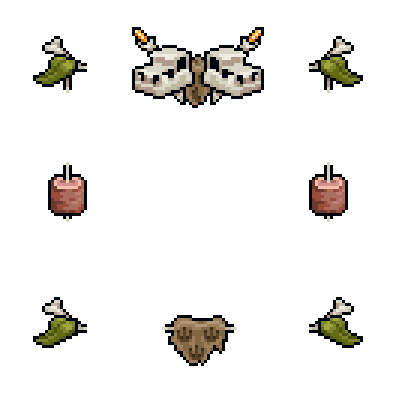
- cavemen_frame.png
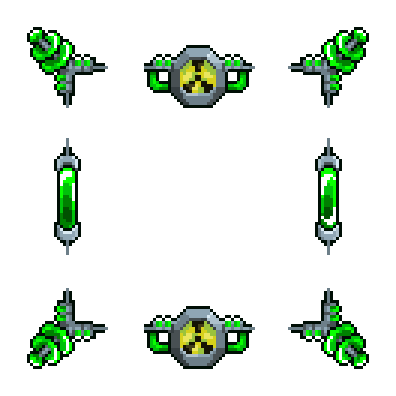
- nuclear_alarm_frame.png
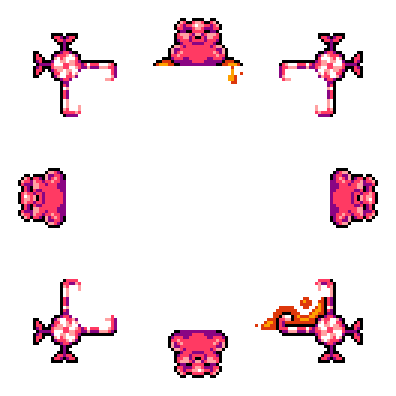
- gummy_bear_frame.png
- greek_temple_frame.png
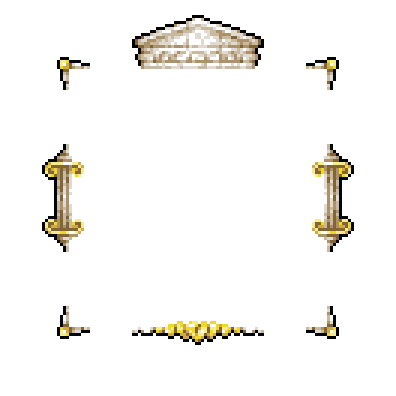
- pure_alchemy_frame.png
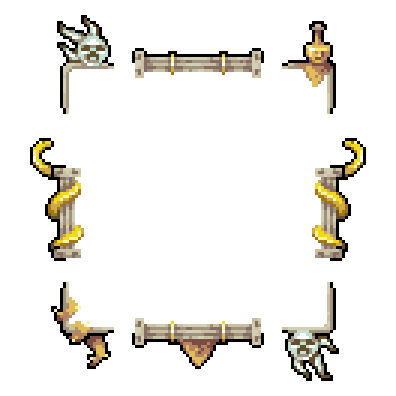
- skyland_frame.png
Vignettes
circular
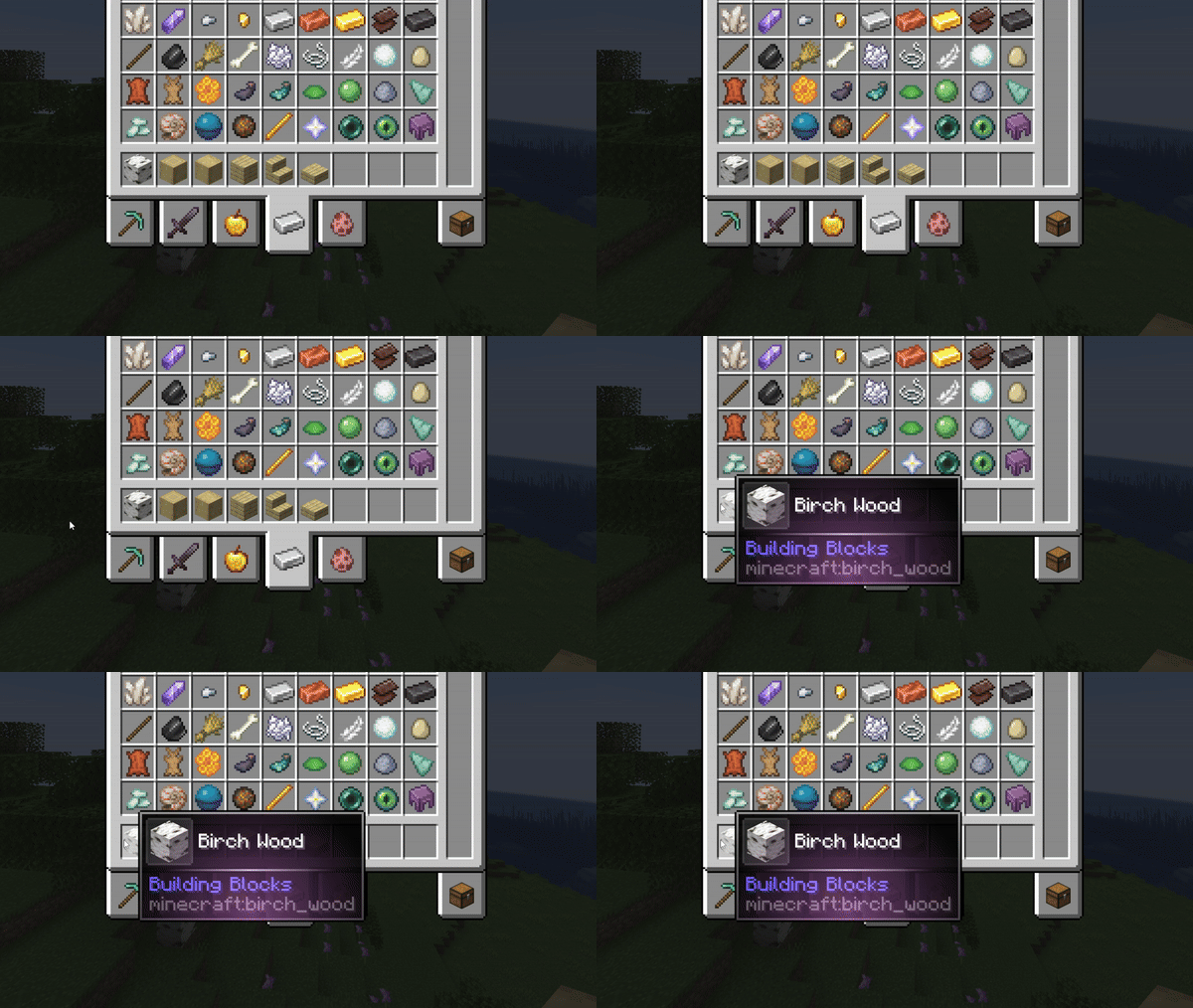
hole
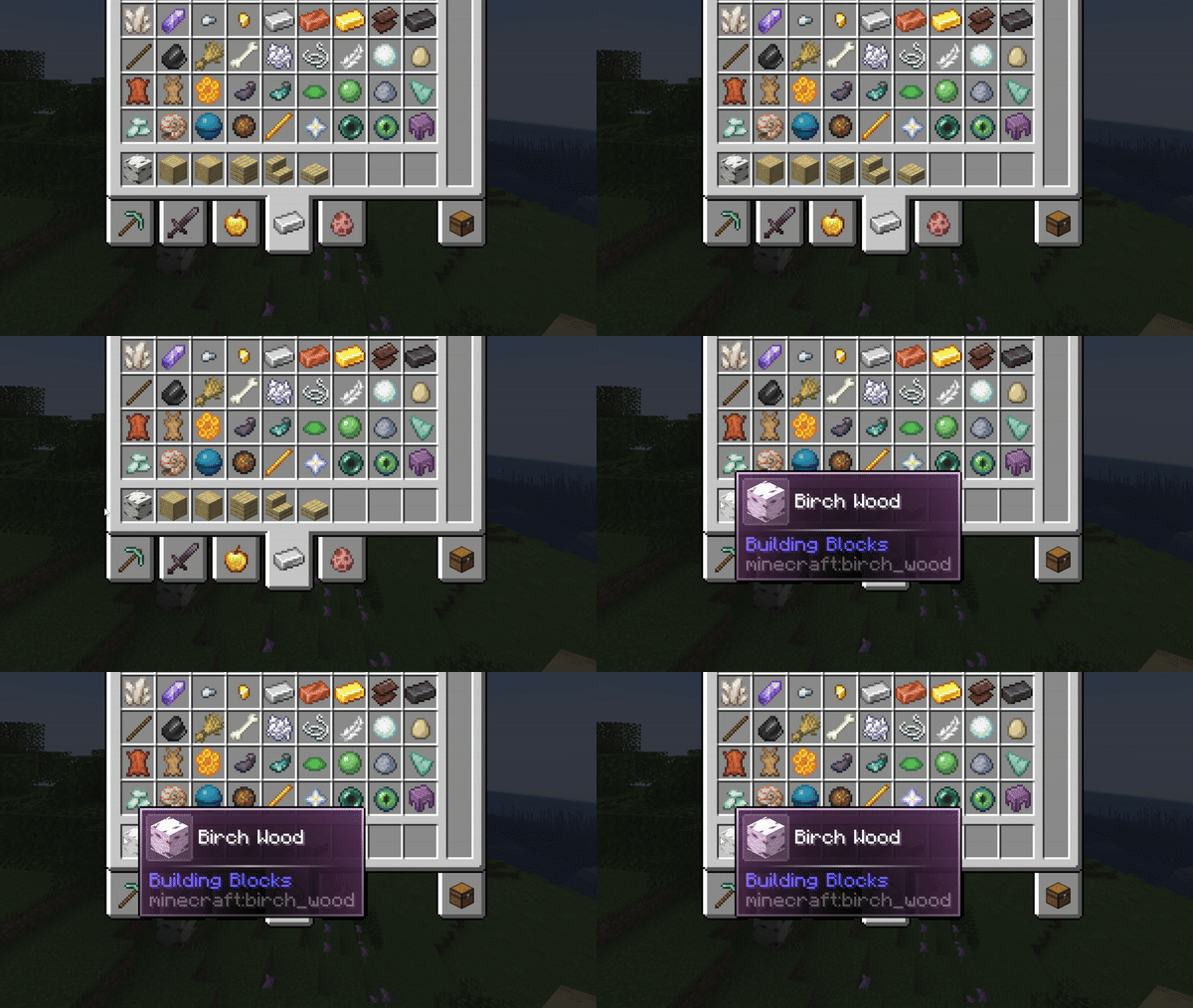
Maximum customization
Different styles!

Chain effects together!

Aditional info 📝
This mod is completely client-sided.
Neither Fabric nor Forge versions require external dependencies, so just download this mod, drop it inside your mods folder and start playing!
To access the in-game configuration in the Fabric version, you will need ModMenu!
Credits 📦
Xylonity - Programmer and mod designer
TheModderG - Tooltip overlays and mod icon designer
Комментарии 0
Пока нет комментариев. Будь первым, кто поделится мнением.