
Transparent Window
ModrinthMake your Minecraft window transparent
2.4k Downloads 12 Follower aktualisiert 1mo ago
neueste v1.1.2 Modrinth
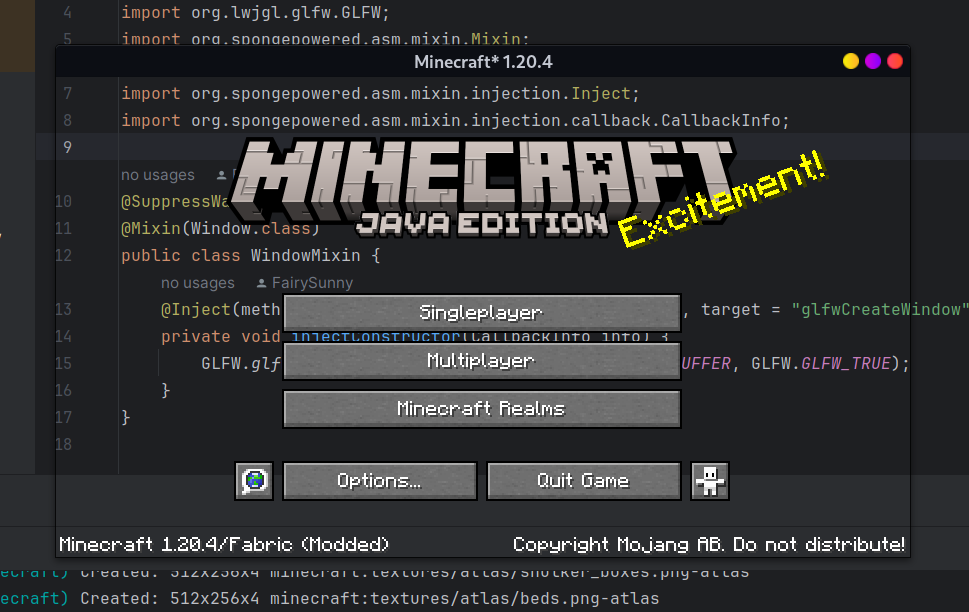
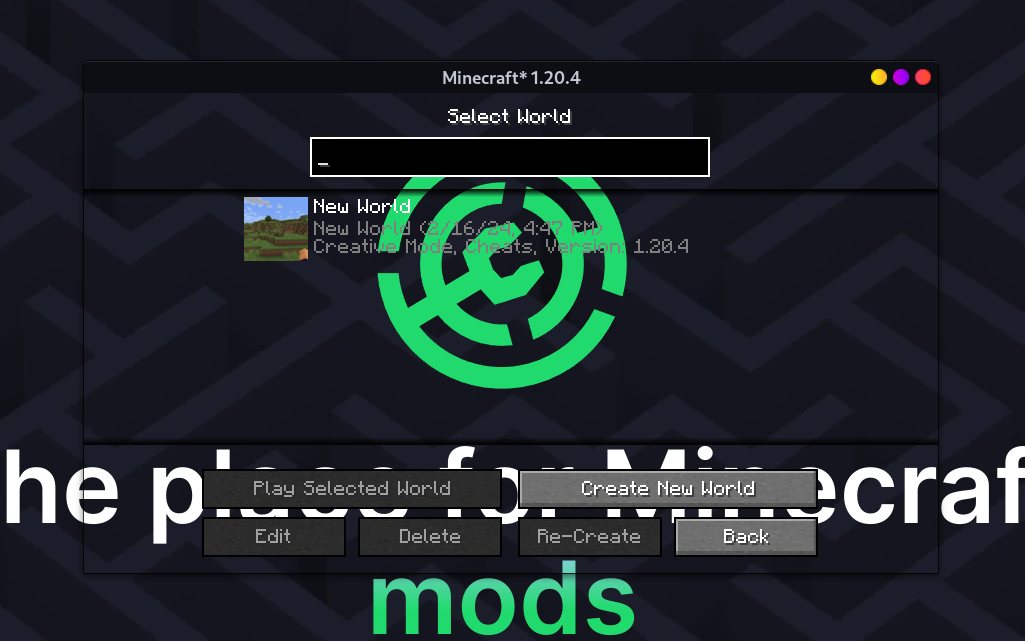
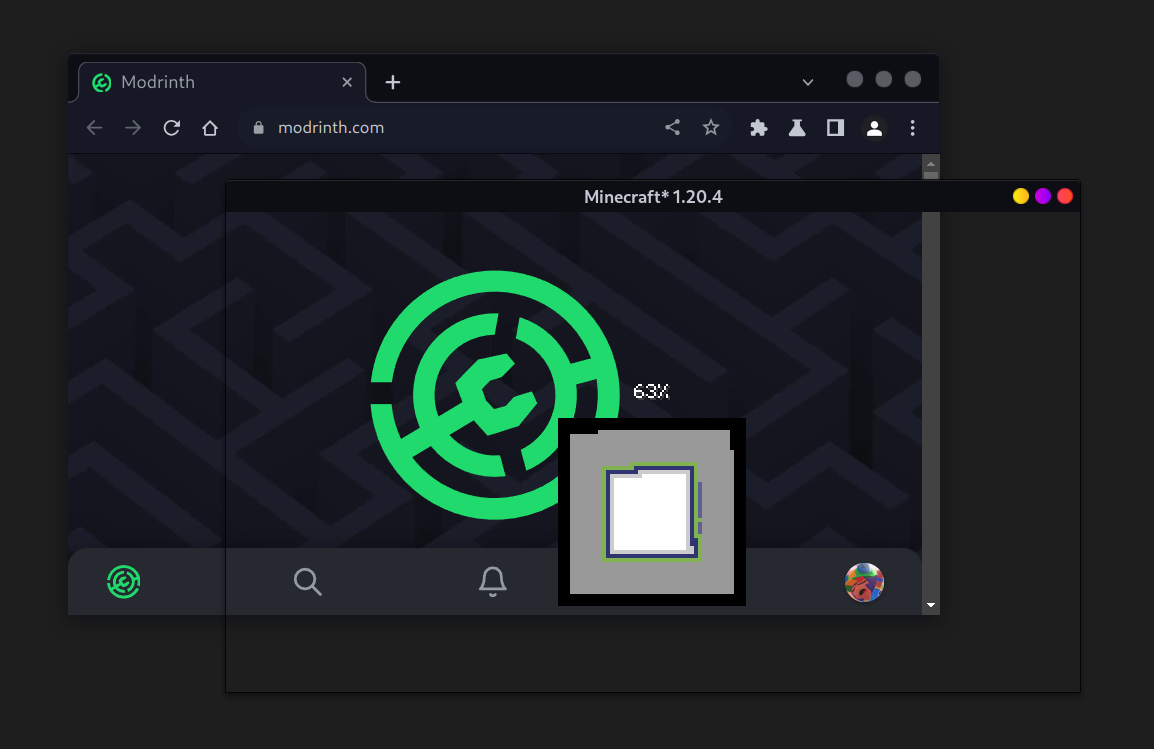
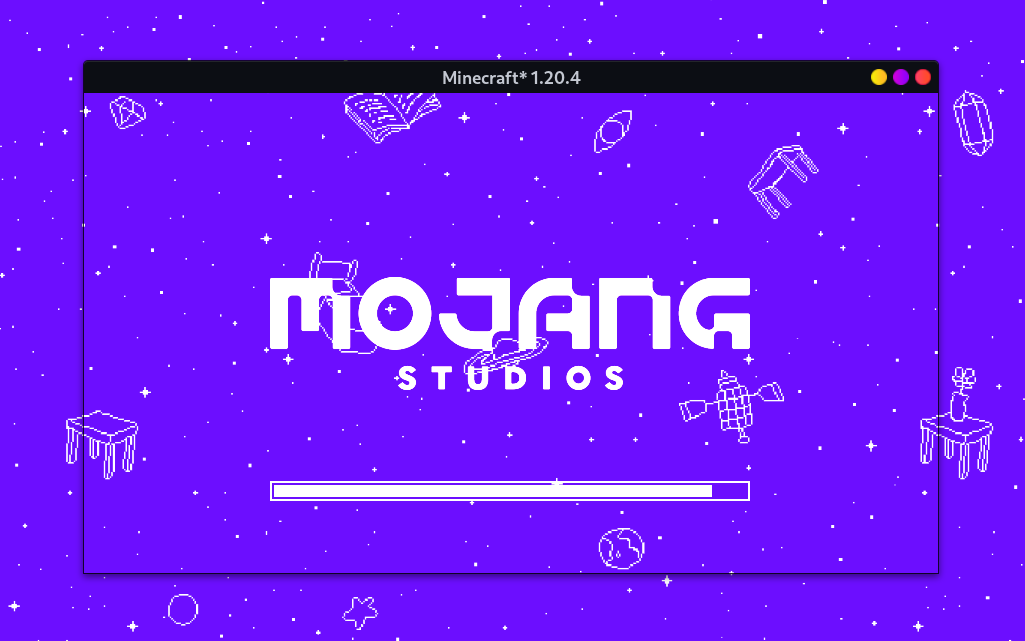
This mod makes Minecraft client window transparent.
This mod is a client-only mod for Fabric. Fabric API is NOT required.
Versionen
Release
1.1.2
- Refactor code
- Fix incorrect `fabric.mod.json` environment field (set to client-only)
- Change license to MIT
Release
1.1.2
- Refactor code
- Fix incorrect `fabric.mod.json` environment field (set to client-only)
- Change license to MIT
Release
1.1.2
- Refactor code
- Fix incorrect `fabric.mod.json` environment field (set to client-only)
- Change license to MIT
Release
1.1.2
- Refactor code
- Add transparent a11y screen
- Fix incorrect `fabric.mod.json` environment field (set to client-only)
- Change license to MIT
Release
1.1.2
- Refactor code
- Add transparent a11y screen
- Fix incorrect `fabric.mod.json` environment field (set to client-only)
- Change license to MIT
Release
1.1.1
- Add support for 1.21.9 and 1.21.10
- Fix incorrect `fabric.mod.json` environment field (set to client-only)
Release
1.1.0
- Update Fabric Loader version
- Fix translucent in-game hud when using Sodium
- Restore red in-game overlay backgroud
Kommentare 0
Noch keine Kommentare. Sei der Erste, der seine Meinung teilt.