Universal Keyboard Controller
ModrinthAdvanced Keyboard / Gamepad Controls for Wireless Redstone & CC: Tweaked Peripherals. Compact controller for your Aeronautics builds that doesn't require you to write in Lua!
Update 1.3.3 has released! This came soon after 1.3.2, to update the Sable compat for their 2.0 update
New images and videos coming soon.
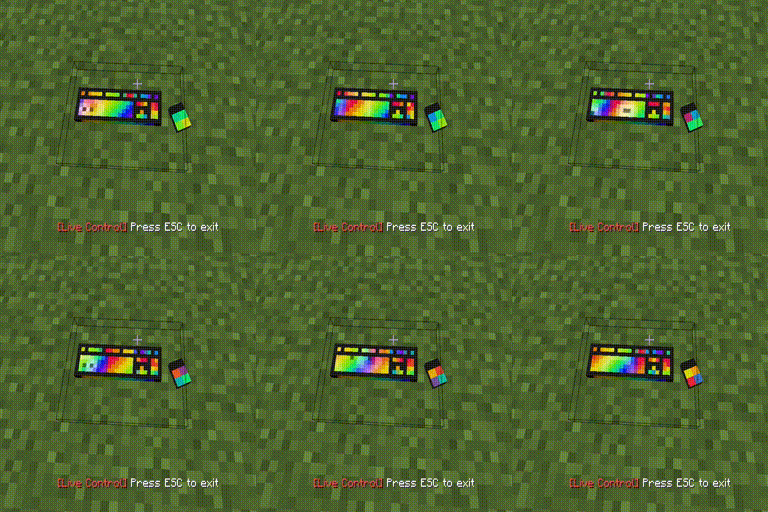
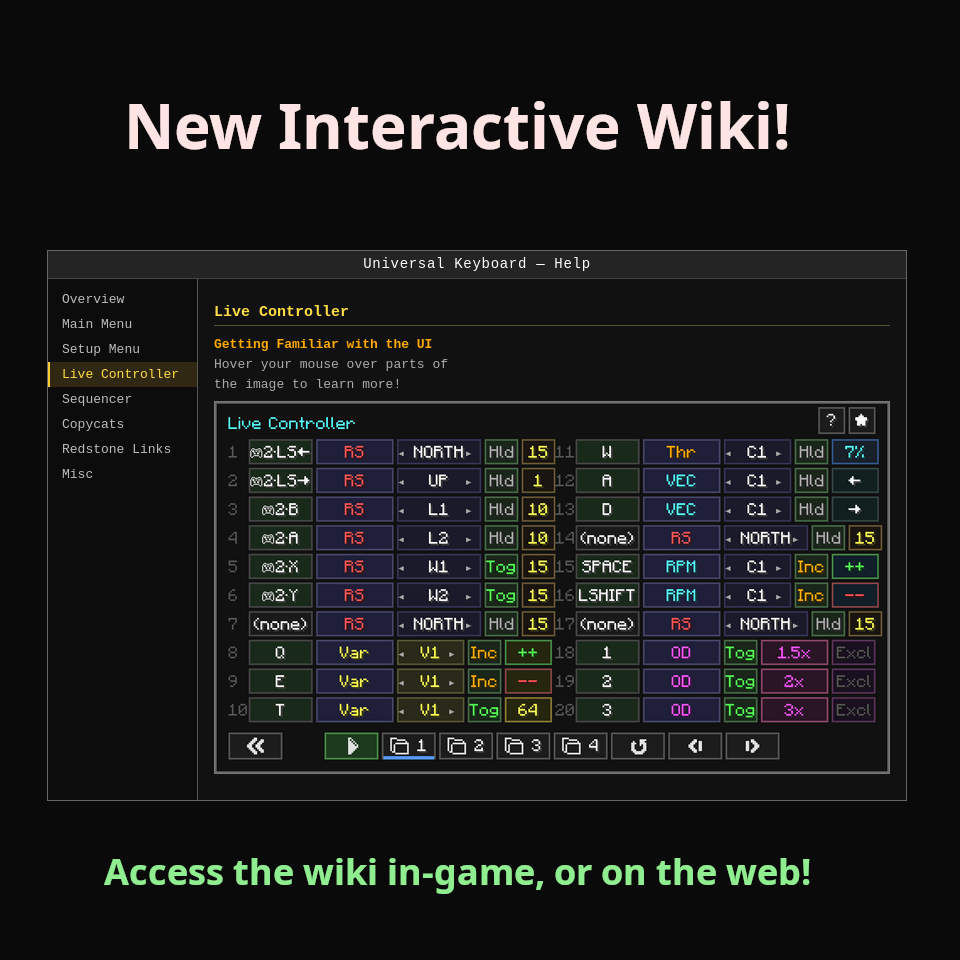
Luckily, there is now a built-in wiki (will be expanded on), which you can also view on the web using the link below:
Interactive Wiki - Web Version
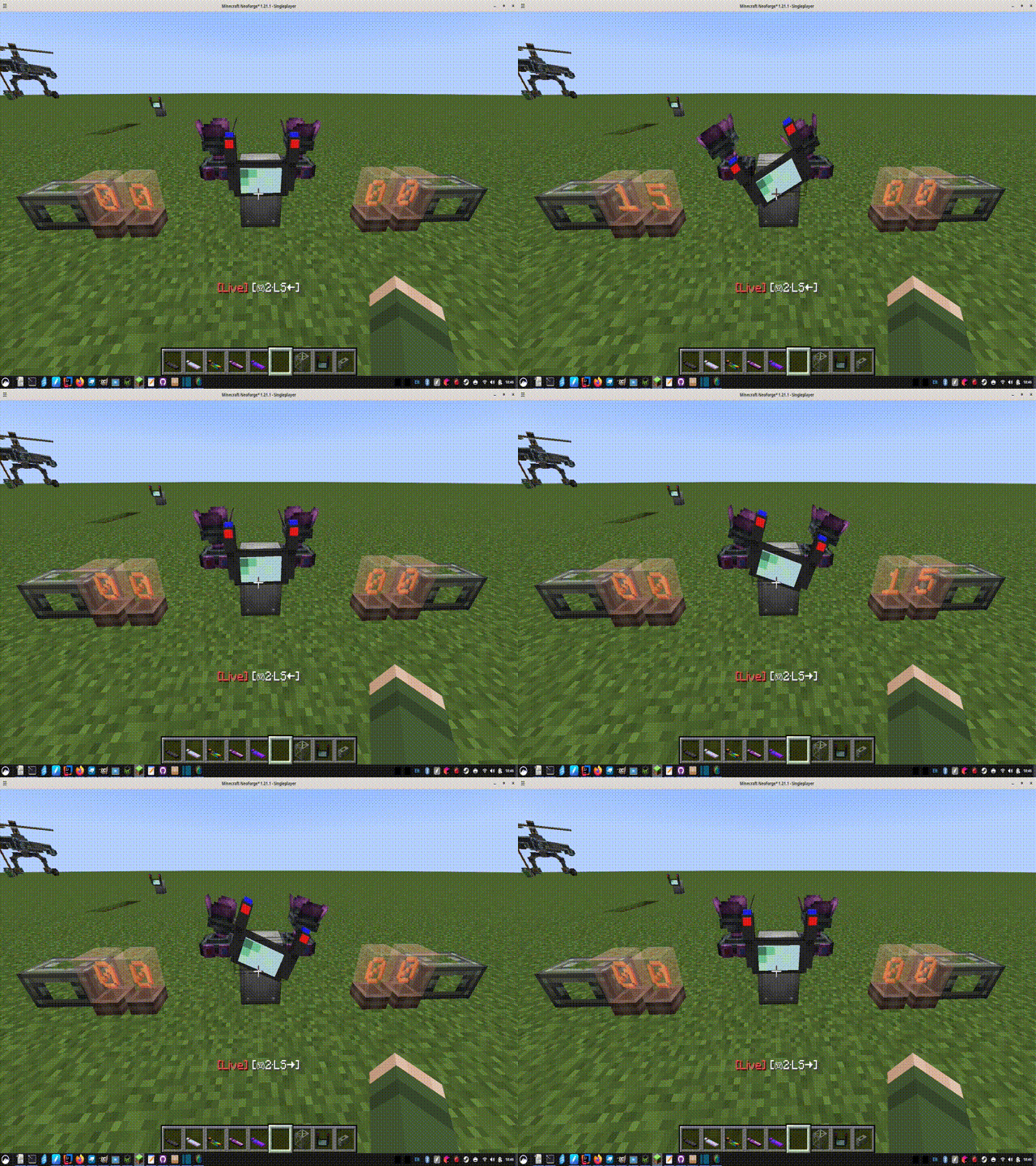
Additional update note: The animation might seem broken now, because I changed it from recognizing keys (A & D by default), to wanting row numbers from the live control menu. This makes it work with controllers, but the keyboard users might be confused that it suddenly doesnt work by default.
You just need to go in the config file, and choose which row numbers cause a left and right animation.
I will make new videos and images really soon! The old images would just be confusing. The videos are still generally applicable
🌐 Multi-language README's:
English | Português | Русский |
IMPORTANT - READ THIS
CC:Tweaked and Create are not required, but I do highly recommend both of them, to take advantage of all the features of the keyboard. Most of the features of the keyboard use CC:Tweaked's peripherals. You will need to download the latest CC:Tweaked from Modrinth, not Curseforge.
If you have Create: Connected installed-- then the Wireless Redstone Links WILL NOT WORK UNTIL you set "Redstone Link Wildcard" to "False" in the configs. Thats Create: Connected --> Common --> Features --> "Redstone Link Wildcard" --> "False" or "X"
> I suggest taking a look at the web-version of the wiki to learn about the features described below. There are interactive images of the UI-- you hover over the parts you want to learn more about
What Does This Mod Do?
> Control your ships or other contraptions with 'Live Controller' mode! It's like the Typewriter, Drive-By-Wire, and Tweaked Controllers. But with a lot more features!
> Build awesome PID scripts visually with 'Sequencer Mode' that allows for as much complexity as you need! Can be run in parallel with Live Control mode, so a keystroke can cause a whole series of events
> New to this update -> 'Wireless Copycats' blocks - send a different redstone signal to any of its 6 sides. Perfect for those small cars and planes where you really need Drive by Wire!
Works similarly to the Create Redstone link, but uses a 6 character alphanumeric string as the frequency, instead of 2 items
The Other Keyboard Features
> Import keybinds from an Aeronautics Typewriter placed up to 20 blocks away, to easily upgrade to the keyboard!
> Racing simulator / HOTAS controller support! Up to 16 analog axis per device, up to 16 devices. Enable "Advanced Controller Input" in the config file
> Favorite a screen to jump straight there when you right-click the keyboard. You can enable "Autostart" in the config, to autostart the Live Controls immediately when you favorite it as well. 1-click start! You can always shift+right-click to open the main menu
> Remotely change the Create mod's "Value slider panels". This can be done in a on the spot in "value panel mode", or you can interact with them in the sequencer
> Sable compatibility -> while on a sub-level, the keyboard knows your velocity and world position. There are PID scripts on Github, that you can load into your keyboard to try out!
> 'Thruster Control Panel', which might feel a bit useless now that I have added 'Live Controls'. But I'm keeping it
> Directly set values on CC:Tweaked peripherals, and directly type on the computers (it is a keyboard, after all!)!
> You can place a display link on the keyboard. It won't look pretty, but you'll see a lot of info if you link the keyboard to a CC:Tweaked peripheral!
What Features Require Which Optional Dependencies?
| Feature | Keyboard Mod Only | +CC:Tweaked | +Create | +CC+Create | +Create+Aero/Propulsion | +CC+Create+Aero/Propulsion |
|---------------------------------------------------------------|:---:|:---:|:-------:|:----------:|:-----------------------:|:---:|
| Live Controller - local RS outputs | ✓ | ✓ | ✓ | ✓ | ✓ | ✓ |
| Live Controller - Variable mode | ✓ | ✓ | ✓ | ✓ | ✓ | ✓ |
| Live Controller - Overdrive mode | ✓ | ✓ | ✓ | ✓ | ✓ | ✓ |
| Live Controller - Wireless RS links | x | x | ✓ | ✓ | ✓ | ✓ |
| Live Controller - Thruster power/vector | x | x | x | x | x | ✓ |
| Live Controller - RPM mode | x | x | x | ✓ | ✓ | ✓ |
| |
| Typewriter import | x | x | x | x | ✓ | ✓ |
| CC Computer mode | x | ✓ | x | ✓ | x | ✓ |
| CC Peripheral mode | x | ✓ | x | ✓ | x | ✓ |
| Value Panel | x | x | ✓ | ✓ | ✓ | ✓ |
| Thruster Control | x | x | x | x | x | ✓ |
| |
| Sequencer - Math / Variable | ✓ | ✓ | ✓ | ✓ | ✓ | ✓ |
| Sequencer - Set RS Out / Delay / Jump / Math / Loop / End | ✓ | ✓ | ✓ | ✓ | ✓ | ✓ |
| Sequencer - If / Skip (RS inputs only, without CC) | ✓ | ✓ | ✓ | ✓ | ✓ | ✓ |
| Sequencer - Wait For (RS inputs only, without CC) | ✓ | ✓ | ✓ | ✓ | ✓ | ✓ |
| Sequencer - Set Value (CC peripheral setter) | x | ✓ | x | ✓ | x | ✓ |
| Sequencer - Type Text / Type Var | x | ✓* | x | ✓* | x | ✓* |
| Sequencer - Sublevel stats as condition/getter | x | x | x | x | ✓ | ✓ |
*Type Text/Var additionally require a CC computer to be linked on that channel.
Also there is a cooler recipe if you have Create downloaded, but Create is not required:
Versions
No version history available. Use the Download button to get the latest from the source.
Comments 0
No comments yet. Be the first to share your thoughts.