
Vocal Text
ModrinthDistance-based proximity chat with muffling, whisper, dead chat, and PlaceholderAPI support.
VocalText
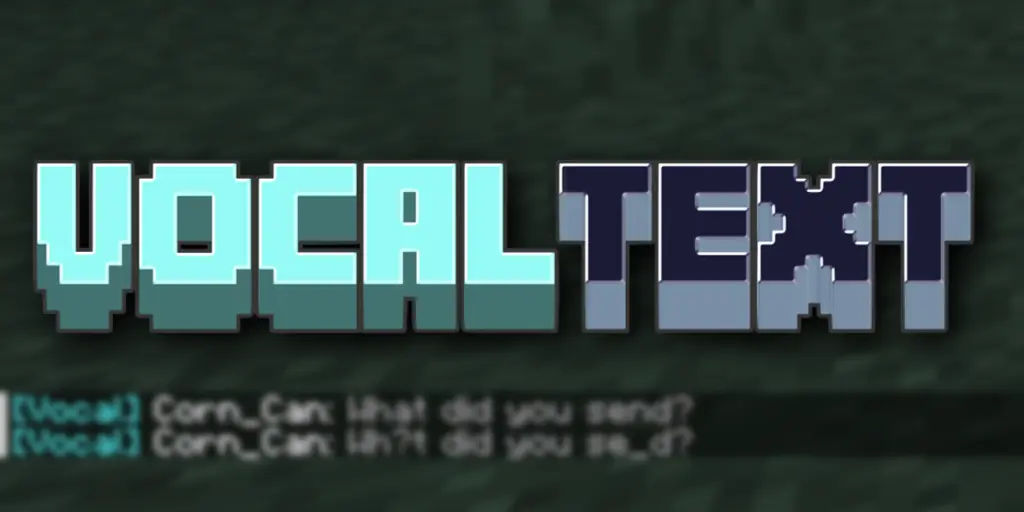
VocalText brings realistic proximity-based communication to your Minecraft server.
Players can only hear each other when they're close enough — and the further away someone is,
the more their words blur and garble. No more global chat. Every conversation feels grounded in the world.
How it works
When a player types in chat, only players within the configured radius receive the message.
As distance increases, characters are gradually replaced with _ and ?, simulating a voice
fading in the distance. Past the radius, nothing is heard at all.
Features
💬 Local Chat
Distance-based chat with real-time text muffling. The further away, the harder it is to read.
🤫 Whisper (/vt w)
/vt w <message>— whispers to anyone nearby (tighter radius, still muffled by distance)/vt w <player> <message>— sends a directed private message to a specific nearby player;
bystanders only see "... whispers something to someone nearby" — not the content
📢 Shout (/vt shout)
Server-wide broadcast for important moments. Cuts through the distance limit entirely.
👻 Dead Chat
Dead players are automatically placed in a ghost channel. Only other dead players can hear
them. On respawn, they return to the normal channel. Admins with spy mode can still observe.
🔍 Spy Mode (/vt spy)
Admins can toggle a mode that lets them see all local chat, whispers, and ghost channel messages
regardless of their position on the map.
🌐 Multi-language
Built-in support for English, 繁體中文, and 简体中文.
Players can switch languages on the fly with /vt lang, and the choice is saved across sessions.
🔗 PlaceholderAPI
All format strings support PlaceholderAPI placeholders (e.g. %vault_rank%) when PAPI is installed. Fully optional — no errors if PAPI is absent.
Commands
| Command | Description | Permission |
|---|---|---|
| /vt w <message> | Area whisper to nearby players | — |
| /vt w <player> <message> | Direct whisper to a specific player | — |
| /vt shout <message> | Global broadcast | — |
| /vt spy [player] | Toggle spy mode | vocaltext.admin |
| /vt lang [code\|reset] | Switch display language | — |
| /vt reload | Reload config & translations | vocaltext.admin |
Alias: /vocaltext → /vt
Installation
- Drop the JAR into your
plugins/folder - Restart the server
- Edit
plugins/VocalText/config.ymlto tune radii and message formats
Requires: Paper or Spigot 1.21+
Optional: PlaceholderAPI
Config overview
chatRadius: 50.0                  # local chat range in blocks
enableDistanceMuffleText: true    # enable the character garbling effect
constrictionRatio: 0.25           # whisper range = chatRadius × this value
enableDeadChat: true              # ghost channel for dead players
...
Full config reference is in the GitHub README.
Versions
FAQ
How do I install Vocal Text?
Download the file for your Minecraft version and loader from this page, then drop the .jar into your mods (or plugins) folder and launch the game.
Is Vocal Text free?
Vocal Text is free to download on Modgrid — we link straight to the official source, no paywall or bundled installer.
Which Minecraft versions does Vocal Text support?
Works with Paper, Spigot. Supports versions 1.21–1.21. See the download section on this page for the full list of supported versions and loaders.
Comments 0
No comments yet. Be the first to share your thoughts.