
Vocal Text
ModrinthDistance-based proximity chat with muffling, whisper, dead chat, and PlaceholderAPI support.
VocalText
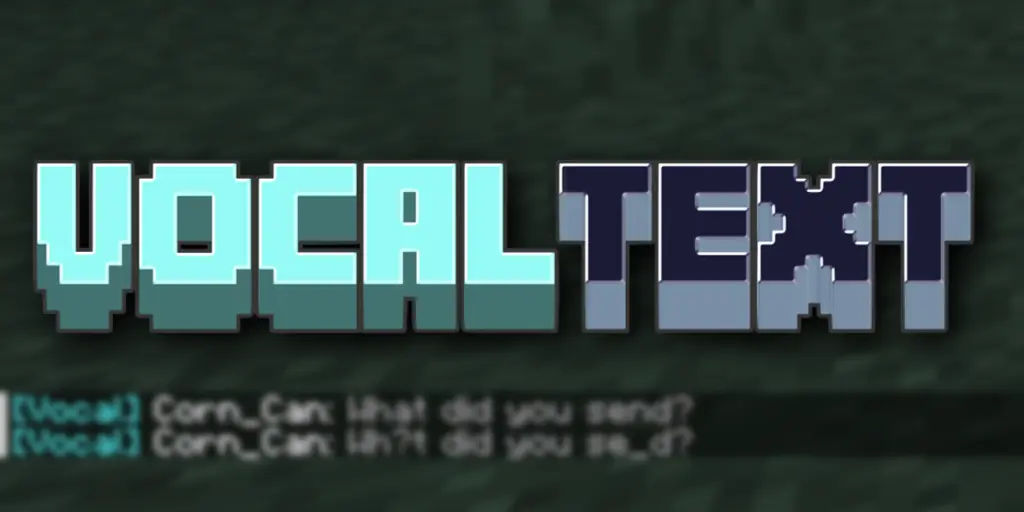
VocalText brings realistic proximity-based communication to your Minecraft server.
Players can only hear each other when they're close enough — and the further away someone is,
the more their words blur and garble. No more global chat. Every conversation feels grounded in the world.
How it works
When a player types in chat, only players within the configured radius receive the message.
As distance increases, characters are gradually replaced with _ and ?, simulating a voice
fading in the distance. Past the radius, nothing is heard at all.
Features
💬 Local Chat
Distance-based chat with real-time text muffling. The further away, the harder it is to read.
🤫 Whisper (/vt w)
/vt w <message>— whispers to anyone nearby (tighter radius, still muffled by distance)/vt w <player> <message>— sends a directed private message to a specific nearby player;
bystanders only see "... whispers something to someone nearby" — not the content
📢 Shout (/vt shout)
Server-wide broadcast for important moments. Cuts through the distance limit entirely.
👻 Dead Chat
Dead players are automatically placed in a ghost channel. Only other dead players can hear
them. On respawn, they return to the normal channel. Admins with spy mode can still observe.
🔍 Spy Mode (/vt spy)
Admins can toggle a mode that lets them see all local chat, whispers, and ghost channel messages
regardless of their position on the map.
🌐 Multi-language
Built-in support for English, 繁體中文, and 简体中文.
Players can switch languages on the fly with /vt lang, and the choice is saved across sessions.
🔗 PlaceholderAPI
All format strings support PlaceholderAPI placeholders (e.g. %vault_rank%) when PAPI is installed. Fully optional — no errors if PAPI is absent.
Commands
| Command | Description | Permission |
|---|---|---|
| /vt w <message> | Area whisper to nearby players | — |
| /vt w <player> <message> | Direct whisper to a specific player | — |
| /vt shout <message> | Global broadcast | — |
| /vt spy [player] | Toggle spy mode | vocaltext.admin |
| /vt lang [code\|reset] | Switch display language | — |
| /vt reload | Reload config & translations | vocaltext.admin |
Alias: /vocaltext → /vt
Installation
- Drop the JAR into your
plugins/folder - Restart the server
- Edit
plugins/VocalText/config.ymlto tune radii and message formats
Requires: Paper or Spigot 1.21+
Optional: PlaceholderAPI
Config overview
chatRadius: 50.0                  # local chat range in blocks
enableDistanceMuffleText: true    # enable the character garbling effect
constrictionRatio: 0.25           # whisper range = chatRadius × this value
enableDeadChat: true              # ghost channel for dead players
...
Full config reference is in the GitHub README.
Versionen
FAQ
Wie installiere ich Vocal Text?
Lade die Datei für deine Minecraft-Version und deinen Loader auf dieser Seite herunter, lege die .jar in den mods- (oder plugins-) Ordner und starte das Spiel.
Ist Vocal Text kostenlos?
Vocal Text ist auf Modgrid kostenlos — wir verlinken direkt zur offiziellen Quelle, ohne Paywall.
Welche Minecraft-Versionen unterstützt Vocal Text?
Funktioniert mit Paper, Spigot. Unterstützt die Versionen 1.21–1.21. Die unterstützten Versionen und Loader findest du im Download-Bereich dieser Seite.
Kommentare 0
Noch keine Kommentare. Sei der Erste, der seine Meinung teilt.