
WorldEdit Selection Viewer
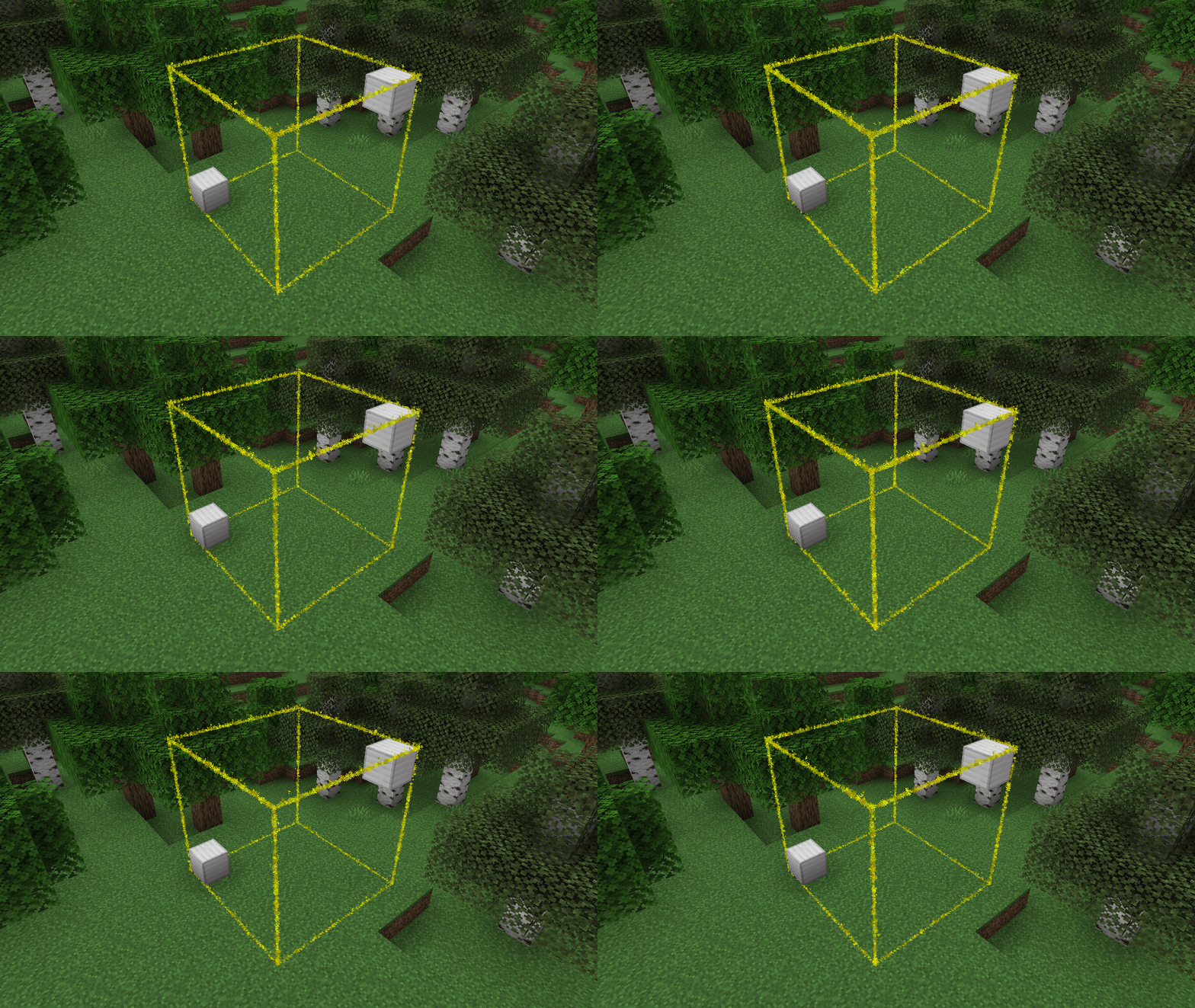
ModrinthSpigotMCPaperMC Plugin to highlight the current WorldEdit selection.
21.9k téléchargements 105 abonnés mis à jour 41mo ago
dernière v1.5 Modrinth
WorldEdit Selection Viewer
A simple plugin with no config that adds particle borders for viewing one's
selected WorldEdit region.
Note: While FAWE is not officially supported, it does seem to work
Setup
- Download the jar
- Put it into your
pluginsfolder - Profit! -- No configuration necessary!
Commands
/wesv colour <colour|#hex>- Change the colour of the selection border/wesv visibility <always|never|holding-tool>- Change when the selection is visiblealways- Always show the selectionnever- Never show the selectionholding-tool- Show the selection when holding the select tool (default: Wooden Axe)
Permissions
worldedit-selection-viewer.view- If the player can see the borders- Default: Enabled for all players
worldedit-selection-viewer.command- If the player can run the/wesvcommand- Default: Enabled for all players
Versions
Release
1.5
- Add `/wesv visibility <always|never|holding-tool>`
- Fix the outputs of `/wesv` to make them more friendly
Release
1.4
- Add `/wesv` command
- `/wesv colour <colour|#hex>` changes the colour of the selection for the player
- Update some deps
Release
1.3
- Prevent WorldEdit from loading after the plugin
- Remove stray "Latest Version" logging
Release
1.2
- Improve performance by moving rendering to an asynchronous thread
- Use WorldEdit API to determine the session's wand (makes changed wands with `/tool` work)
FAQ
Comment installer WorldEdit Selection Viewer ?
Téléchargez le fichier pour votre version de Minecraft et votre loader sur cette page, puis placez le .jar dans le dossier mods (ou plugins) et lancez le jeu.
WorldEdit Selection Viewer est-il gratuit ?
WorldEdit Selection Viewer est gratuit sur Modgrid — nous renvoyons directement vers la source officielle, sans paywall.
Quelles versions de Minecraft WorldEdit Selection Viewer prend-il en charge ?
Compatible avec Paper, Purpur. Prend en charge les versions 1.19–1.21.11. La liste des versions et loaders pris en charge est dans la section de téléchargement de cette page.
Commentaires 0
Aucun commentaire pour l'instant. Sois le premier à donner ton avis.