
WorldEdit Selection Viewer
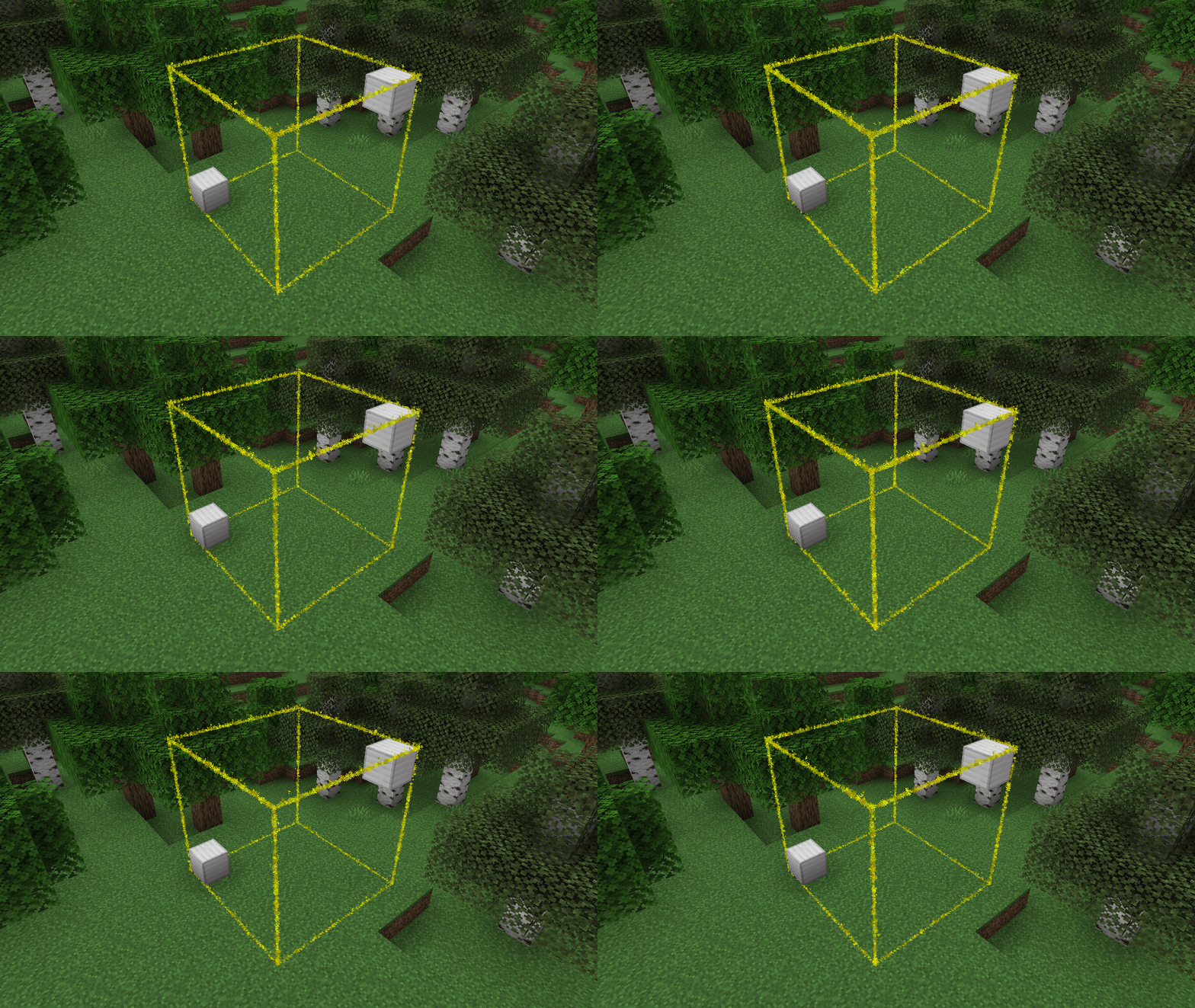
ModrinthSpigotMCPaperMC Plugin to highlight the current WorldEdit selection.
21.9k завантажень 105 підписників оновлено 41mo ago
остання v1.5 Modrinth
WorldEdit Selection Viewer
A simple plugin with no config that adds particle borders for viewing one's
selected WorldEdit region.
Note: While FAWE is not officially supported, it does seem to work
Setup
- Download the jar
- Put it into your
pluginsfolder - Profit! -- No configuration necessary!
Commands
/wesv colour <colour|#hex>- Change the colour of the selection border/wesv visibility <always|never|holding-tool>- Change when the selection is visiblealways- Always show the selectionnever- Never show the selectionholding-tool- Show the selection when holding the select tool (default: Wooden Axe)
Permissions
worldedit-selection-viewer.view- If the player can see the borders- Default: Enabled for all players
worldedit-selection-viewer.command- If the player can run the/wesvcommand- Default: Enabled for all players
Версії
Release
1.5
- Add `/wesv visibility <always|never|holding-tool>`
- Fix the outputs of `/wesv` to make them more friendly
Release
1.4
- Add `/wesv` command
- `/wesv colour <colour|#hex>` changes the colour of the selection for the player
- Update some deps
Release
1.3
- Prevent WorldEdit from loading after the plugin
- Remove stray "Latest Version" logging
Release
1.2
- Improve performance by moving rendering to an asynchronous thread
- Use WorldEdit API to determine the session's wand (makes changed wands with `/tool` work)
FAQ
Як встановити WorldEdit Selection Viewer?
Завантажте файл під свою версію Minecraft і завантажувач із цієї сторінки, потім покладіть .jar у папку mods (або plugins) і запустіть гру.
WorldEdit Selection Viewer безкоштовний?
WorldEdit Selection Viewer можна завантажити безкоштовно на Modgrid — ми ведемо прямо до офіційного джерела.
Які версії Minecraft підтримує WorldEdit Selection Viewer?
Працює з Paper, Purpur. Підтримуються версії 1.19–1.21.11. Перелік підтримуваних версій і завантажувачів — у блоці завантаження на цій сторінці.
Коментарі 0
Поки немає коментарів. Будь першим, хто поділиться думкою.